logo

Free Anime DanceAI Generator

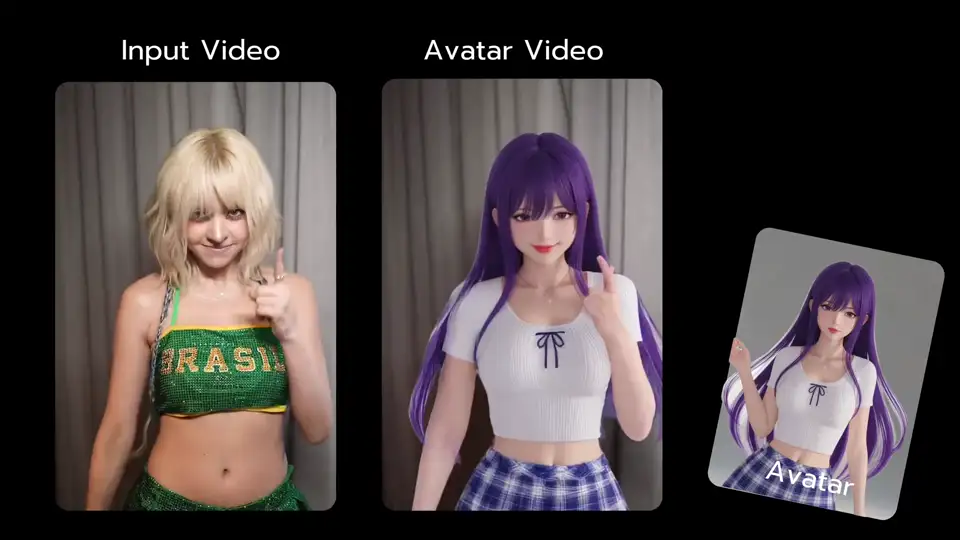
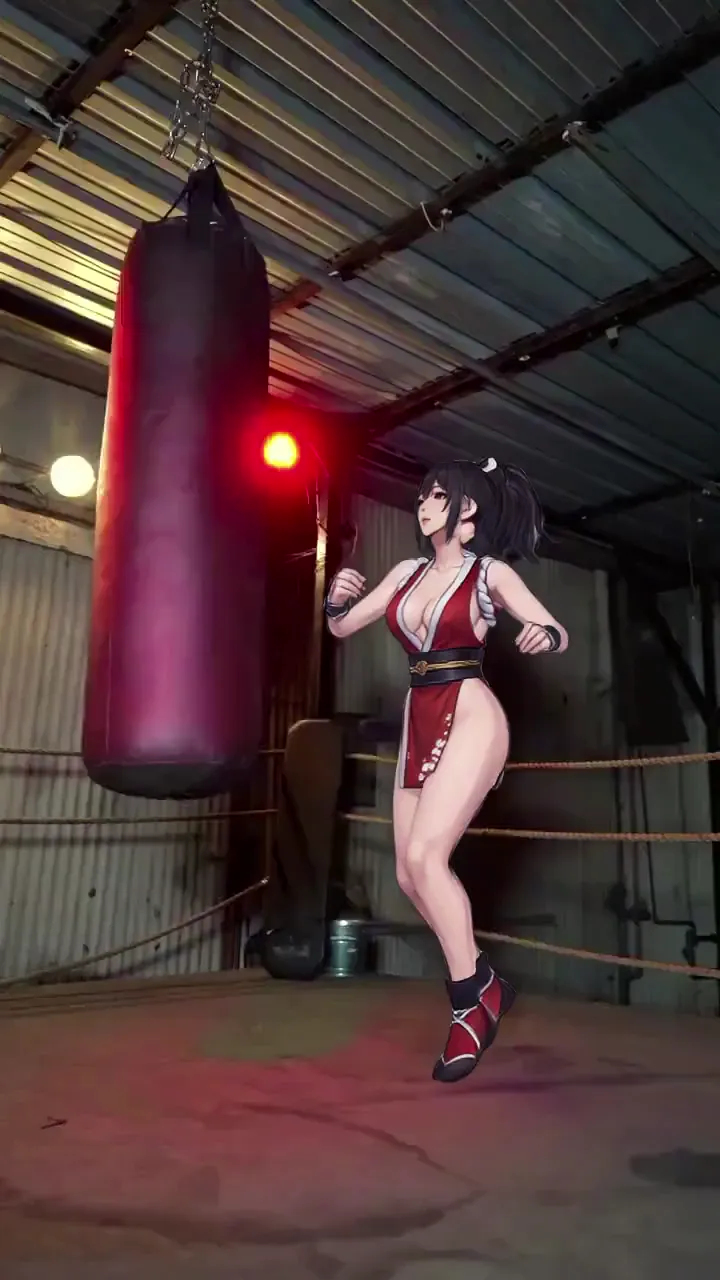
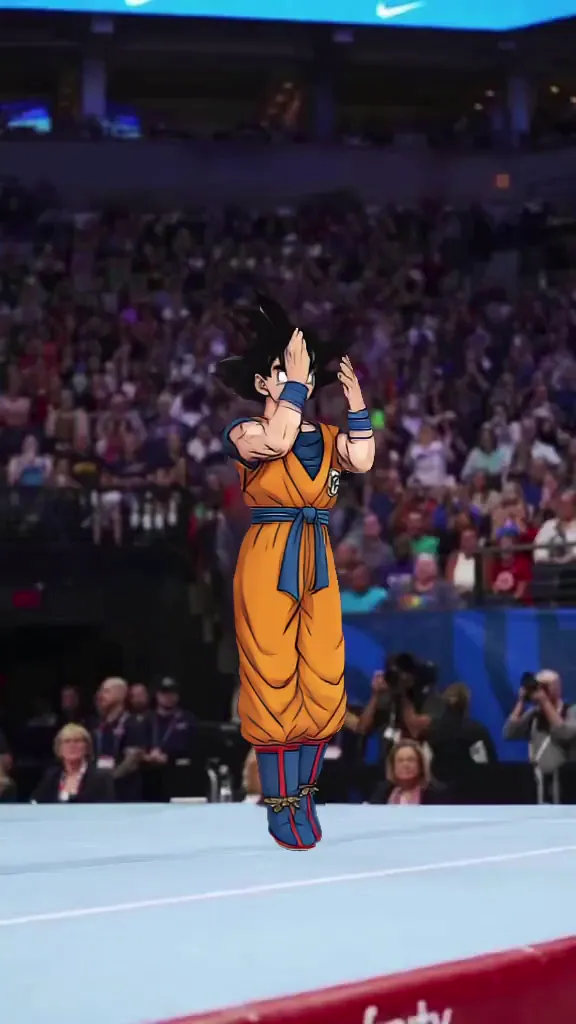
Anime dance AI generator workflows need style stability plus clean motion transfer. Start with high-quality anime art, pair it with readable choreography, and test a few beat variations. Choose the version with consistent line style and smooth limb motion. This flow is strong for anime dance video maker, anime motion transfer, and anime dance tiktok clips.

40M+ Users4.8★ Rating on App Store

How to get better anime dance ai generator results

Use clean anime source art, pick short choreography, then compare style consistency before export. It performs better for ai anime dance, image to anime dance video, and anime idol dance generator outputs.

Step 1
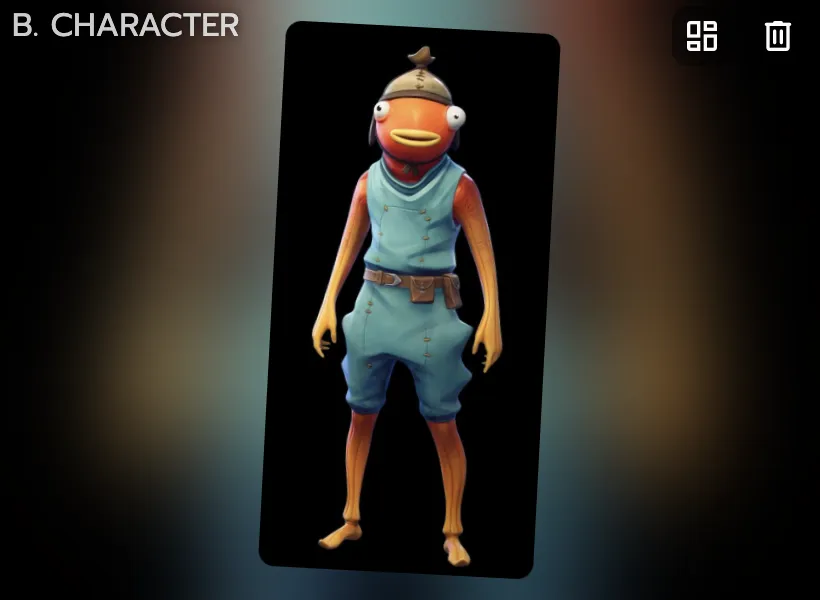
Start with clean anime character art

Start with clean anime character art

High-resolution images with visible full-body structure usually improve dance transfer readability.

Step 2
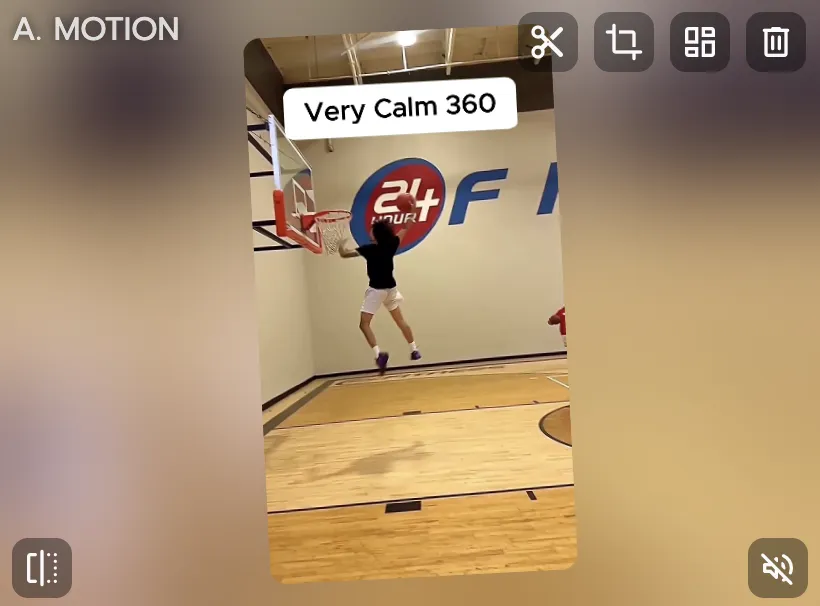
Use simple choreography before hard combos

Use simple choreography before hard combos

Short, clear motions are better for first-pass validation. After stability is confirmed, move to faster or more complex dance sequences.

Step 3

Select the strongest stylized take

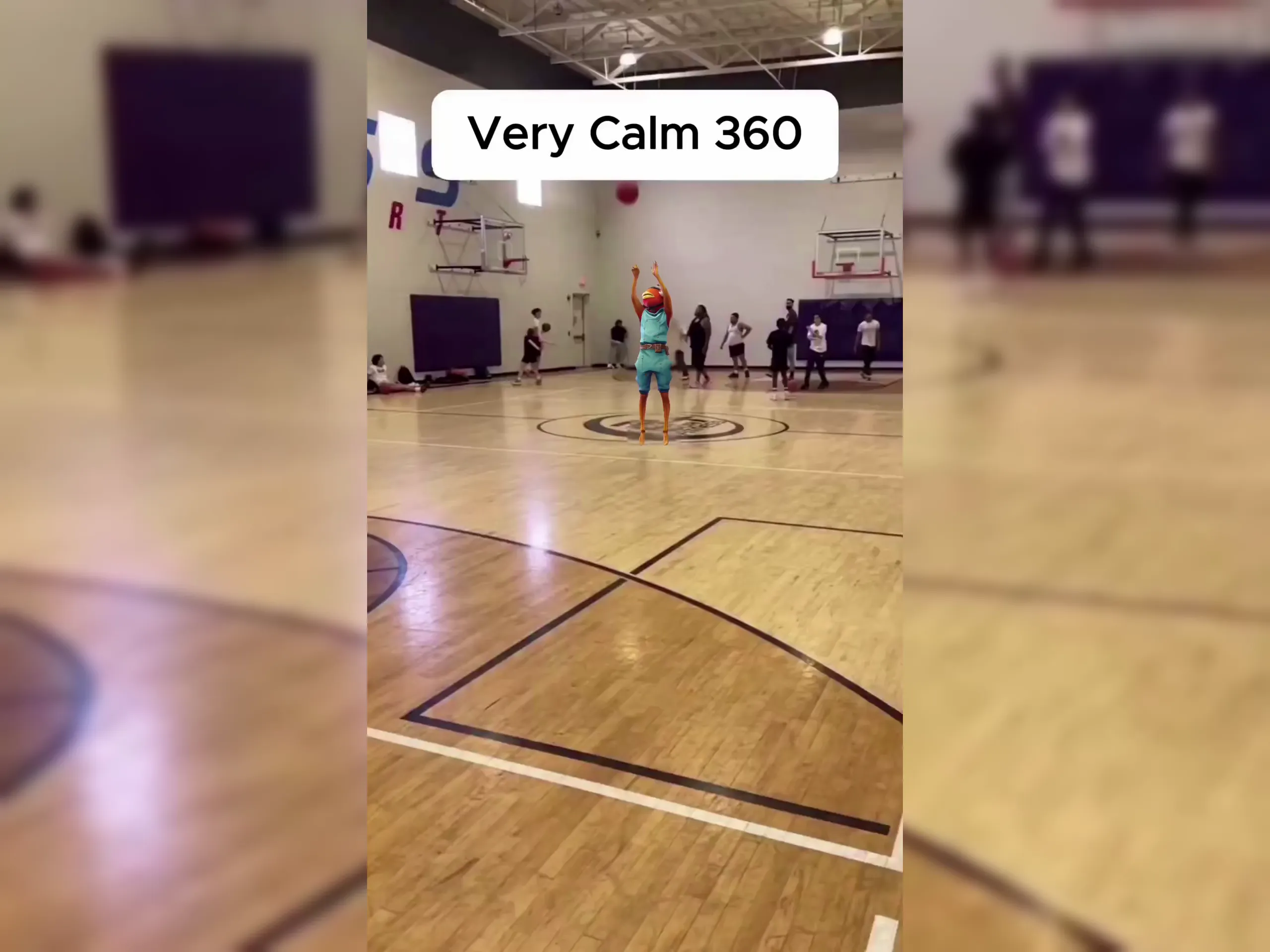
Compare edge stability, limb clarity, and rhythm alignment, then export the best version for short-form channels.

Why anime dance ai generator creators pick Viggle

Anime style + motion control in one flow

Mix gives a structured transfer workflow that keeps choreography direction clearer in stylized scenes. This matters when line-art characters reveal motion errors quickly. You can iterate with more confidence per run.

See Why

Built for faster movement scenarios

JST-1 handles high-speed dance actions better than many prompt-only paths. That helps preserve visual readability in energetic anime edits. It is a practical advantage for trend formats.

Use It

Character identity stays stable in series content

Character consistency helps when you publish recurring anime dance posts with the same persona. Viewers recognize the character across variants. This improves continuity for fandom pages.

Keep Stable

Character Refine improves source fidelity

Five-angle reference generation can strengthen difficult dance shots before final export. This reduces trial-and-error on identity quality. It is useful for creators scaling weekly output.

Refine Faster

Templates speed up fandom trend response

8,000+ templates and free daily generation make fast adaptation possible when new audio trends appear. Creators can test quickly and ship the best result. That supports high-frequency posting loops.

Ship More

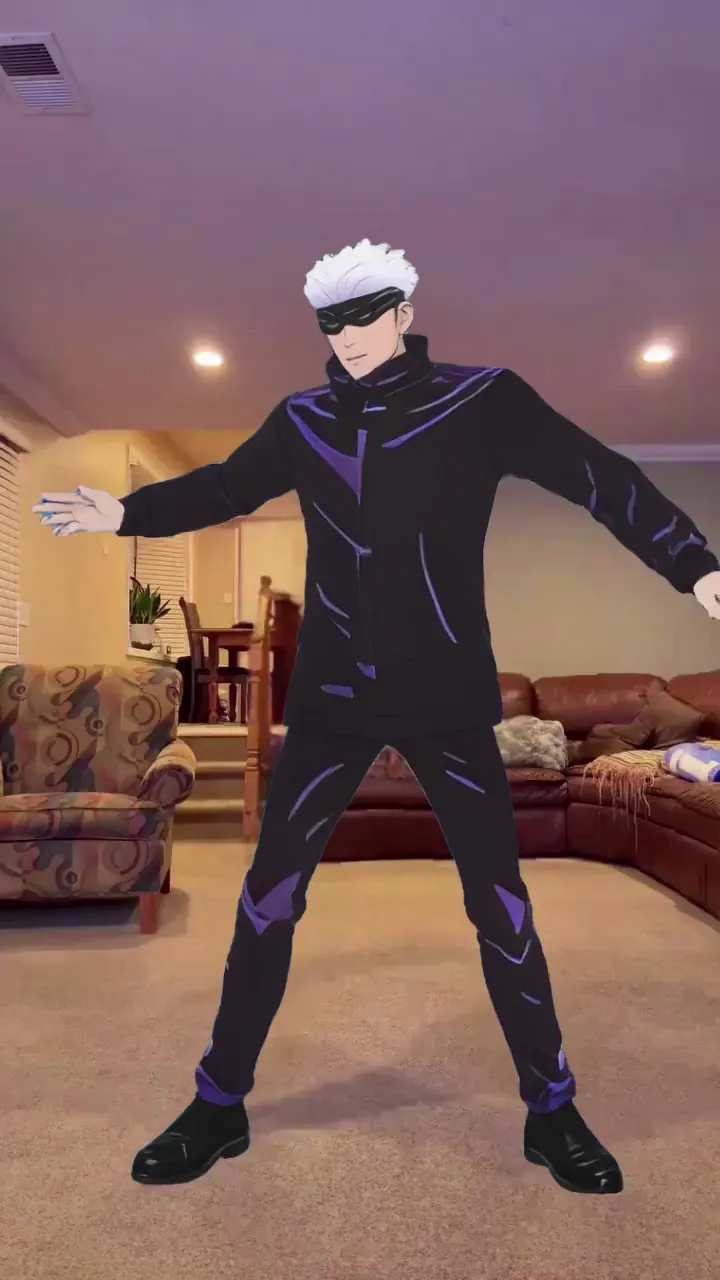
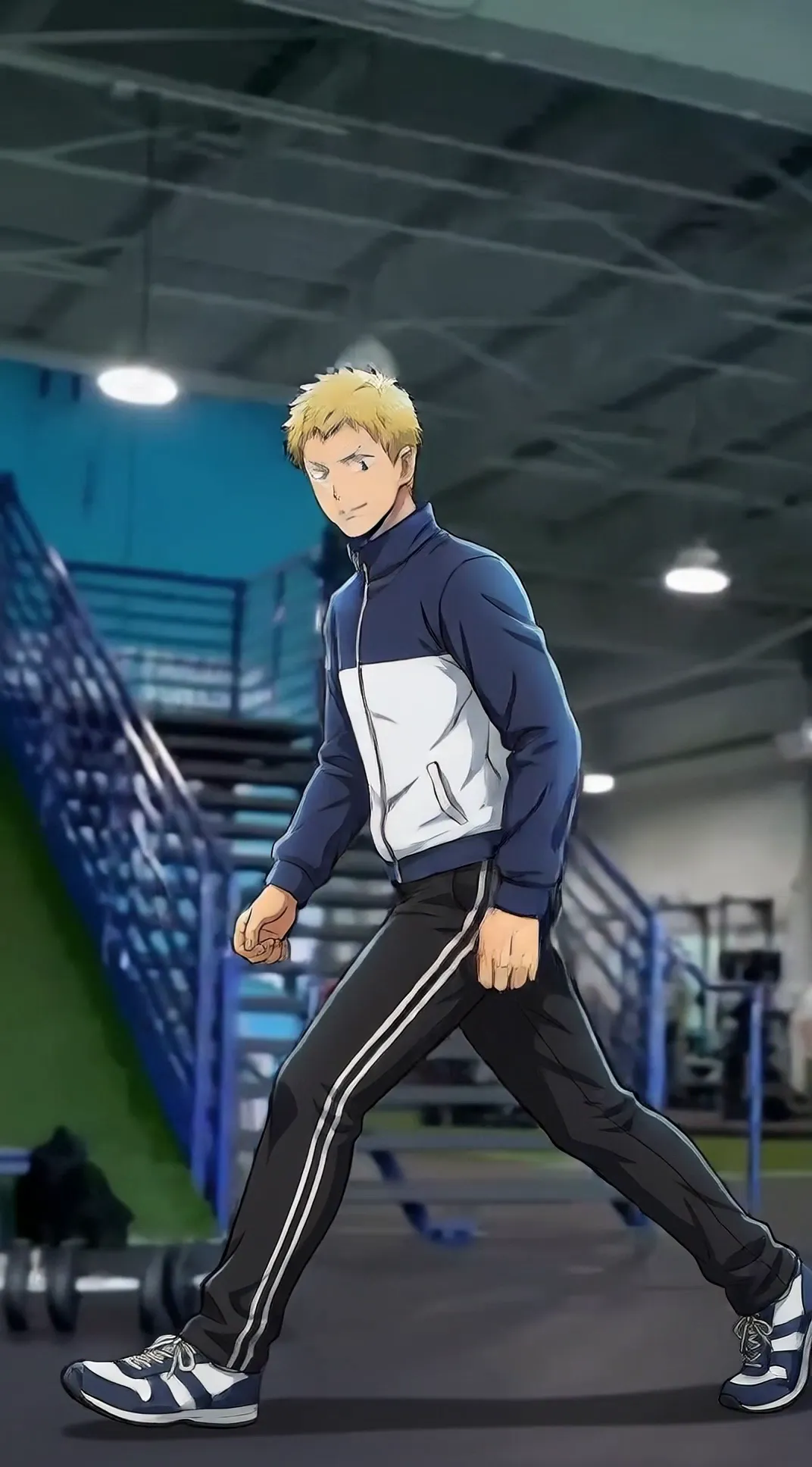
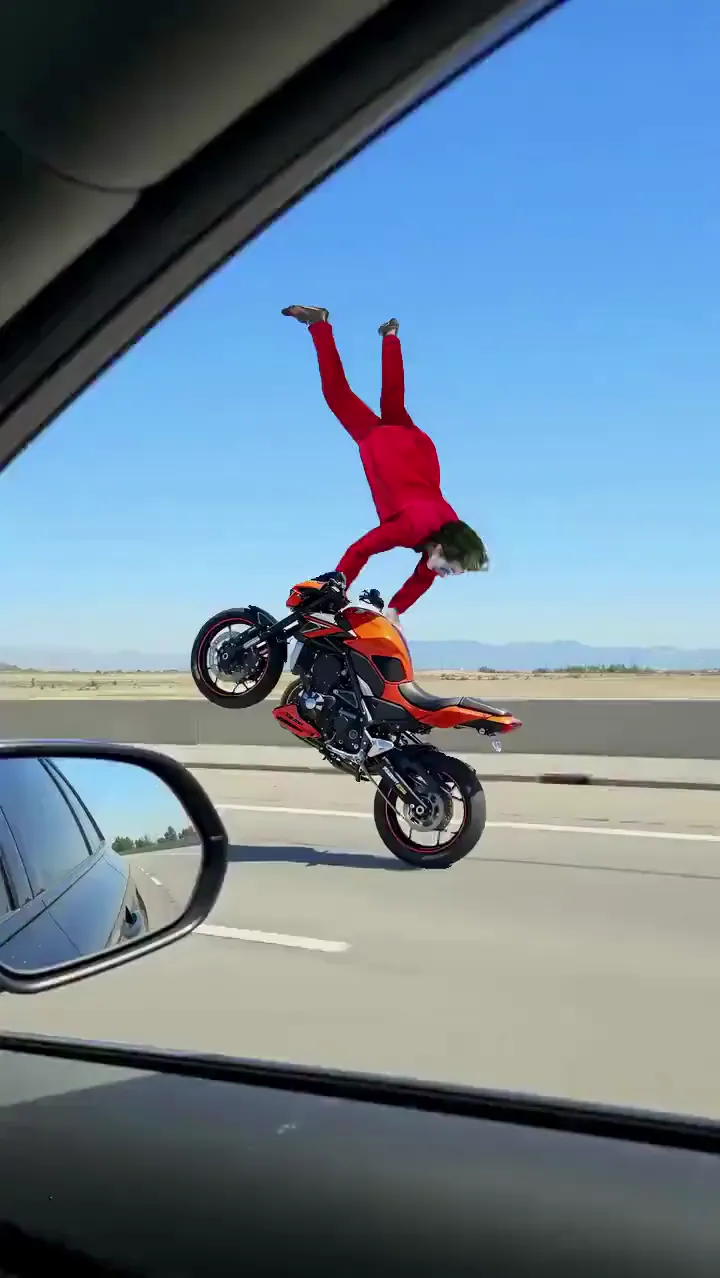
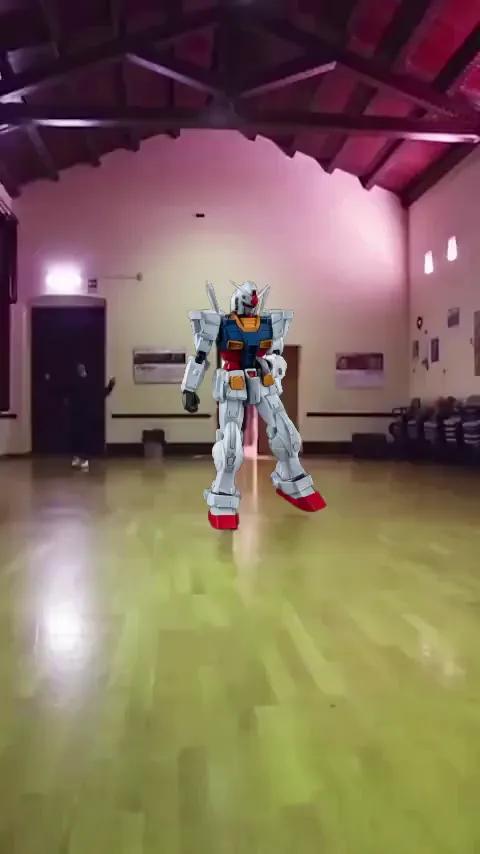
Anime Dance AI Generator Examples

Who Uses Anime Dance AI Generator

01

Anime TikTok Creators

They publish character dance trends tied to weekly fandom moments.

02

Anime YouTube Shorts Creators

They package dance remixes into compact clips with strong opening hooks.

03

Anime Reels Creators

They post stylized dance edits optimized for vertical social distribution.

04

AMV Creators

They combine anime visuals and music-driven choreography for short-form engagement.

05

K-pop Fan Editors

They blend dance audio trends with anime character performance concepts.

06

Fandom Meme Creators

They create high-share reaction loops using recognizable anime characters.

Viggle vs other anime dance AI generator tools

Try Viggle Free
功能Viggle AIPikaKling AIRunway
Anime dance motion control⚠️ Prompt-led⚠️ 2D-oriented control⚠️ Prompt-led
Fast choreography reliability⚠️ Varies⚠️ Varies⚠️ Varies
Character consistency in series posts⚠️ Can drift⚠️ Limited control⚠️ Can drift
Full-body performance support⚠️ Partial⚠️ Not core
Template speed for fandom trends✅ 8,000+⚠️ Varies⚠️ Varies⚠️ Varies
Free start path✅ Up to 5 free videos/day⚠️ Varies⚠️ Varies⚠️ Varies

Anime Dance AI Generator FAQ

What is an anime dance AI generator?

An anime dance AI generator creates a dance video from an anime character image, typically by following a dance motion source or template.

How do I make an anime character dance from a photo?

Use a clean, high-resolution character image, pick a dance motion source, generate several variants, and choose the most stable result.

What makes anime dance clips look smoother?

Simpler choreography, shorter clip lengths, and clearer full-body framing often improve smoothness and reduce artifacts.

Can I use this for TikTok anime dance edits?

Yes. Anime dance AI generator workflows are popular for TikTok edits, Reels trends, and Shorts compilations.

Does it work for different anime styles?

Yes, but results vary by style. Clean line art and consistent colors usually produce more stable dance outputs.

How long should I generate for the first test?

Start with 3–6 seconds. Once the identity and motion look stable, try longer durations and different motions.

Do I need to edit the final video?

Not necessarily. Many creators export a clean take and then optionally add captions, speed ramps, or transitions for platform fit.

How do I pick the best take quickly?

Generate 3–5 variants with the same motion source and pick the one with the cleanest limbs, least flicker, and most stable character identity.

Ready to make an anime dance clip?

Try Viggle Free

Create anime dance AI videos
fast

Pick a motion source, generate variants, and publish short-form anime dance clips.