logo

Free Character DanceGenerator

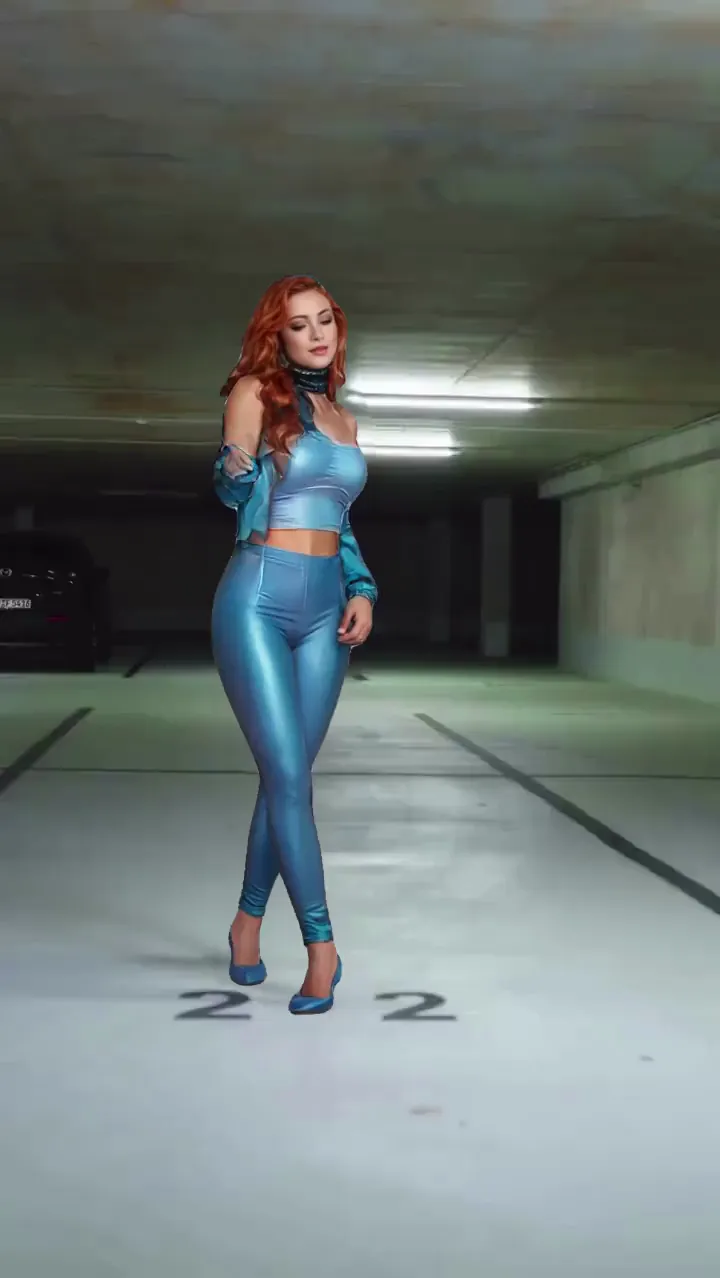
Character dance generator content works when movement feels intentional and identity stays recognizable. Start with one full-body image and one clear dance reference, then test tempo variants quickly. Keep the strongest rhythm and body stability before exporting. This is ideal for ai dance generator, motion transfer dance, and tiktok dance video maker workflows.

40M+ Users4.8★ Rating on App Store

How to get better character dance generator results

Use clear body framing, test short choreography first, then scale winning takes. This boosts results for dance video generator, image to dance video, and character motion generator tasks.

Step 1
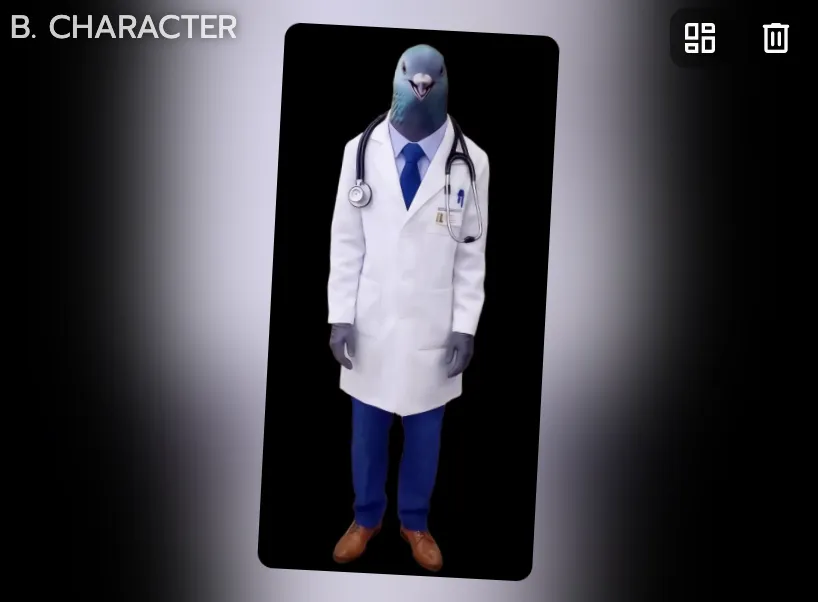
Use a full-body character image

Use a full-body character image

Dance outputs usually look better when limbs are visible and source framing is clean. This gives motion transfer clearer body guidance.

Step 2
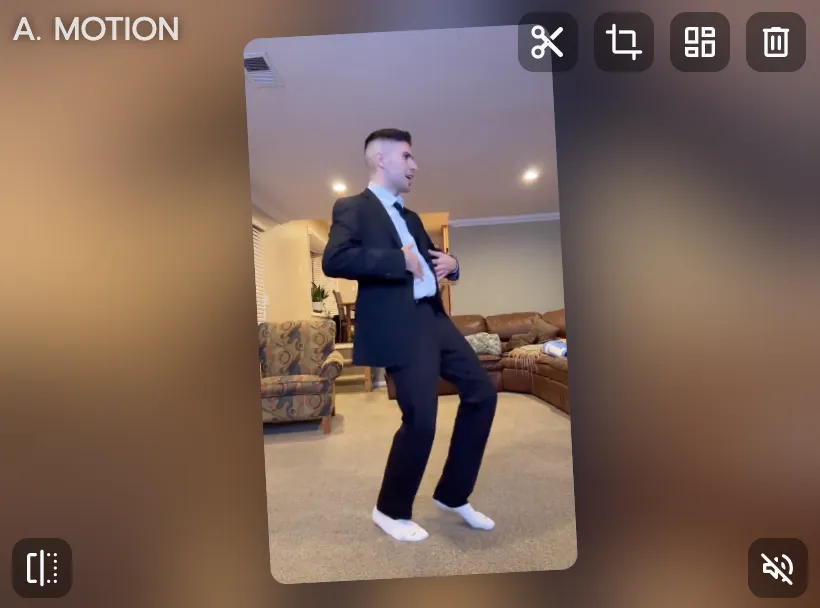
Choose a readable dance motion source

Choose a readable dance motion source

Use short, clear choreography first before trying very complex moves. Early validation improves final quality and reduces reruns.

Step 3

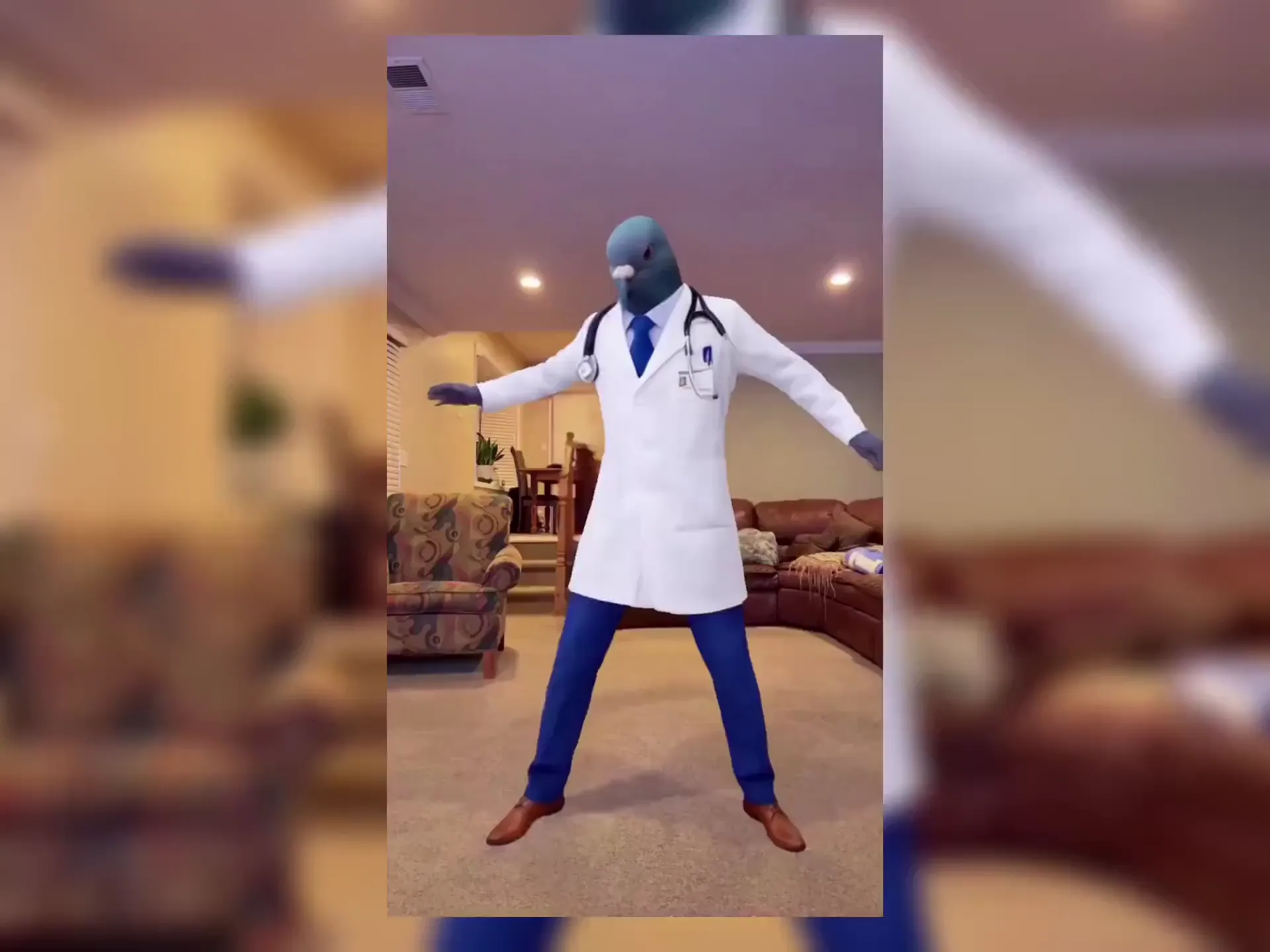
Generate variants and select best rhythm

Compare limb stability, beat timing, and character clarity, then export the strongest cut for Shorts, Reels, or TikTok.

Why character dance generator creators pick Viggle

Mix enables controllable dance transfer

You get a direct motion path from one image plus one source, which is ideal for dance-focused content. This makes first-pass evaluation faster and clearer. It is practical for creators testing many choreography ideas.

See Why

JST-1 handles complex movement better

The self-developed video-3D model is designed for difficult actions like spins and fast transitions. That helps preserve motion readability in dance clips. You spend less time fixing broken movement.

Use It

Character consistency across choreography tests

When you experiment with multiple beats and styles, identity can drift in weaker workflows. Viggle helps keep one recognizable character through repeated variants. That improves continuity across your content series.

Keep Stable

Refine + Multi-Track improve final quality

Character Refine strengthens source fidelity, then Multi-Track supports sequence-level polish. This two-step approach helps move from rough draft to publishable cut faster. It is useful for teams with weekly posting targets.

Refine Faster

Template scale supports dance cadence

8,000+ templates plus free daily generations allow frequent dance experiments without heavy setup. Creators can test ideas rapidly and keep only top performers. That keeps publishing momentum high.

Ship More

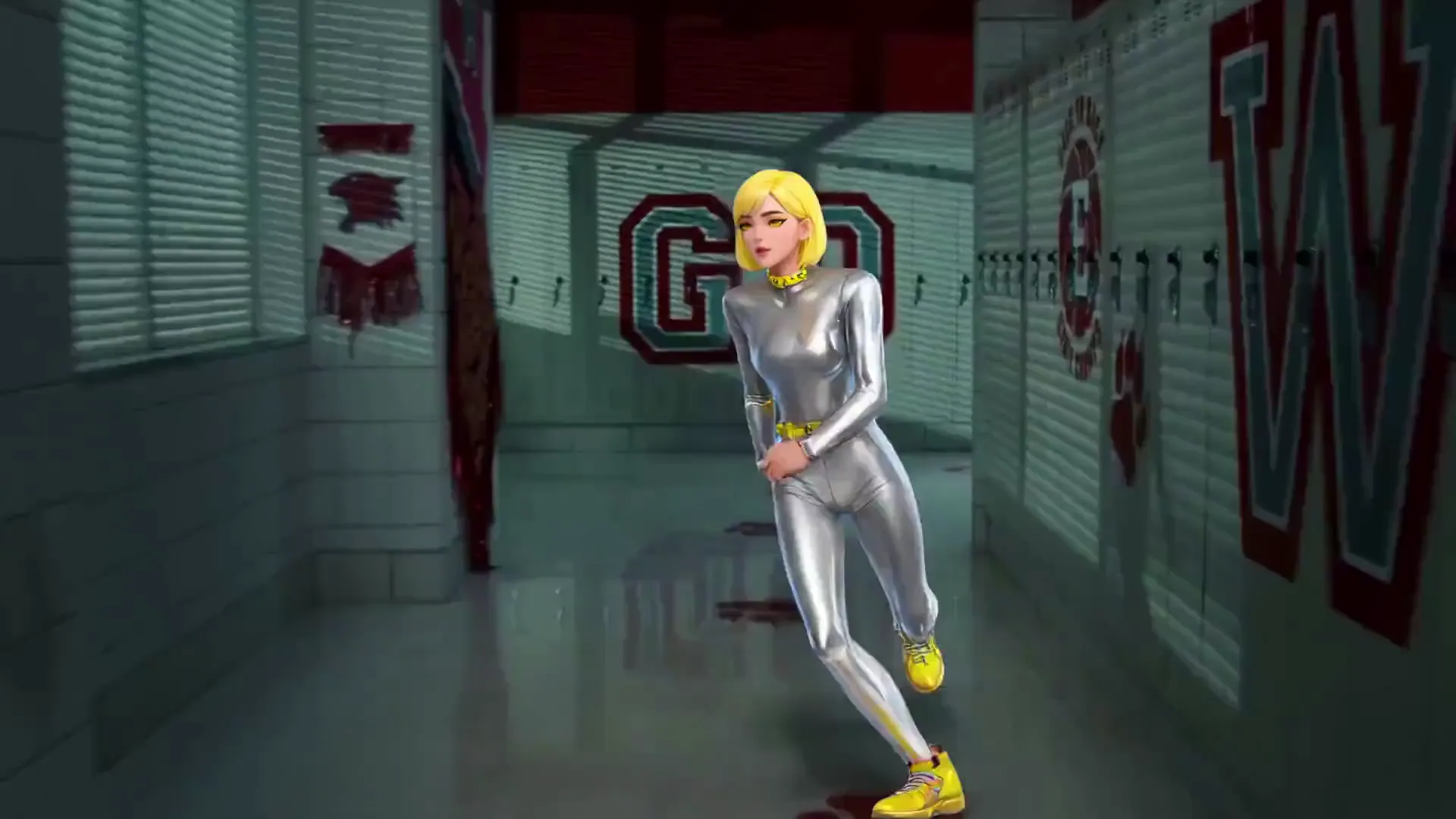
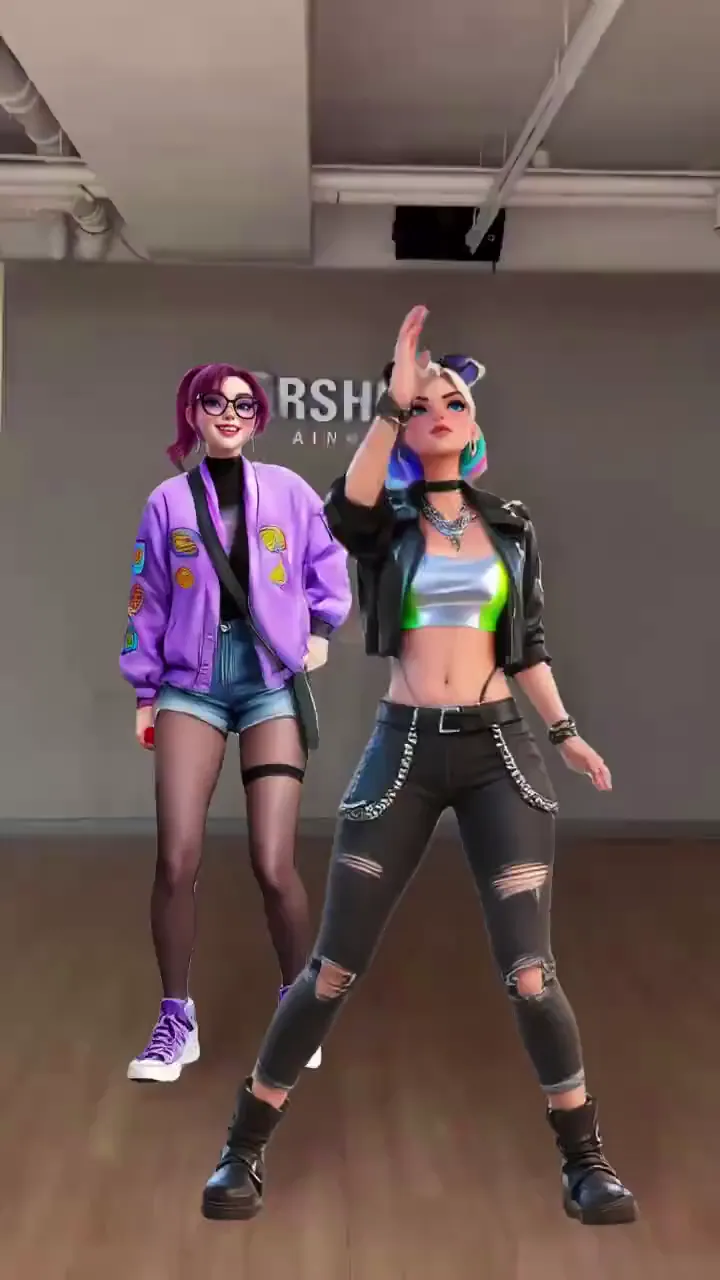
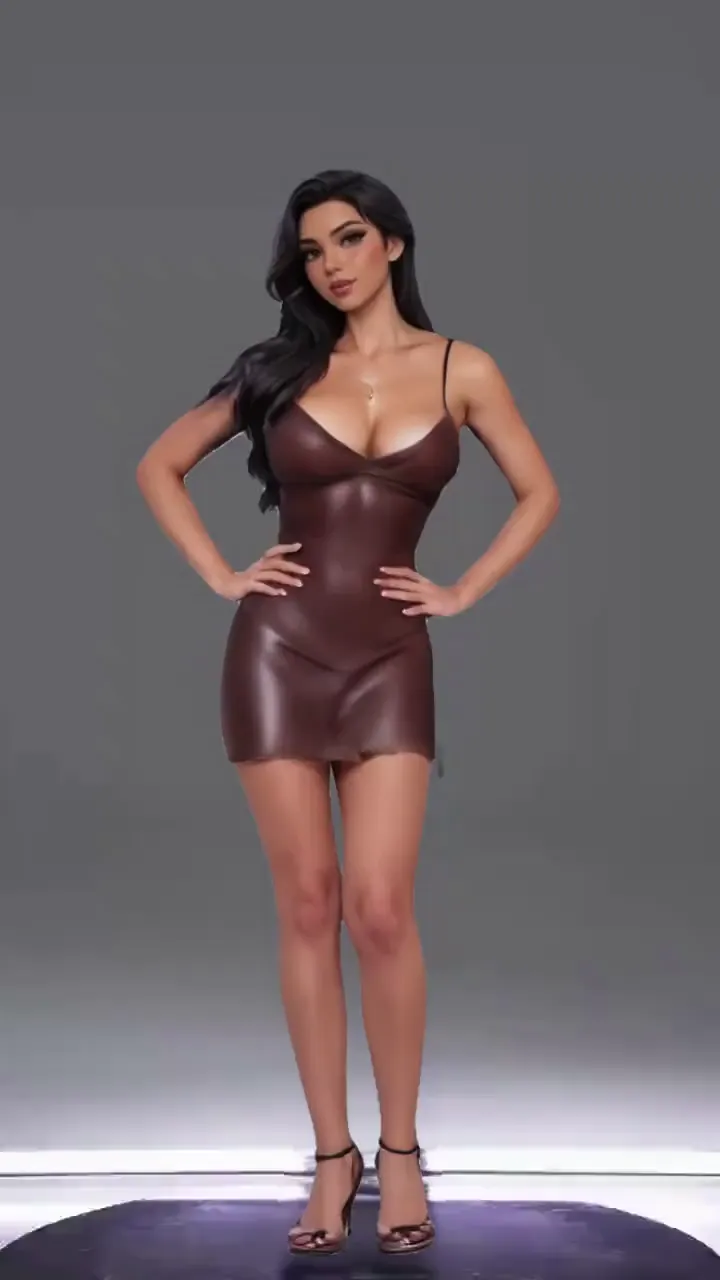
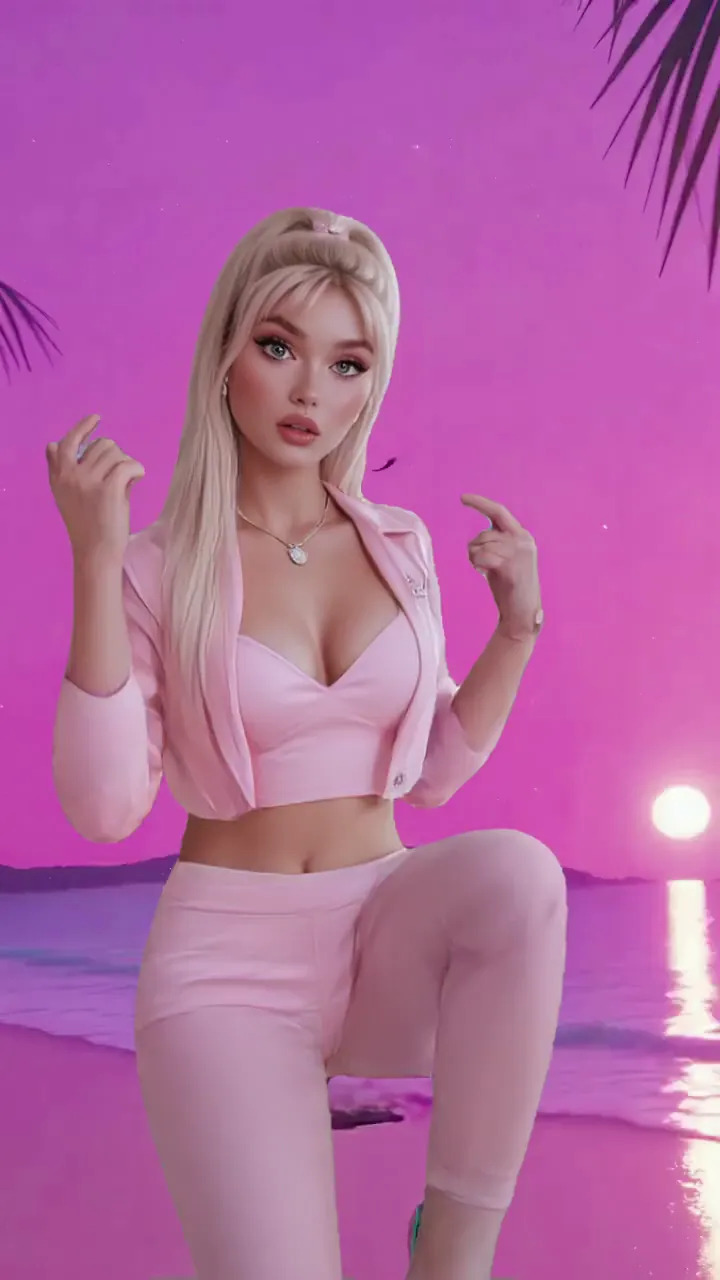
Character Dance Generator Examples

Who Uses Character Dance Generator

01

TikTok Dance Creators

They produce frequent dance formats and need fast motion-first iteration.

02

YouTube Shorts Dance Creators

They convert choreography ideas into compact, retention-focused vertical clips.

03

Instagram Reels Dance Creators

They post rhythmic character edits with strong visual hooks and repeatable style.

04

Music Video Creators

They build dance-driven inserts and chorus visuals for social distribution.

05

Anime Content Creators

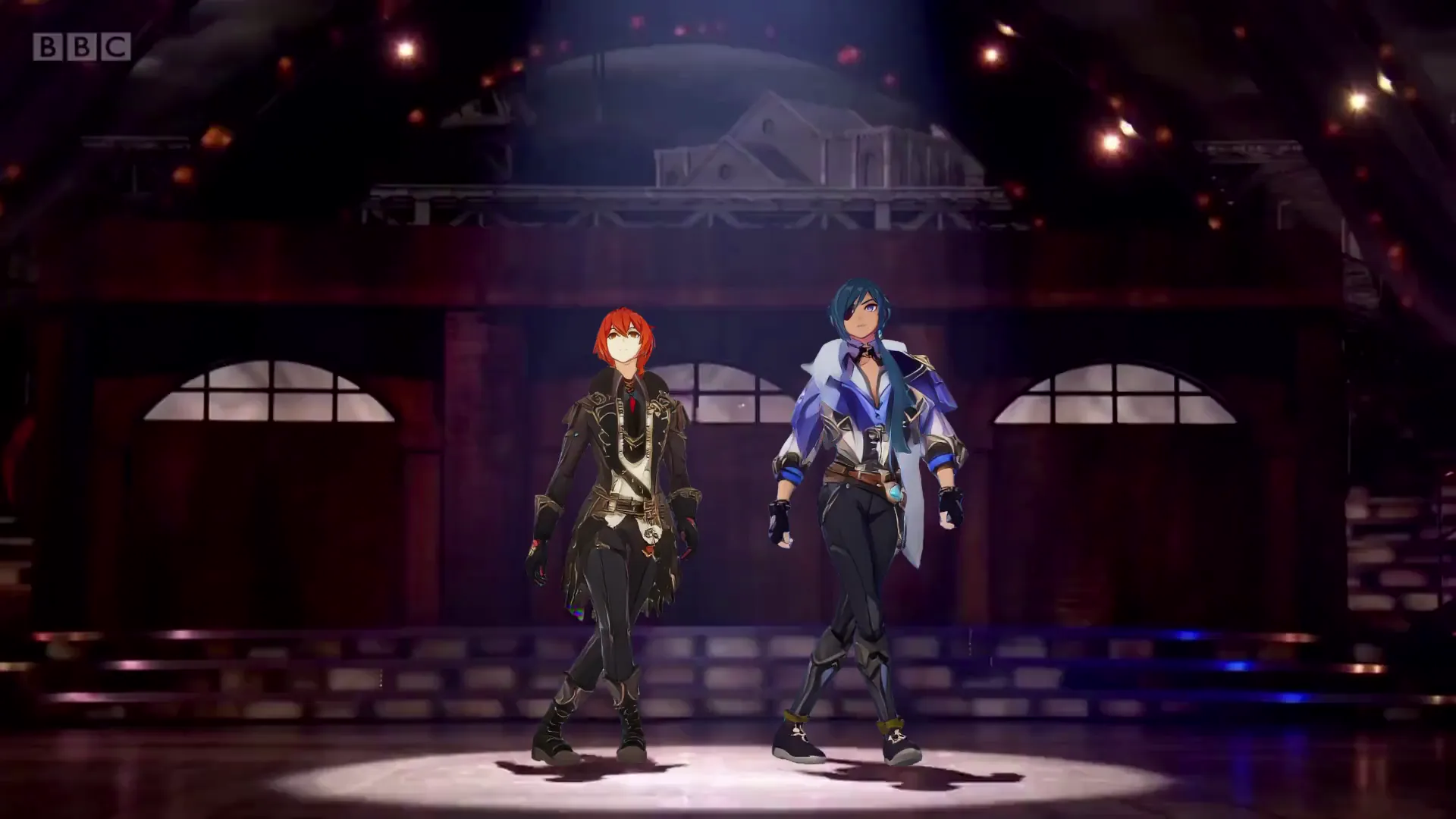
They animate stylized characters into dance trends for fandom engagement.

06

Meme Dance Creators

They remix viral movement formats into character-led comedic edits.

Viggle vs other character dance generator options

Try Viggle Free
功能Viggle AIKling AIPikaRunway
Dance motion transfer control⚠️ 2D-oriented flow⚠️ Prompt-first⚠️ Prompt-first
Complex choreography stability⚠️ Varies⚠️ Varies⚠️ Varies
Character consistency in reruns⚠️ Limited control⚠️ Can drift⚠️ Can drift
Full-body performance workflow⚠️ Partial⚠️ Not core
Template scale for dance trends✅ 8,000+⚠️ Varies⚠️ Varies⚠️ Varies
Free start path✅ Up to 5 free videos/day⚠️ Varies⚠️ Varies⚠️ Varies

Character Dance Generator FAQ

What is a character dance generator?

A character dance generator is an AI workflow that turns a character image into a dance video by following a dance motion source or template.

How do I make a character dance from a photo?

Start with a clear full-body image, choose a dance motion source, generate a few variants, and keep the most stable result before exporting.

What makes a dance clip look better?

Clear body visibility, stable camera motion, and shorter durations help. If motion is too complex, try a simpler dance template first.

Can I make TikTok dance videos with this?

Yes. Many creators use AI dance generator workflows to create TikTok-ready dance clips and iterate on hooks quickly.

Does it work for anime characters?

Yes. Anime dance AI generator workflows work best with clean, high-resolution character images and readable motion sources.

How long should my dance video be?

Start with 3–6 seconds for the first test. Once you like the look, you can try longer clips and different motions.

Do I need editing software?

Not for a first publishable cut. You can generate variants and export short-form clips directly, then optionally edit for captions and pacing.

What’s the fastest way to pick the best take?

Generate 3–5 variations with the same motion source and choose the one with the cleanest limbs, stable identity, and least artifacts.

Ready to generate a character dance video?

Try Viggle Free

Generate character dance clips
fast

Pick a motion source, generate variants, and publish short-form dance videos.