logo

Free AI Pose Generator

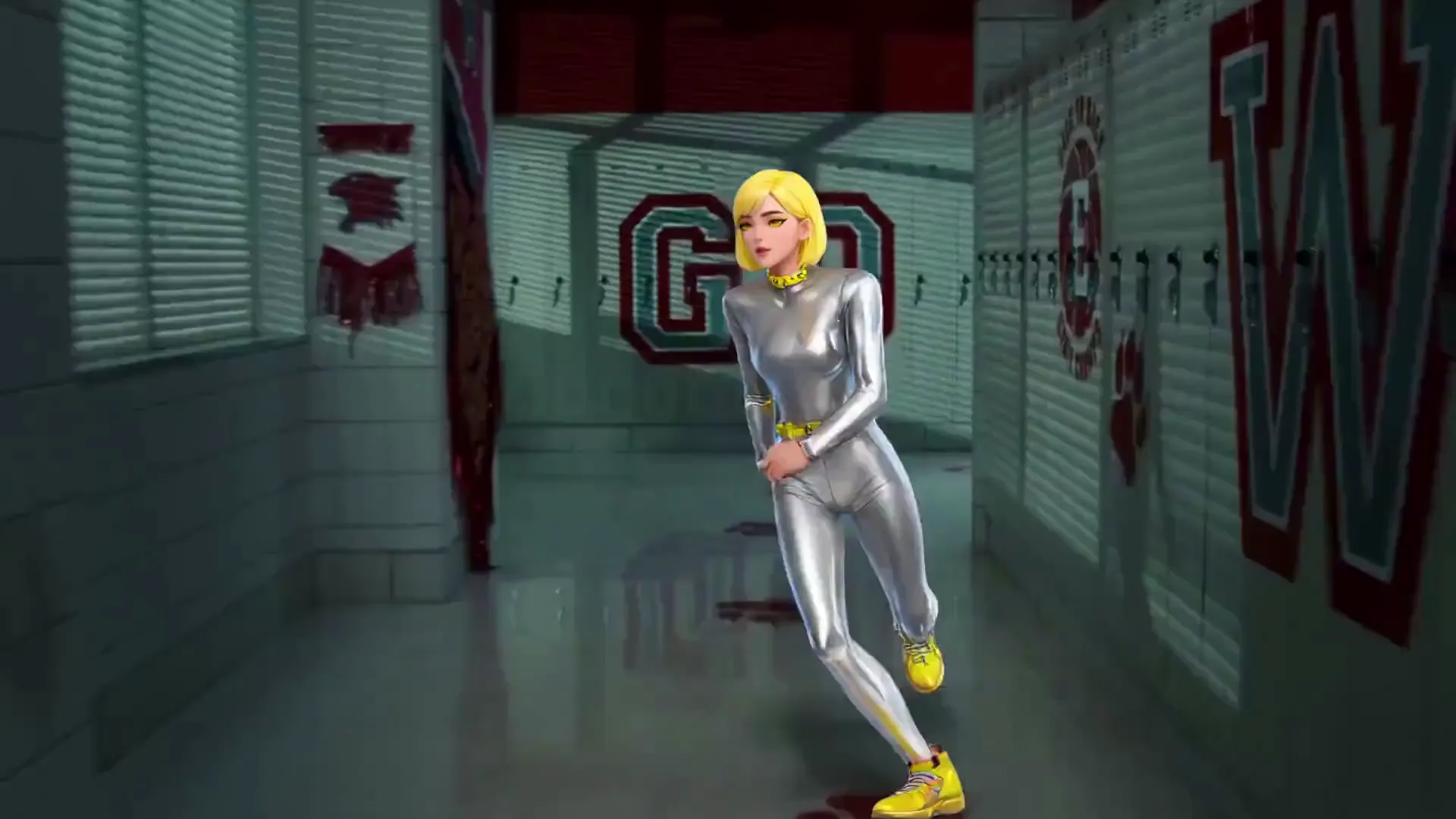
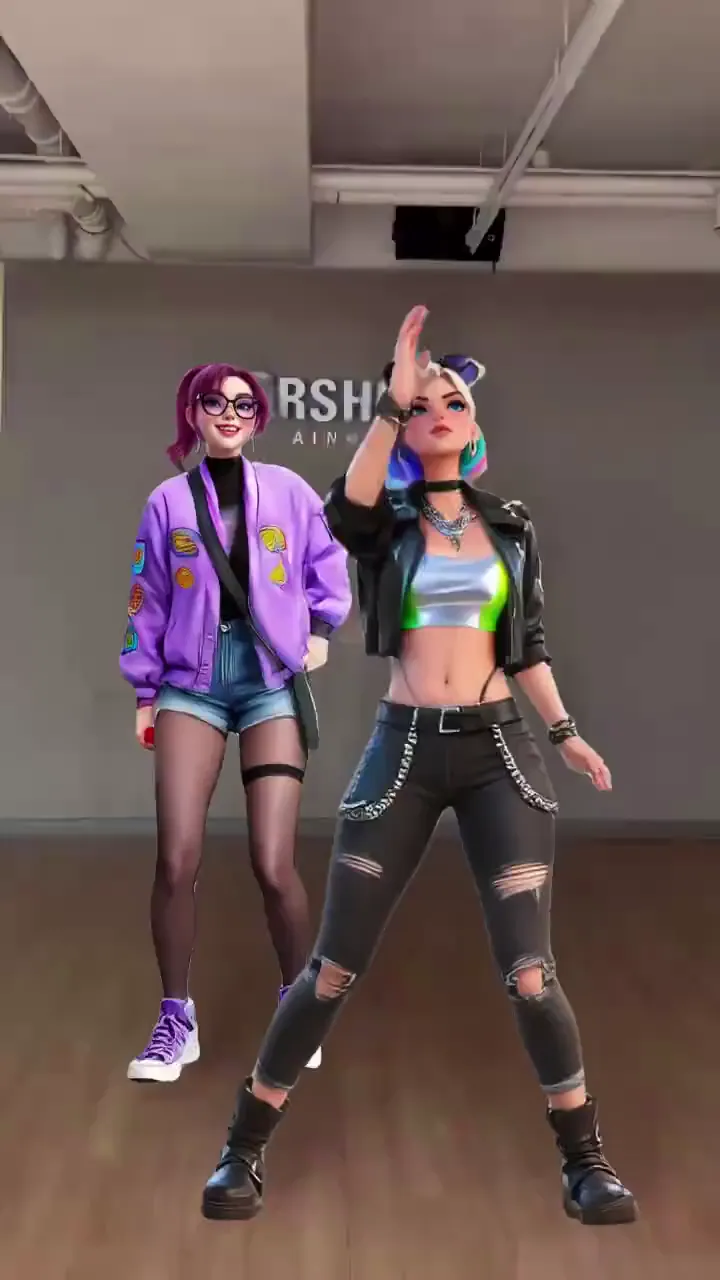
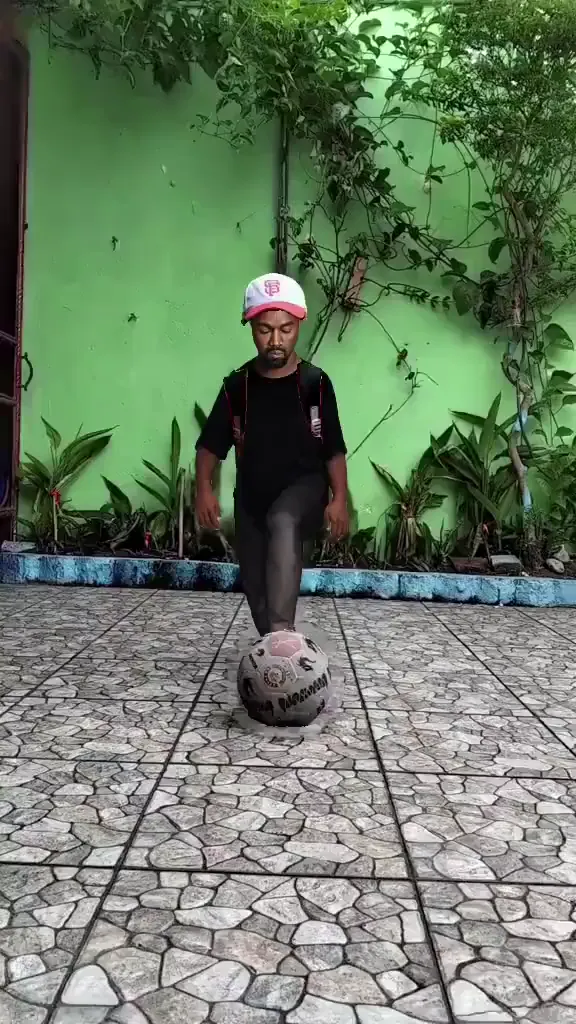
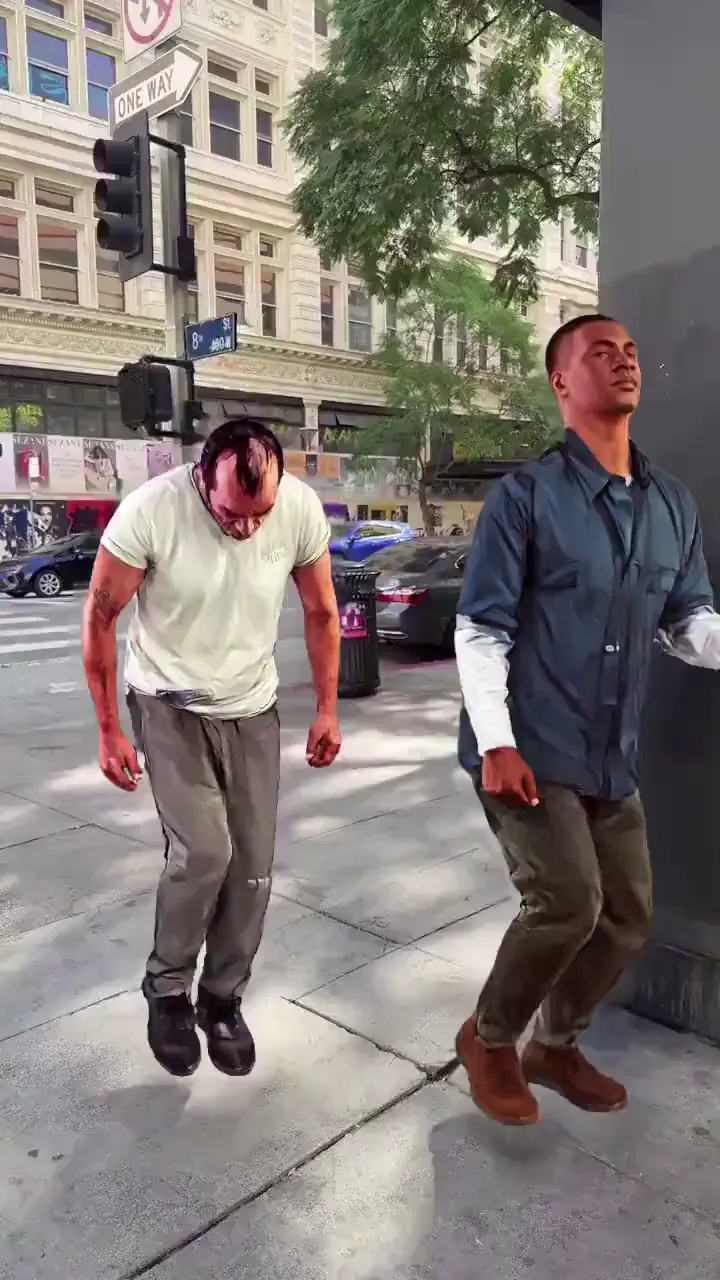
Apply any pose to any character — and get a full animated video, not a static image. Viggle's 3D physics-based model maps the exact body position, facial expression, and movement onto your character with real motion. Pick from 8,000+ pose and motion templates or upload your own reference. No rigging, no animation software.

40M+ Users4.8★ Rating on App Store

How To Generate a Pose with Viggle AI

Most AI pose generator tools give you a static image. Viggle gives you a full animated video of your character performing the pose — with real body mechanics, facial expressions, and physics. Here's how.

Step 1
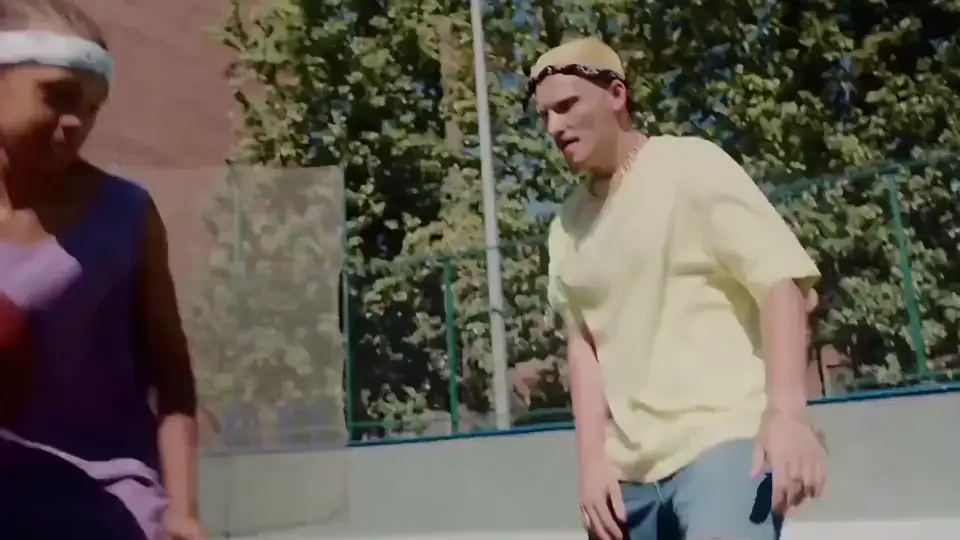
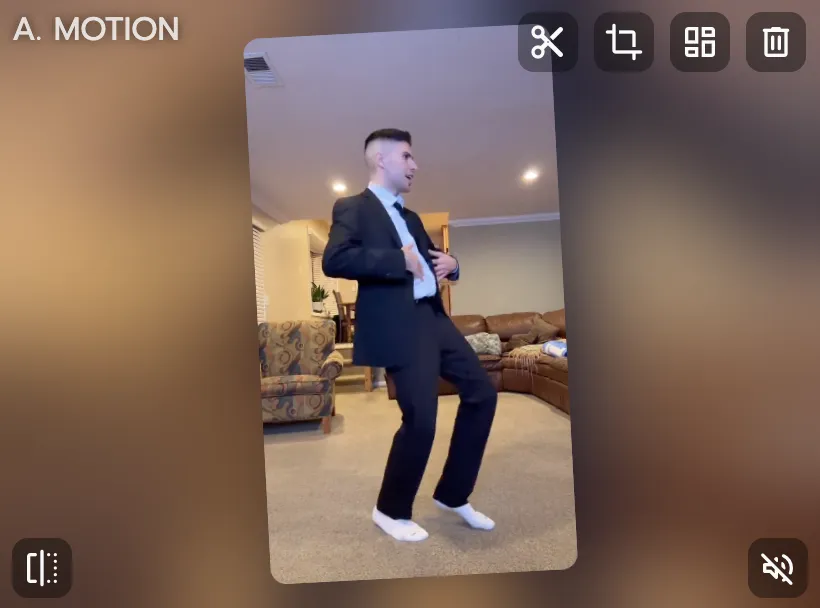
Choose a pose — template, reference video, or motion capture

Choose a pose — template, reference video, or motion capture

Browse 8,000+ pose and motion templates: dance moves, action sequences, sports highlights, anime fight poses, viral meme stances, and more. Or upload any video to use as your pose reference — Viggle extracts the exact body position and motion automatically.

Step 2
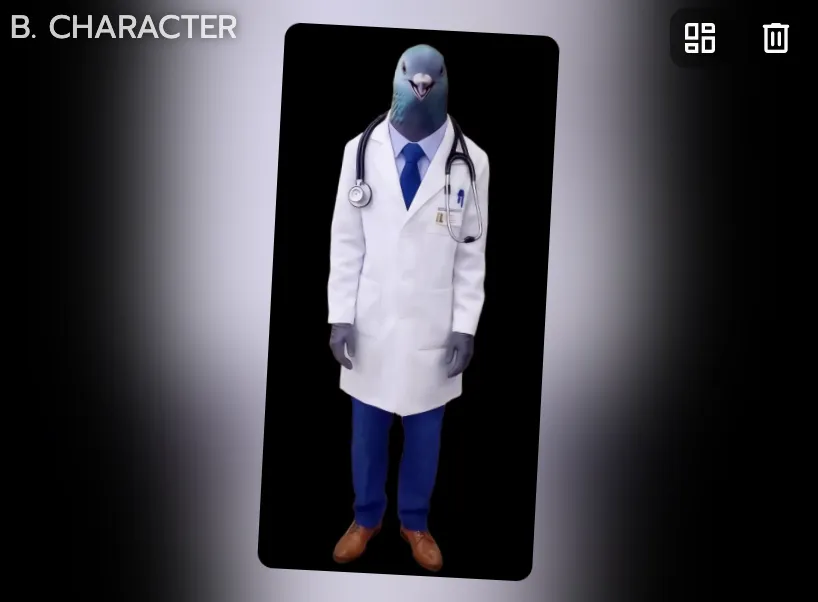
Upload any character image

Upload any character image

Upload a photo, anime character, 2D illustration, 3D render, cartoon, or brand mascot. Any character style works — realistic, stylized, pixel art, even non-human. If it has a body, Viggle can pose it.

Step 3

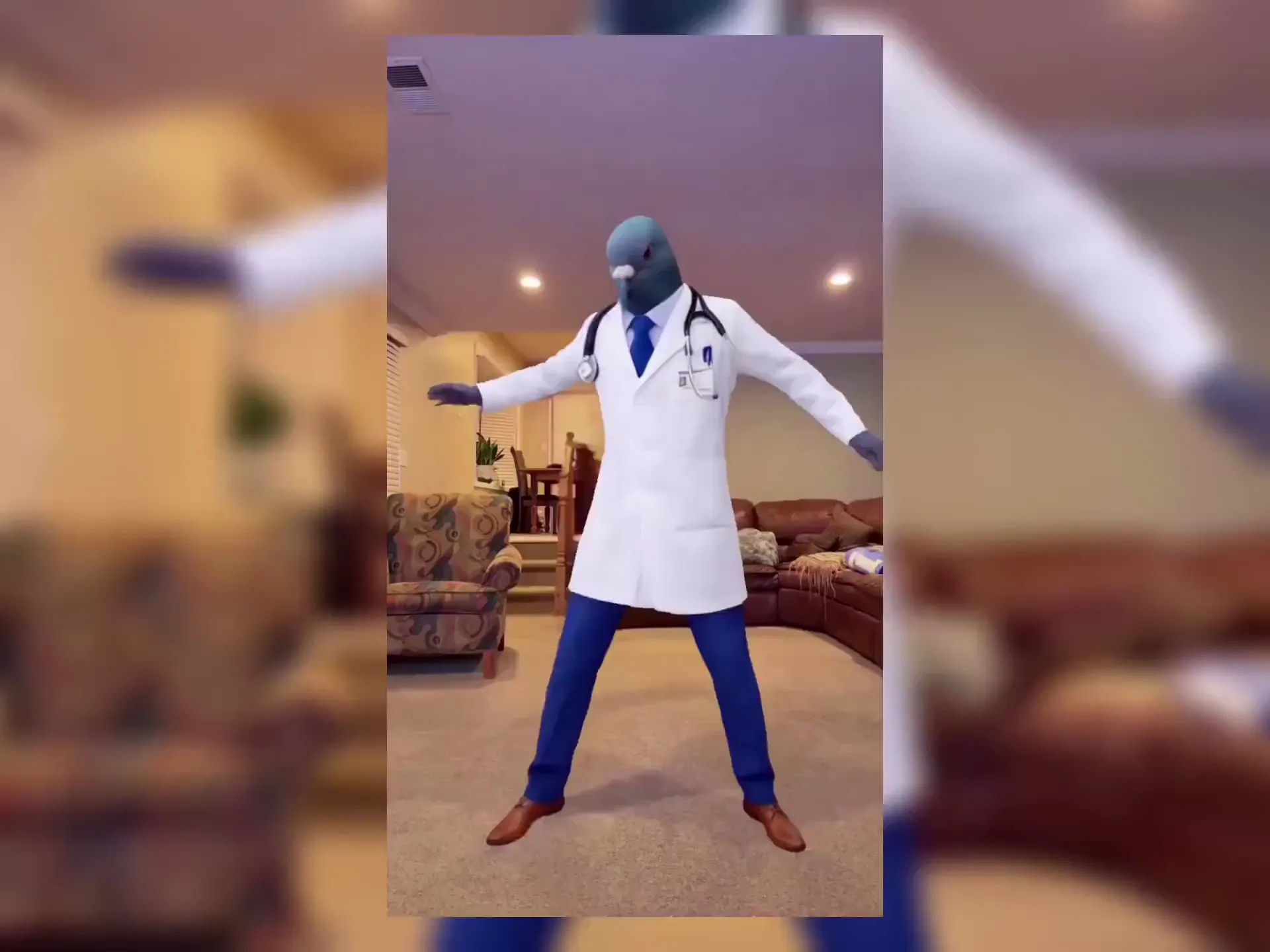
Download your generated pose video

Viggle's JST-1 model applies the full pose — body position, limb placement, head tilt, facial expression — onto your character with 3D physics accuracy. Download your video in under a minute. Not a still image — a real animated video of your character in that pose.

Why Viggle Is the Best Free AI Pose Generator

Full-body motion generation, not a static pose swap

Most AI pose generator tools output a single image of your character in a new pose. Viggle goes further: it applies the full motion sequence — body mechanics, weight shifts, facial expressions, and limb dynamics — and outputs a real animated video. Your character doesn't just hold a pose; it moves through the pose with physics-accurate motion powered by the JST-1 video-3D foundation model.

Try it free

3D physics-based — handles complex poses other tools can't

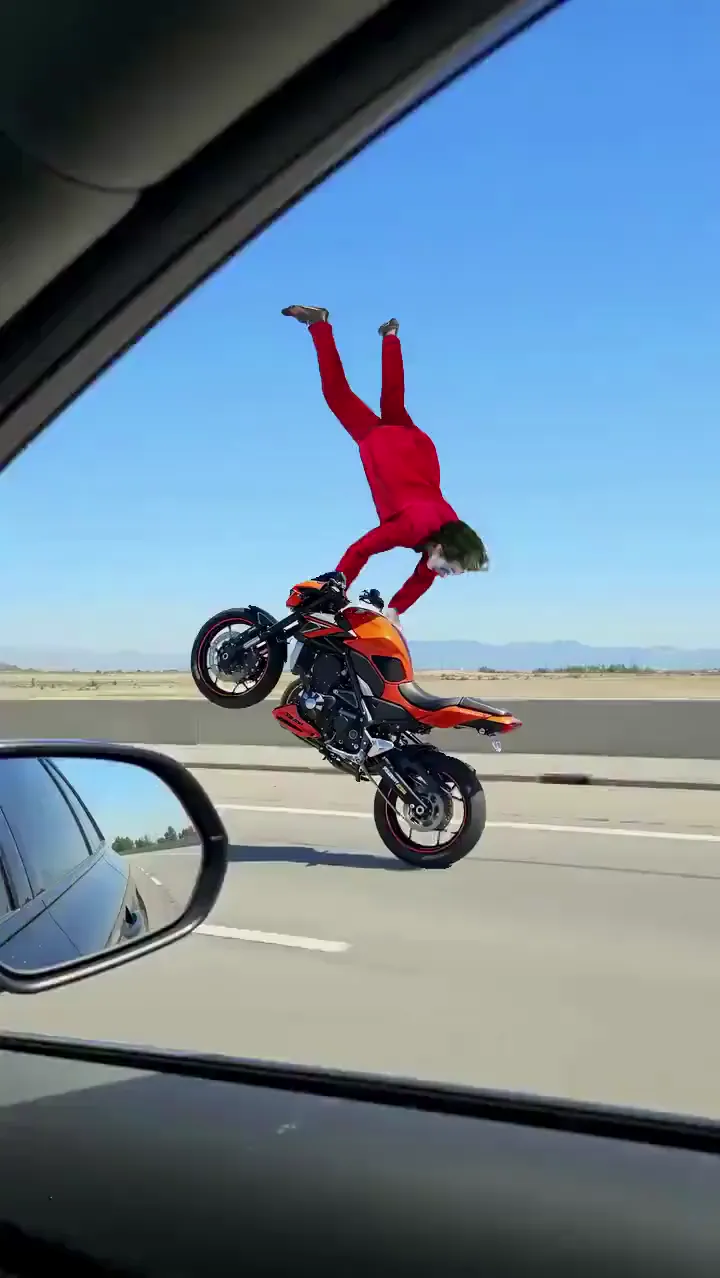
Ballet extensions, martial arts kicks, gymnastics flips, mid-air dance freezes — Viggle's 3D-based model understands real body mechanics, so it doesn't collapse or distort on complex poses the way 2D-based tools do. Limbs stay connected, proportions hold, and the character stays structurally consistent frame by frame.

See complex poses

8,000+ pose and motion templates

K-pop choreography, sports highlights, anime action sequences, viral TikTok dances, movie scene poses, and meme stances. New templates added regularly. Can't find the right pose? Upload your own reference video and Viggle extracts the pose automatically.

Browse templates

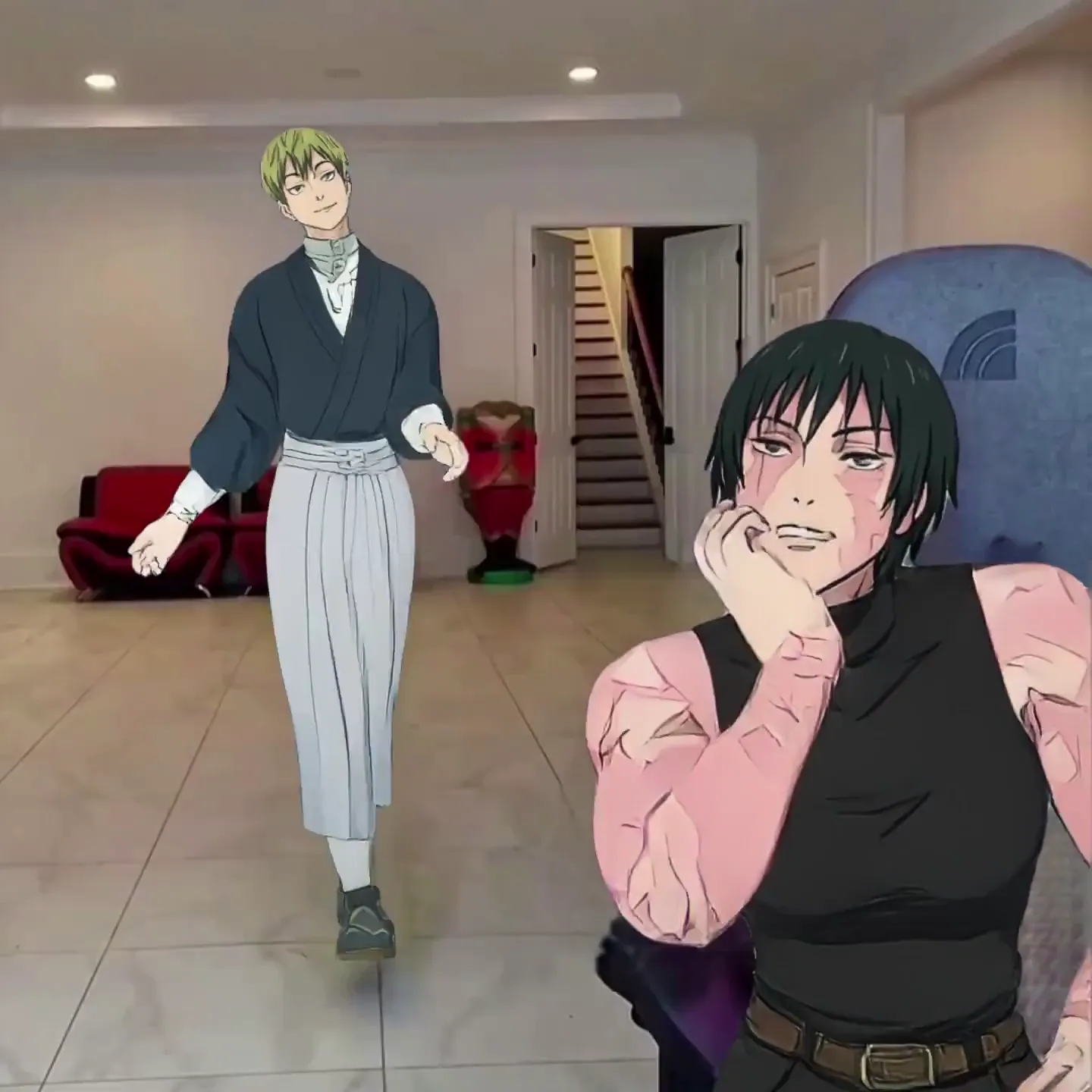
Works with any character style — human, anime, 3D, cartoon

Upload a realistic photo, anime character, 2D illustration, 3D CGI render, pixel art, cartoon mascot, or fantasy creature. Viggle's model adapts to any art style automatically — no style presets, no manual adjustments. The character keeps its original look while performing the generated pose.

Upload your character

Multi-character pose generation with Multi-Track

Generate poses for multiple characters in the same scene. Viggle's Multi-Track editor lets you track, swap, and pose up to 7 characters or objects in one video — each with their own motion. Perfect for group choreography, team photos, or multi-character scenes.

Try Multi-Track

Real-time pose generation with Viggle LIVE

Mirror your own body poses onto any character in real time. Viggle LIVE uses your webcam to capture your pose and body movement, then applies it to your chosen character live — with only 1-2 seconds of latency. Works with OBS, Streamlabs, Twitch, Kick, Zoom, and Discord. No rigging or 3D modeling required.

Try Viggle LIVE

AI Poses Generated with Viggle

Who Uses AI Pose Generator — Creators, Designers, and Studios

01

Content Creators & Social Media

Drop yourself or any character into trending poses — viral dance freezes, meme stances, challenge poses — and get a video ready to post. Pick a template, upload your image, and download in under a minute. No editing skills required.

02

Concept Artists & Illustrators

Generate accurate pose references in seconds instead of hunting through stock libraries or setting up 3D mannequins. Upload a photo with the pose you want, apply it to your character, and use the output as a reference or base for detailed illustration work.

03

Filmmakers & Previs Artists

Block scenes and test character poses before committing to production. Apply specific body positions and movements onto character stand-ins to previsualize shots, camera angles, and choreography — without a mocap suit or a full animation pipeline.

04

Animators & Motion Designers

Use Viggle as a fast alternative to manual keyframing and mocap. Generate poses from reference footage directly onto your characters — any style, any proportions. Test how a character moves in a specific pose before committing to a full animation pass.

05

Game Developers & Character Designers

Prototype character poses and action sequences without rigging. Generate dynamic combat stances, idle poses, and movement cycles onto game characters from reference video. Use the output to plan animations or generate promotional assets.

06

Music Video & Dance Choreographers

Generate choreography poses and dance sequences onto any character for music video previs or final production. Map a dancer's exact body position onto an animated character, cartoon, or avatar. Perfect for K-pop fan edits, dance covers, and original music content.

Viggle vs Other AI Pose Generator Tools

Try Viggle Free
功能Viggle AIPixaWaveSpeedKling AI
Full-body pose generation⚠️ Limited
Outputs animated video (not just a still image)⚠️ Limited
3D physics-based model
Character consistency across framesN/A (still image)⚠️ Limited⚠️ Limited
Handles complex poses (ballet, martial arts, gymnastics)⚠️ Limited⚠️ Limited⚠️ Limited
Pose + motion template library (8,000+)
Works with any character style (anime, 2D, 3D, photo)
Multi-character pose generation✅ (up to 7)
Real-time pose generation (webcam)
Free to use (no credit card)⚠️ Limited⚠️ Limited⚠️ Limited

AI Pose Generator — Frequently Asked Questions

What is an AI pose generator?

An AI pose generator takes a body pose from one source — a photo, video, or template — and applies it to a different character. Most tools output a static image of the character in that pose. Viggle goes further: it applies the full-body pose as motion and outputs an animated video, powered by the self-developed JST-1 video-3D foundation model. Your character doesn't just hold the pose — it moves through it with realistic body mechanics.

How is Viggle different from other AI pose generator tools like Pixa or WaveSpeed?

Pixa and WaveSpeed generate a still image of your character in a new pose. Viggle generates a full animated video with real body motion, physics-accurate limb movement, and facial expression transfer. Viggle's JST-1 model is 3D-based, meaning it understands actual body mechanics — so complex poses like ballet, martial arts, and gymnastics don't collapse or distort. Plus Viggle offers 8,000+ templates, a multi-track editor (up to 7 characters), and Viggle LIVE for real-time pose generation.

What types of images work with the AI pose generator on Viggle?

Any character image works: realistic human photos, anime characters, 2D illustrations, 3D CGI renders, pixel art, cartoon mascots, brand characters, and even non-human creatures. JPG, PNG, and WEBP formats are supported. For best results, use a clear image where the character's full body is visible.

Can I generate poses for dance, sports, or martial arts?

Yes — and this is where Viggle stands out. The JST-1 model is built on 3D physics, so it handles complex athletic and dance poses that 2D-based tools struggle with: ballet extensions, high kicks, mid-air spins, gymnastics flips, and fast martial arts sequences. The character stays structurally consistent without collapsing or distorting.

Can I use my own reference video instead of a template?

Yes. Upload any video as your pose reference — Viggle extracts the body position and motion automatically and applies it to your character. Film yourself, use existing footage, or find a reference clip online. You're not limited to the template library.

Does Viggle output a video or a still image?

A video. Unlike most AI pose generator tools that output a single static image, Viggle generates a full animated video of your character performing the pose with real motion. The video includes body dynamics, weight shifts, and facial expressions — not just a frozen frame.

Is Viggle free for the AI pose generator?

Yes. Sign up and generate up to 5 free poses per day — no credit card required. Paid plans offer more daily generations, faster processing, and higher export quality for heavier workflows.

Can I generate poses for multiple characters at once?

Yes. Viggle's Multi-Track editor lets you apply poses and motion to up to 7 characters or objects in the same video. Track individual characters, swap them across scenes, and give each one a different pose or motion — all in one timeline.

How long does pose generation take on Viggle?

Most pose generation videos are ready in under a minute. Generation time varies slightly with clip length and motion complexity. You can queue multiple generations and Viggle notifies you when each one is ready.

Can I use AI pose generator results for commercial projects?

Yes. Videos you create on Viggle can be used for commercial purposes — advertising, client work, social campaigns, music videos, game assets, and more. Review Viggle's terms of service for full licensing details.

Does Viggle work on mobile for the AI pose generator?

Yes. Viggle is available as a free app on iOS and Android, plus a web app in any browser. The full pose generation workflow — pick a template, upload a character, download your video — works on mobile.

Ready to generate any pose onto any character? Full-body motion, not just a still image — try it free.

Start Generating Poses Free

Any Pose. Any Character.
Full-Body Motion. Free.

Generate poses as real animated video — not static images. 3D physics-based, works with any character style. 40M+ users already creating.