logo

Free Face SwapWithout Watermark

Need face swap without watermark output for social posting? Begin with a high-resolution source image and a short target clip to validate realism first. Keep the cleanest take, then refine timing and publish. This helps when you need video face swap without watermark style results, clean export face swap, and fast reels-ready drafts.

40M+ Users4.8★ Rating on App Store

How to get better face swap without watermark results

Test short clips, compare quality, then scale only the best version. This gives cleaner outcomes for ai face swap without watermark, hd face swap no watermark, and online face swap no logo use cases.

Step 1
Start with a clean reference and clean target

Start with a clean reference and clean target

Use high-quality input files and avoid heavy compression. Better inputs generally produce more stable face alignment and fewer artifacts.

Step 2
Validate quality on short drafts first

Validate quality on short drafts first

Run short versions before full-length exports. This helps you quickly catch mismatched expressions, bad occlusion, or unstable motion.

Step 3

Select the strongest version, then finalize

Keep the best take, refine timing, and export in the format needed for TikTok, Reels, or Shorts.

Why face swap without watermark creators pick Viggle

Publish-first workflow, not demo-first

This page is built for creators who need outputs ready for real posting. The focus is practical quality and turnaround speed, not novelty-only effects. It matches short-form production reality.

See Why

Controllable generation improves first drafts

Mix helps guide motion direction so you can evaluate quality faster. Instead of random reruns, you can iterate with clearer intent. That usually reduces wasted generation cycles.

Use It

Reliable identity across repeated exports

Character consistency supports multi-variant posting while keeping one recognizable subject. For creators testing multiple hooks, this is a major time saver. You avoid rebuilding identity from scratch each attempt.

Keep Stable

Timeline fixes reduce restart cost

Multi-Track allows targeted adjustments in one timeline. You can fix weak moments while preserving strong segments. This keeps production speed high under daily publishing pressure.

Refine Faster

Accessible for ongoing content pipelines

Free usage up to 5 videos/day helps validate ideas quickly before scaling volume. Combined with template depth, it supports steady weekly output. That is useful for both solo creators and small teams.

Ship More

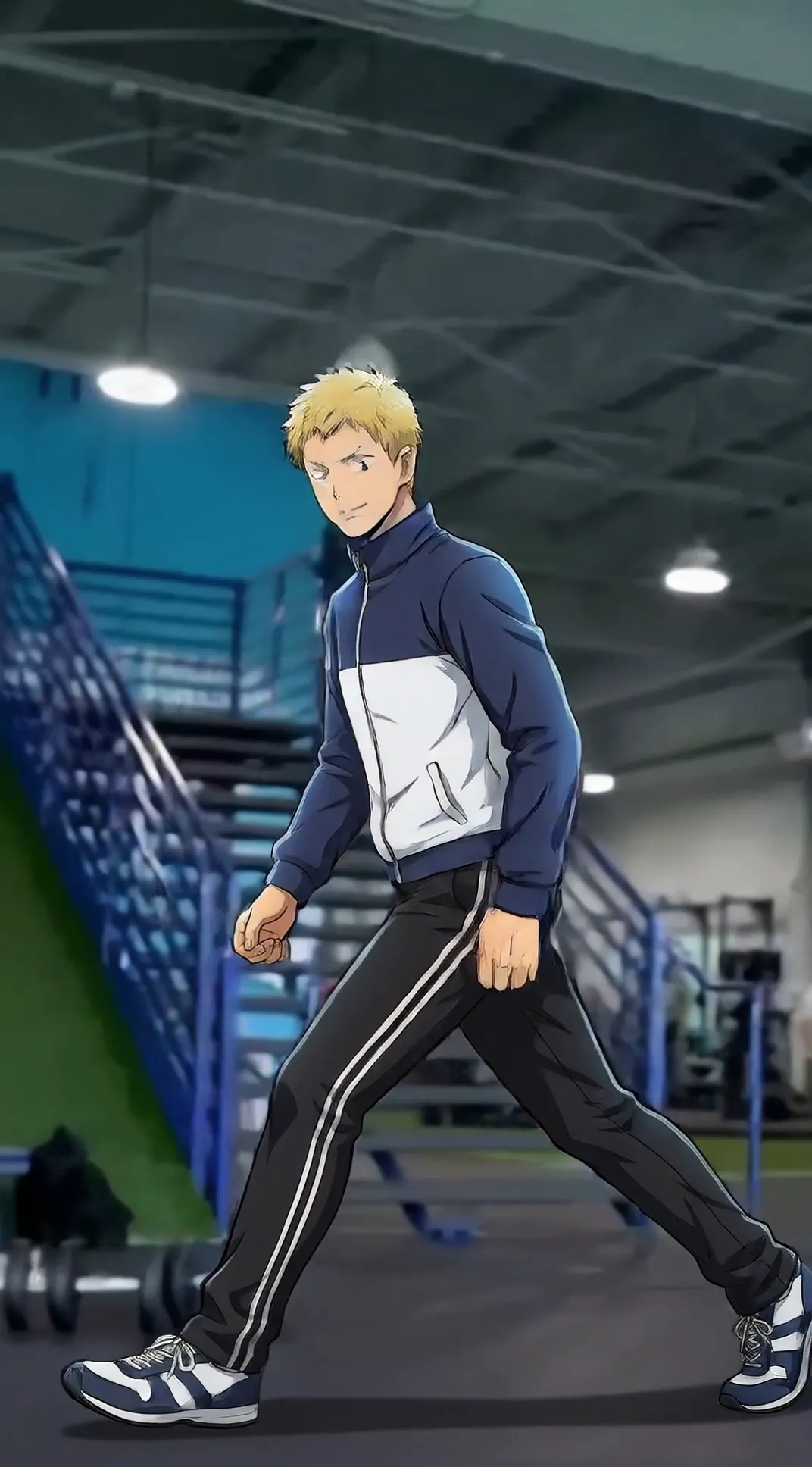
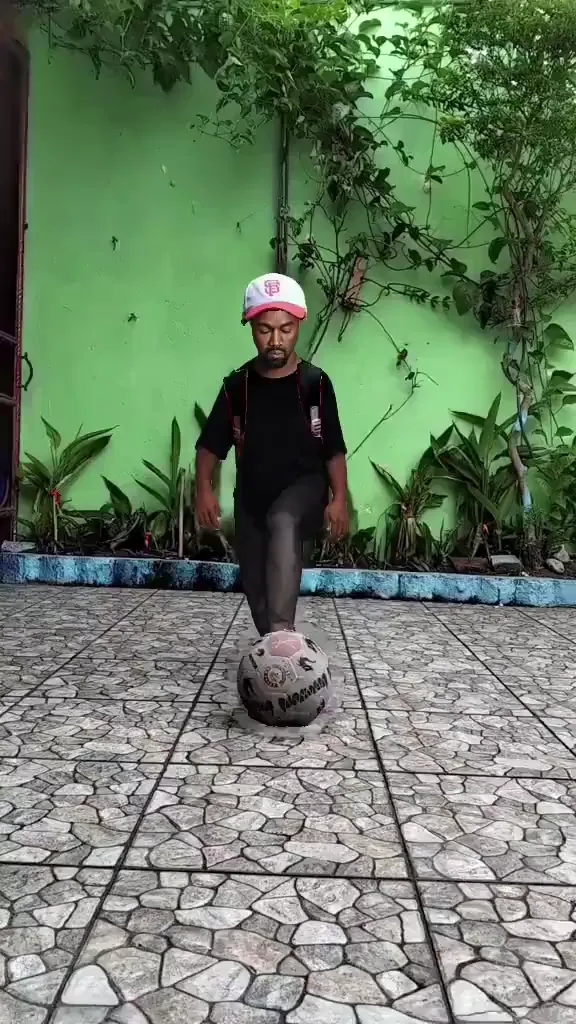
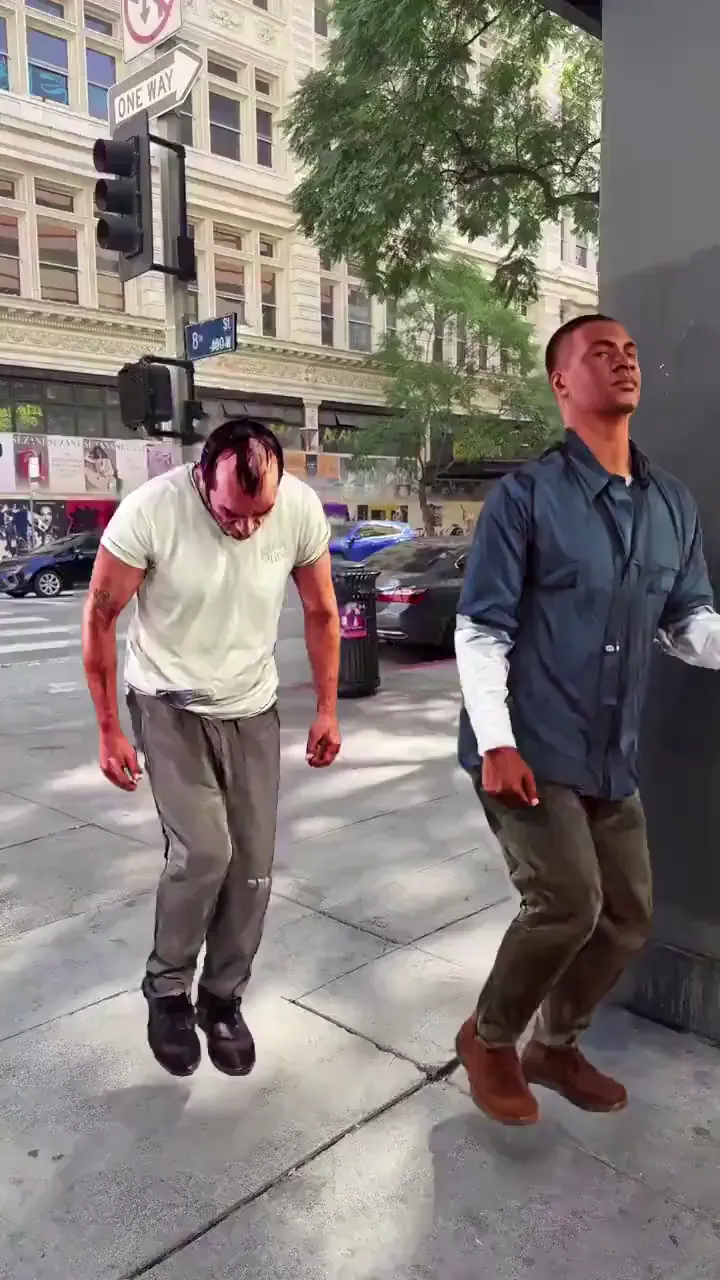
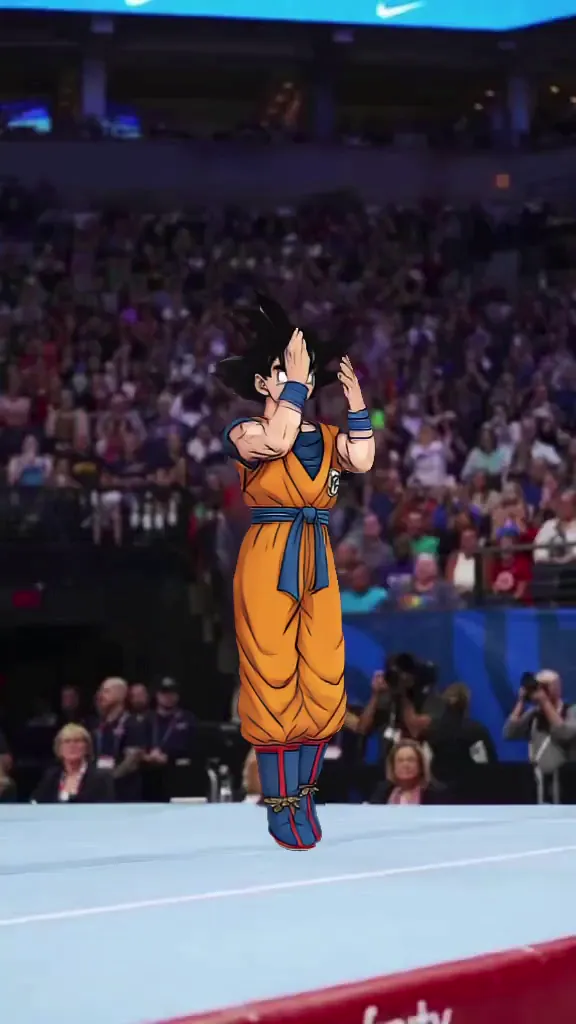
Face Swap Without Watermark Examples

Who Uses Face Swap Without Watermark

01

TikTok Creators

They need clean, post-ready face swap cuts with fast turnaround for frequent uploads.

02

Instagram Reels Creators

They prioritize vertical-ready edits that can be shipped quickly across campaigns.

03

YouTube Shorts Creators

They convert longer concepts into short, high-retention face swap clips.

04

UGC Content Creators

They produce multiple creative versions for testing paid and organic performance.

05

Meme Video Creators

They publish high-frequency parody edits and need stable output under tight timelines.

06

Freelance Video Editors

They deliver client-ready social cuts with minimal revision overhead.

Viggle vs other face swap without watermark alternatives

Try Viggle Free
功能Viggle AICapCutMagic HourReface
Controllable face-swap workflow⚠️ Editor-first⚠️ Tool dependent⚠️ Preset-first
Consistency across repeated exports⚠️ Project dependent⚠️ Varies⚠️ Limited controls
Full-body performance options⚠️ Not core⚠️ Not primary
Timeline-level corrections✅ Multi-Track✅ Strong edit stack⚠️ Tool dependent
Template workflow speed✅ 8,000+✅ Rich templates⚠️ Varies✅ Rich templates
Free start path✅ Up to 5 free videos/day⚠️ Varies⚠️ Varies⚠️ Varies

Face Swap Without Watermark FAQ

What does “face swap without watermark” mean?

It usually means users want a face swap video that can be posted without a visible watermark. Watermark behavior may depend on plan and export settings.

How can I get cleaner no-watermark face swap videos?

Use a clean face reference, avoid fast cuts, start with short clips, and generate multiple variants. Pick the best take before exporting.

Does Viggle support face swap video and photo?

This tool focuses on face swap video workflows and quick creator iteration. Results depend on your target clip and reference image quality.

Can I use this for TikTok and Reels?

Yes. Face swap without watermark workflows are commonly used for TikTok edits, Instagram Reels hooks, and YouTube Shorts variations.

Does group face swap work?

Group face swap can work, but it’s more difficult because multiple faces increase occlusion and angle changes. Start with one face first for best results.

What kind of video works best?

Clear lighting, stable camera, and visible faces usually perform best. Avoid low-resolution targets and heavy compression.

How many variants should I generate?

Try 3–5 generations to pick the most stable alignment and natural expression timing. More complex clips may need more retries.

What is the fastest way to decide if it works?

Run one short target clip with one clean face reference and compare 3 variants. If alignment looks stable, scale to longer edits.

Ready to export a face swap without watermark style clip?

Try Viggle Free

Make face swap without watermark style videos
for posting

Generate variants, pick the cleanest take, and export social-ready clips.