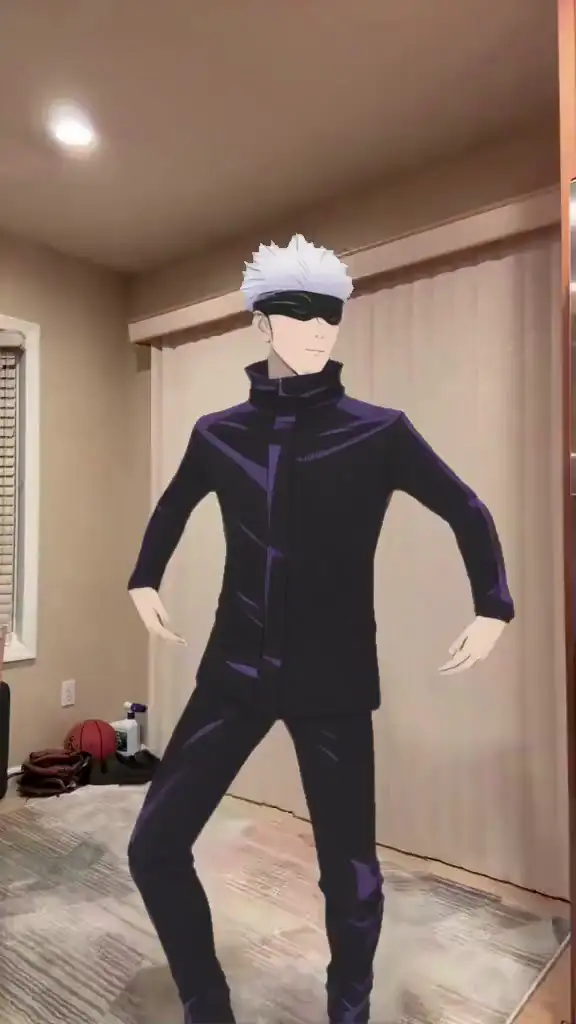
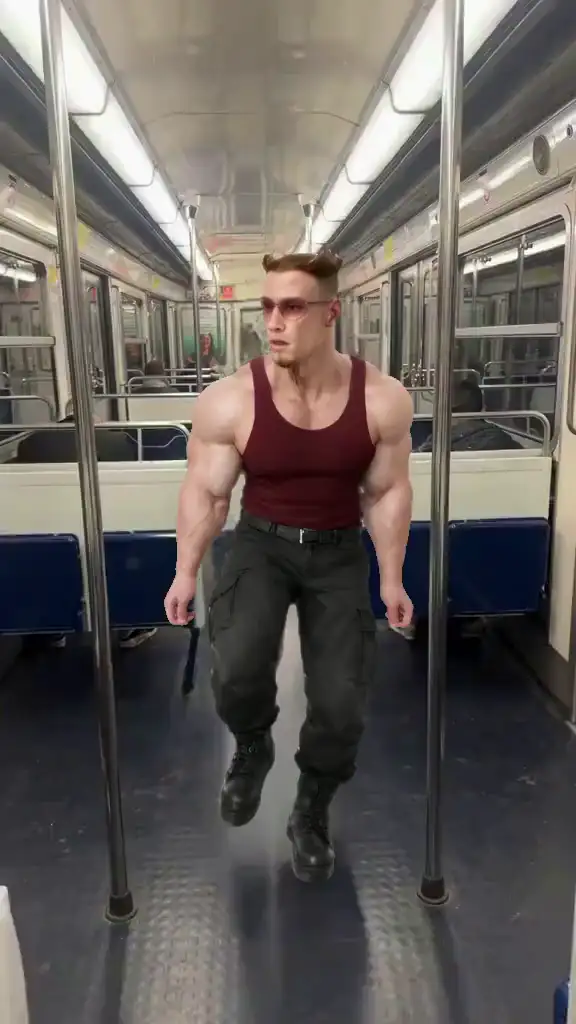
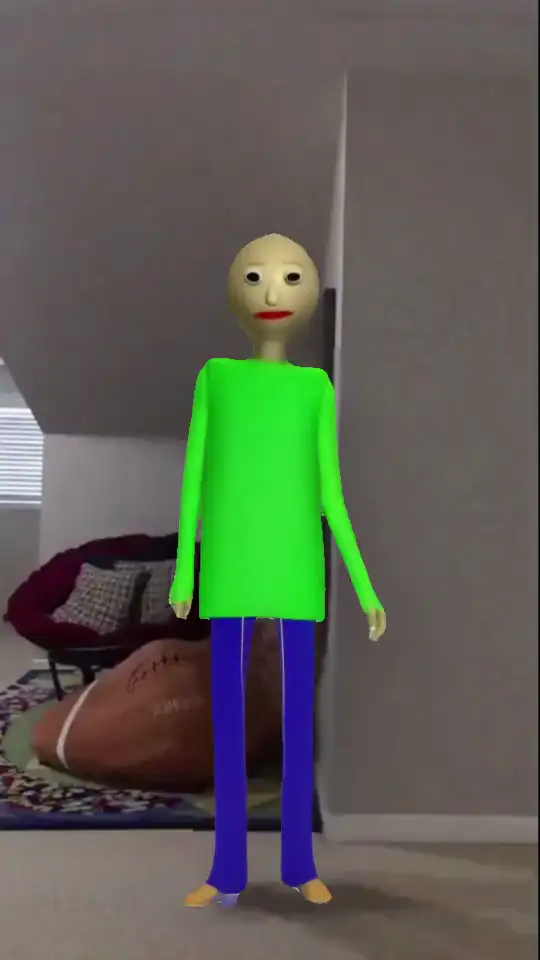
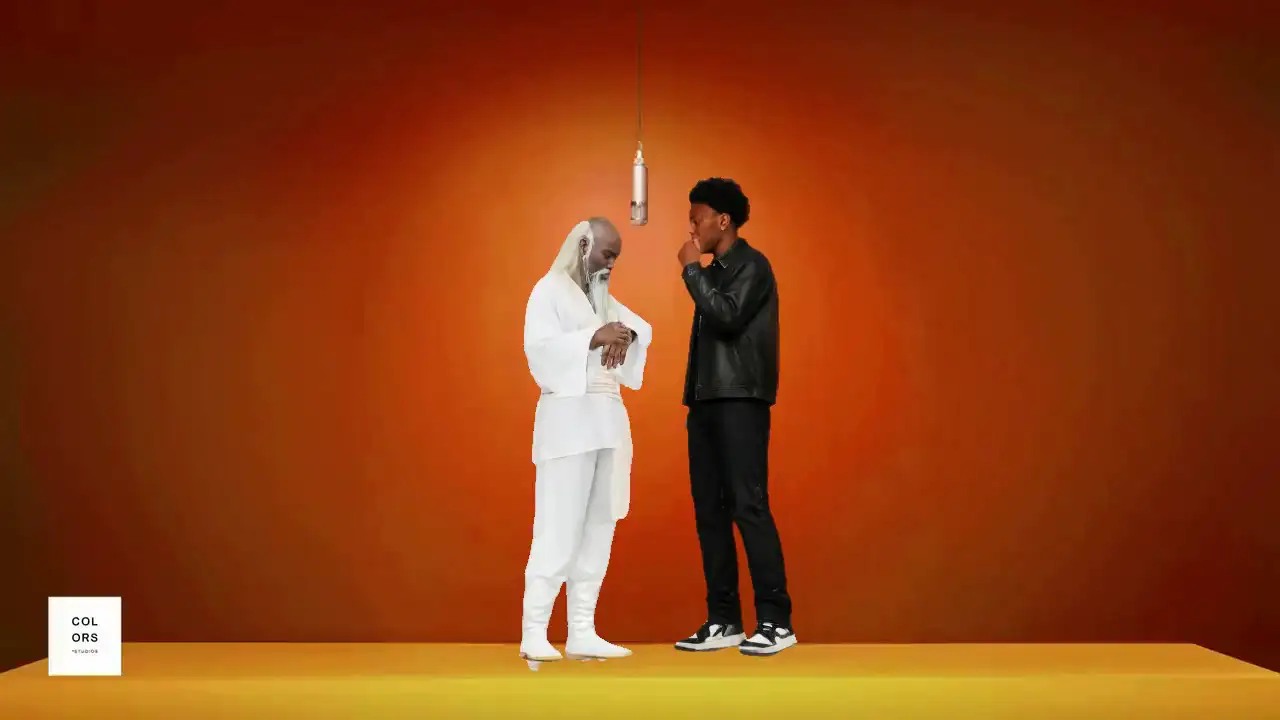
King Nasir Dance AI
Learn nothing. Post the King Nasir dance.
Upload one photo and Viggle makes your character do the King Nasir dance with the same moves and timing as the clip.
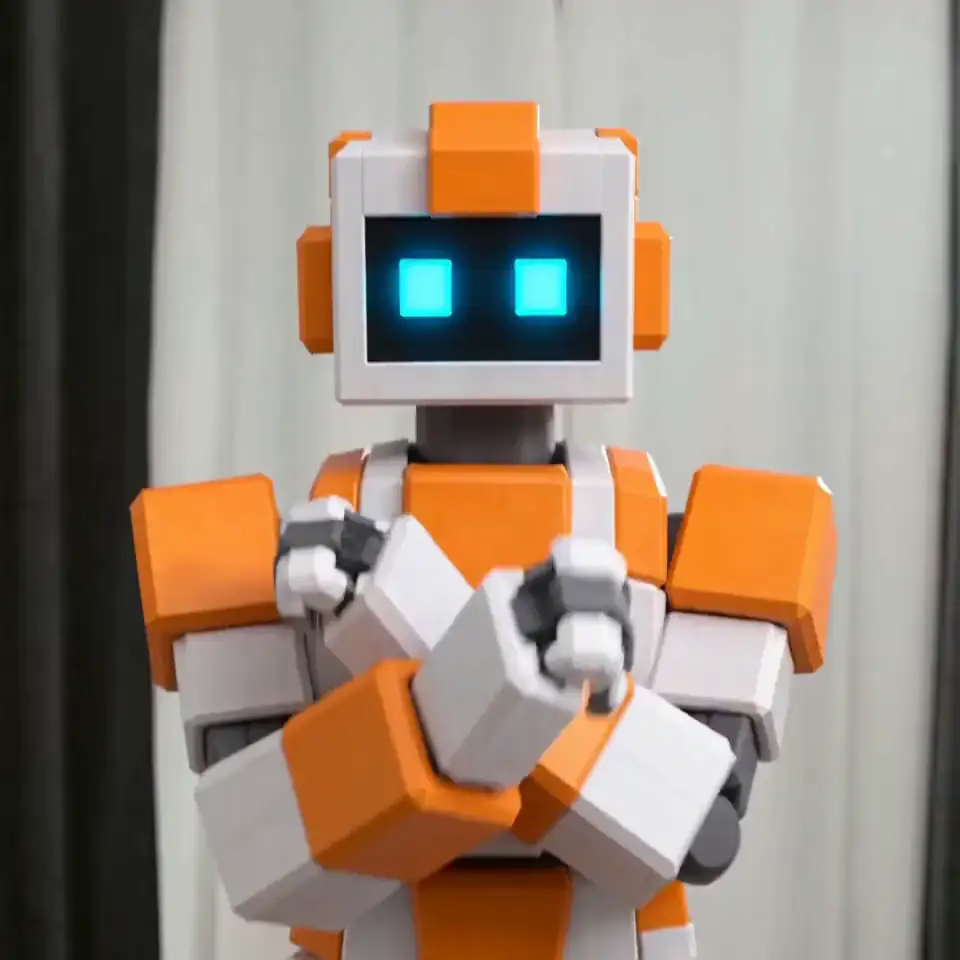
How to make the King Nasir Dance AI video
Use this templateThree steps, a few taps, no editing skills.
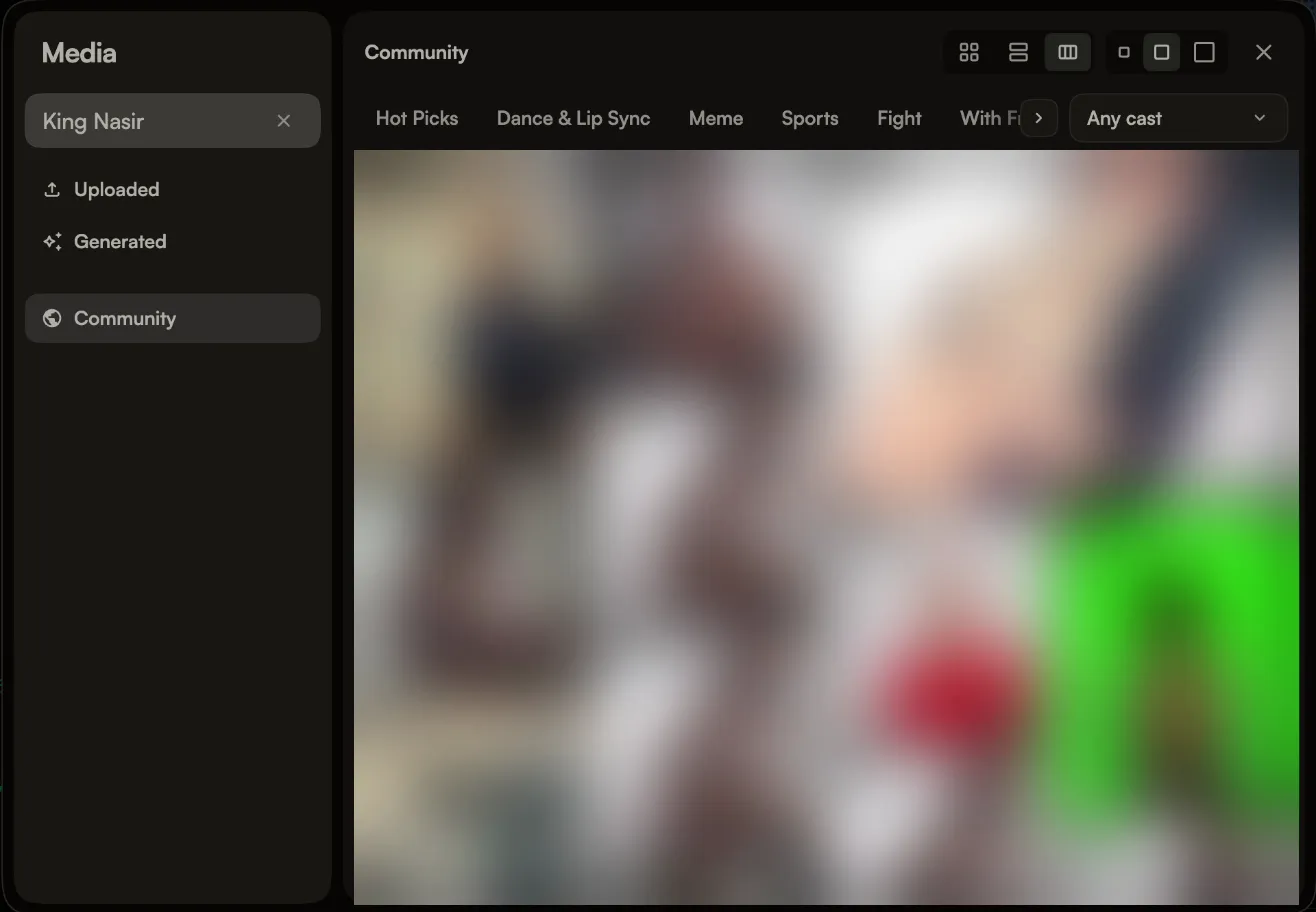
1. Open the King Nasir Dance template
Tap Use this template to open Mix in Viggle on the web, then tap Browse under Video and search King Nasir in Community.
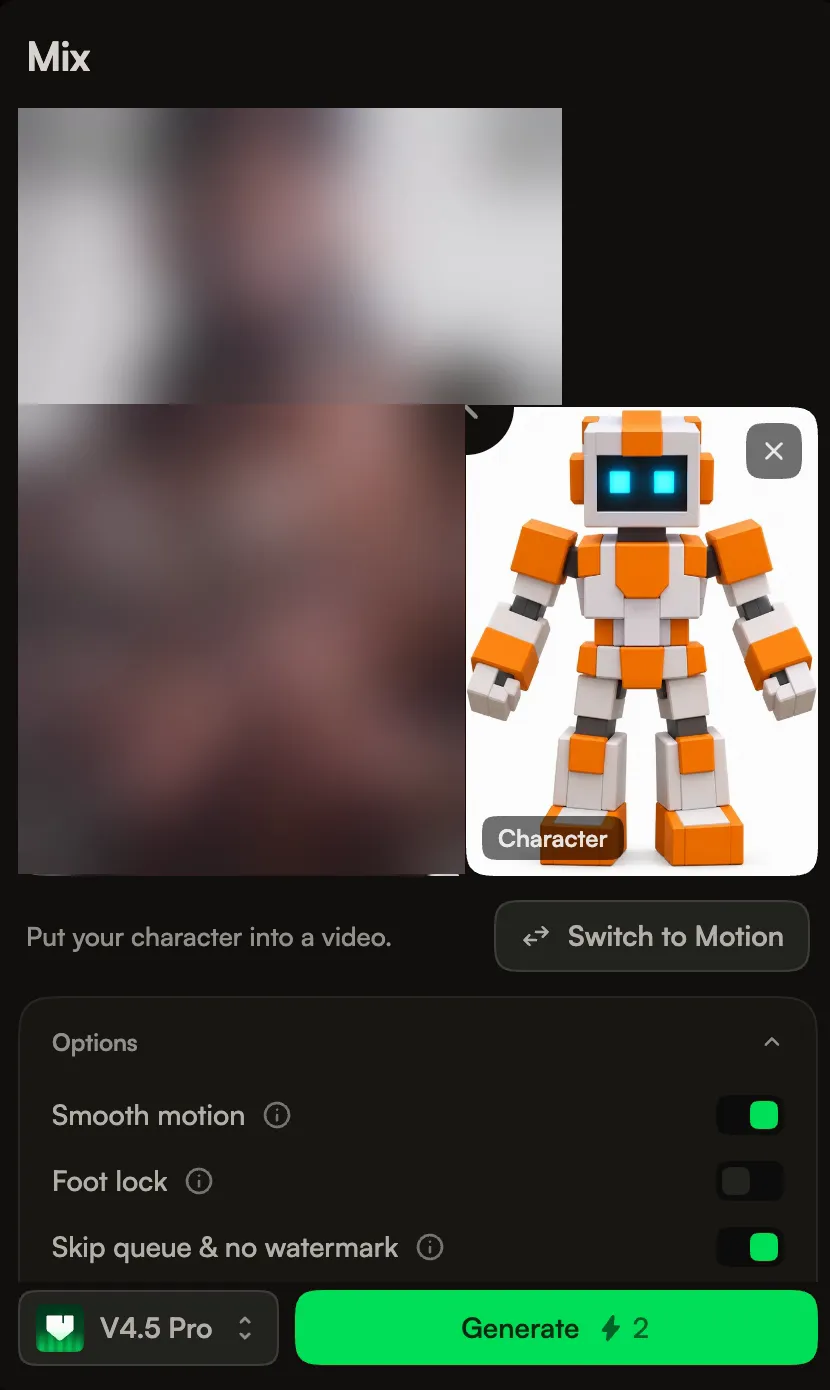
2. Upload a photo
Pick a photo with the whole body in frame and good light.
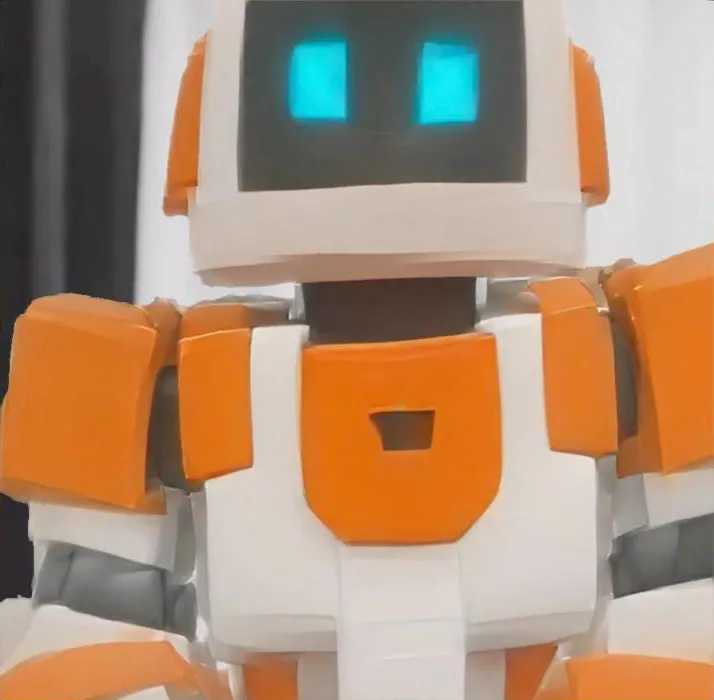
3. Generate and share
Viggle puts your character into the clip with the original moves and timing. Download it and post it to TikTok, Reels or Shorts.
What is the King Nasir meme?
Use this templateThe King Nasir dance grew out of TikTok's late-2024 GIFTok wave, where creators clipped short, repetitive moves into looping reaction videos and treated them like video-game emotes set to fast Jersey Club remixes.
People pair the loop with hyper-specific awkward captions ("when you send a risky text so you start doing random emotes") and swap anime characters, game avatars or friends into the clip. Worldwide searches peaked in spring 2026 and have stayed high since.
Tips for a better King Nasir Dance video
Use this templateUse a sharp upper-body shot
This template is a tight square frame focused from the chest up, so clear eyes, hair and shoulders matter more than shoes.
Keep the backdrop neutral
The original clip sits in front of plain white curtains. A clean input photo stops stray background shapes from bleeding into the edges.
Write a "when you..." caption
The loop works best as a reaction meme or Discord GIF with a one-line setup at the top of the frame.
King Nasir Dance AI FAQ
Use this templateIs it King Nasir or King Nasar?
Both spellings are used for the same dance meme. Search either one in Mix's Community and you get the same clips.
Do I need a full-body photo for King Nasir Dance?
Full-body works well, and a clean waist-up photo works too because the template is framed in a tight square above the waist.
How do I turn the result into a looping reaction GIF?
Download the MP4 from Viggle and drop it into our browser meme maker at viggle.ai/meme to add top text and export a looping GIF or clip.
Is the King Nasir Dance AI video free?
Yes. Viggle gives you daily free credits with no credit card required. Free exports carry a small watermark; paid plans remove it.
Can I use an anime character or 3D avatar?
Yes. Anime characters, 3D game avatars and mascots are the staple look for this emote trend.