How Viggle compares
Side-by-side breakdowns across motion control, character swap, video editing, and pricing, including when another tool fits better.
Try Viggle Free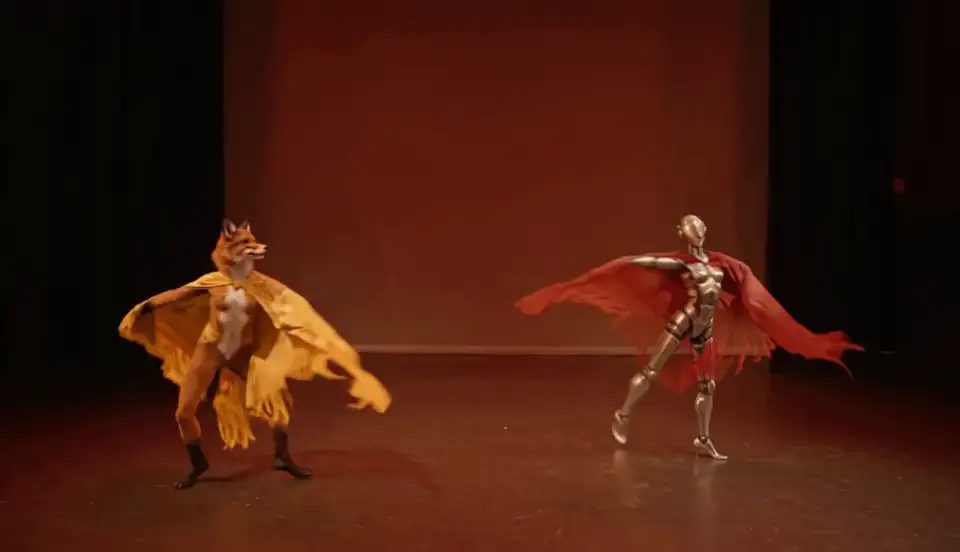
Viggle AI vs Kling AI
Both handle motion control and body swap. Compare precision on fast motion, full-body character insertion, multi-character swaps, green screen export, and cost.
Read comparison →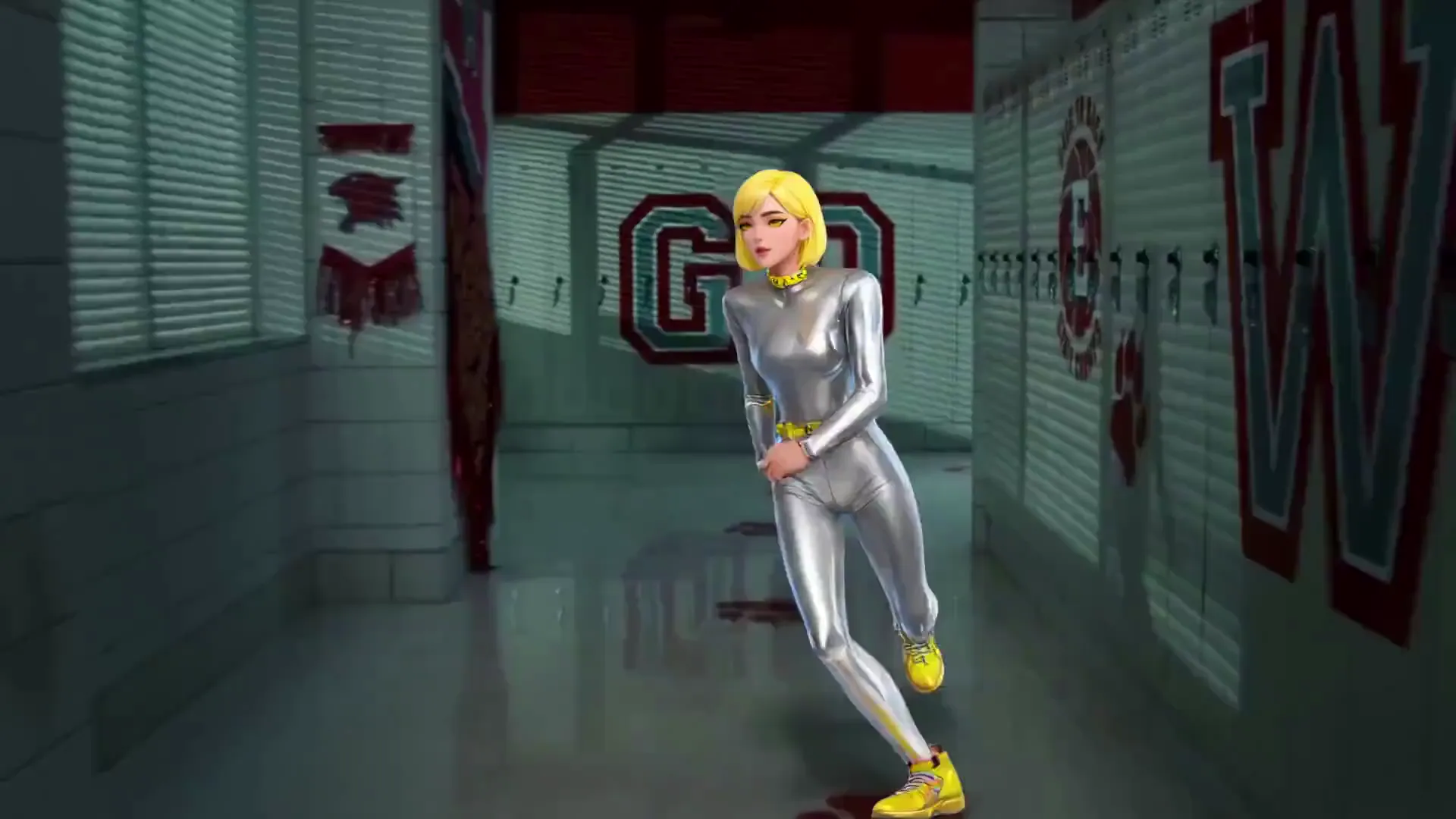
Viggle AI vs CapCut
CapCut edits footage you filmed and adds captions. Viggle makes full-body TikToks, Reels, and Shorts from one photo, and its green-screen exports drop straight into CapCut.
Read comparison →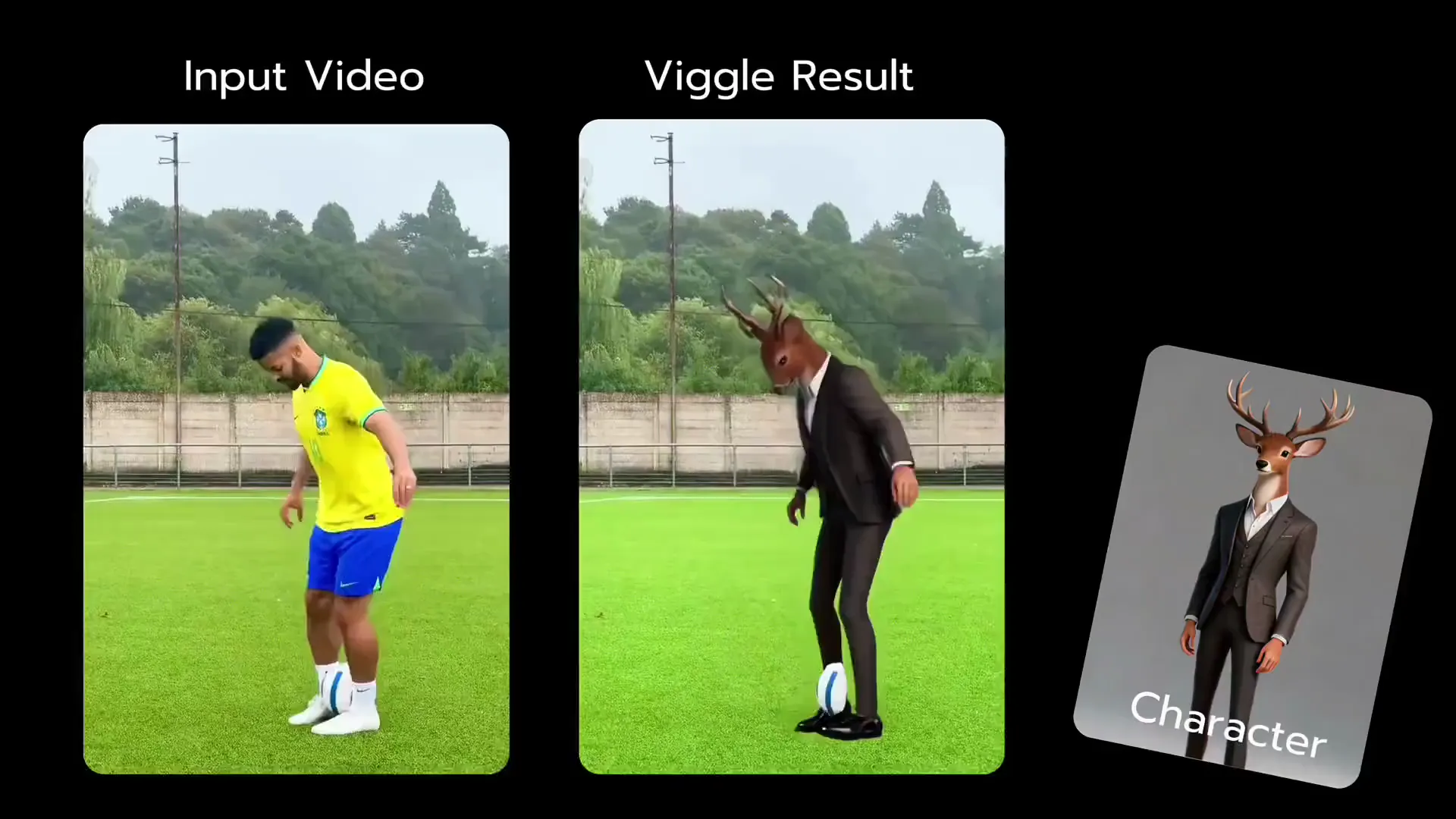
Viggle AI vs Higgsfield AI
Both offer motion control. Higgsfield adds camera presets and a large model catalog; Viggle adds 10,000+ ready-made moves, swaps of up to 8 people, green screen, and free daily credits.
Read comparison →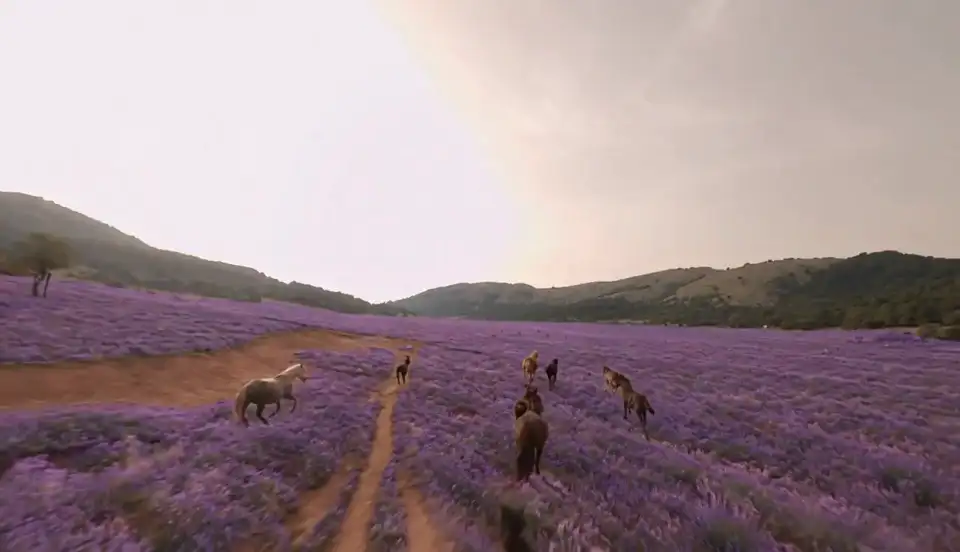
Viggle AI vs Runway
Act-Two maps a performance you film onto a character. Viggle starts from 10,000+ full-body moves, edits 5–60s clips in Remake, and exports FBX/GLB mocap through PINOC.
Read comparison →
Viggle AI vs HeyGen
HeyGen makes presenter videos and dubs them into other languages. Viggle avatars dance and act with the whole body, lip-sync in any art style with Mic and Rap, and stream live at 1–2s latency.
Read comparison →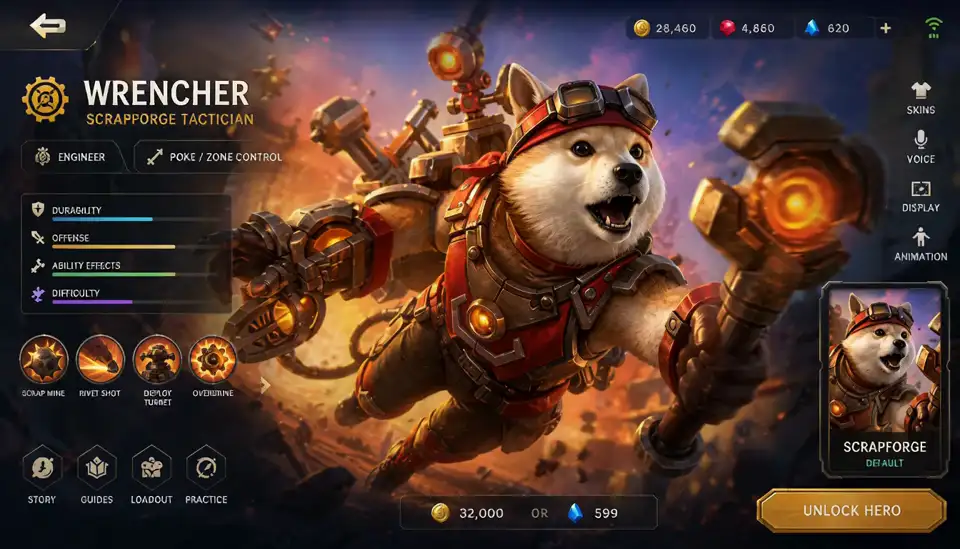
Viggle AI vs PixVerse
Prompt- and effect-led scene clips vs Viggle’s dual workflow: prompt-driven Video (Minimax H3, Veo 3.1, Seedance) plus exact JST-1 Mix motion transfer.
Read comparison →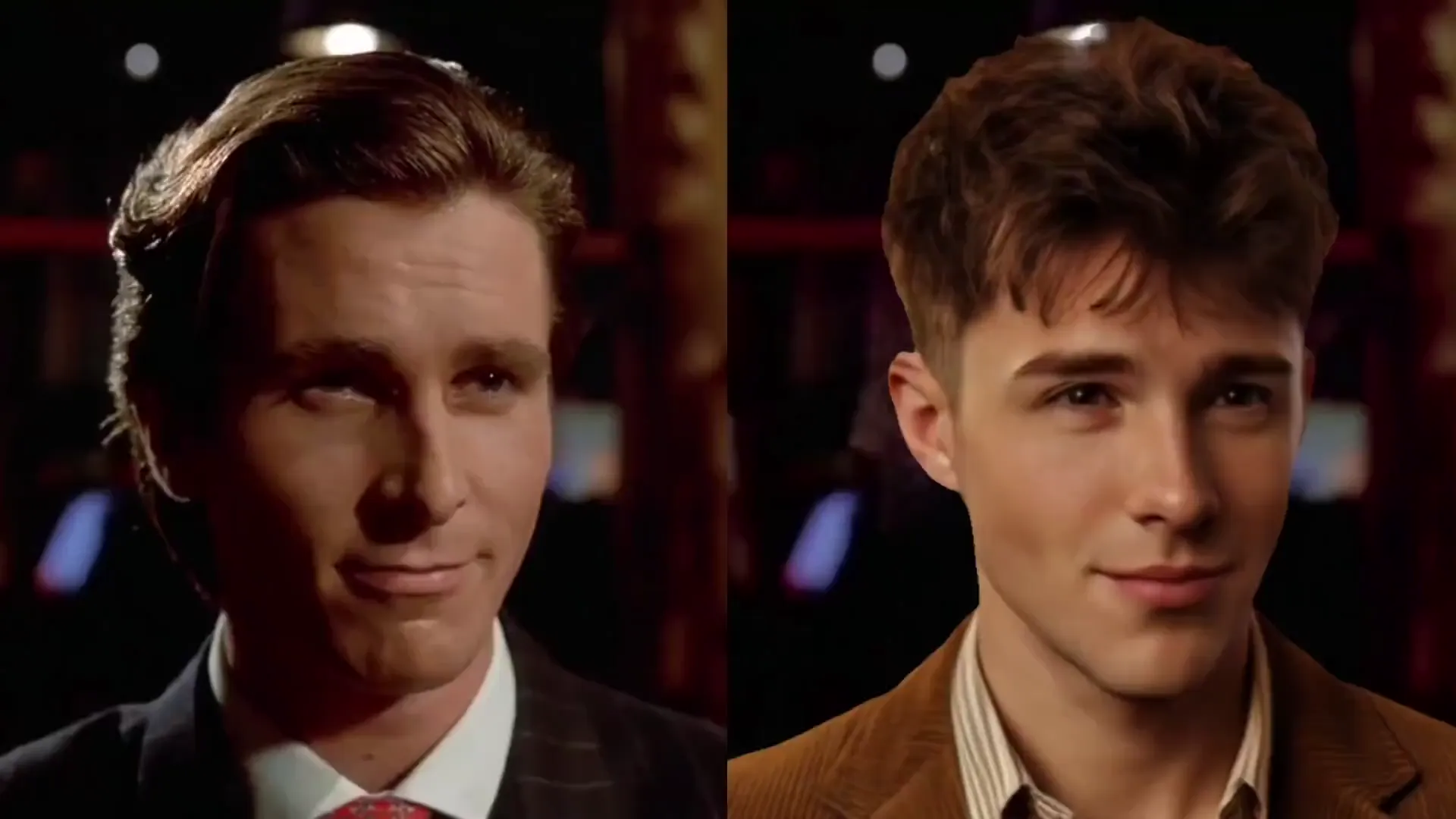
Viggle AI vs Reface
Face-only swaps on short clips and GIFs vs replacing the entire character — face, body, outfit, and full-body movement — in 10,000+ templates or your own clip.
Read comparison →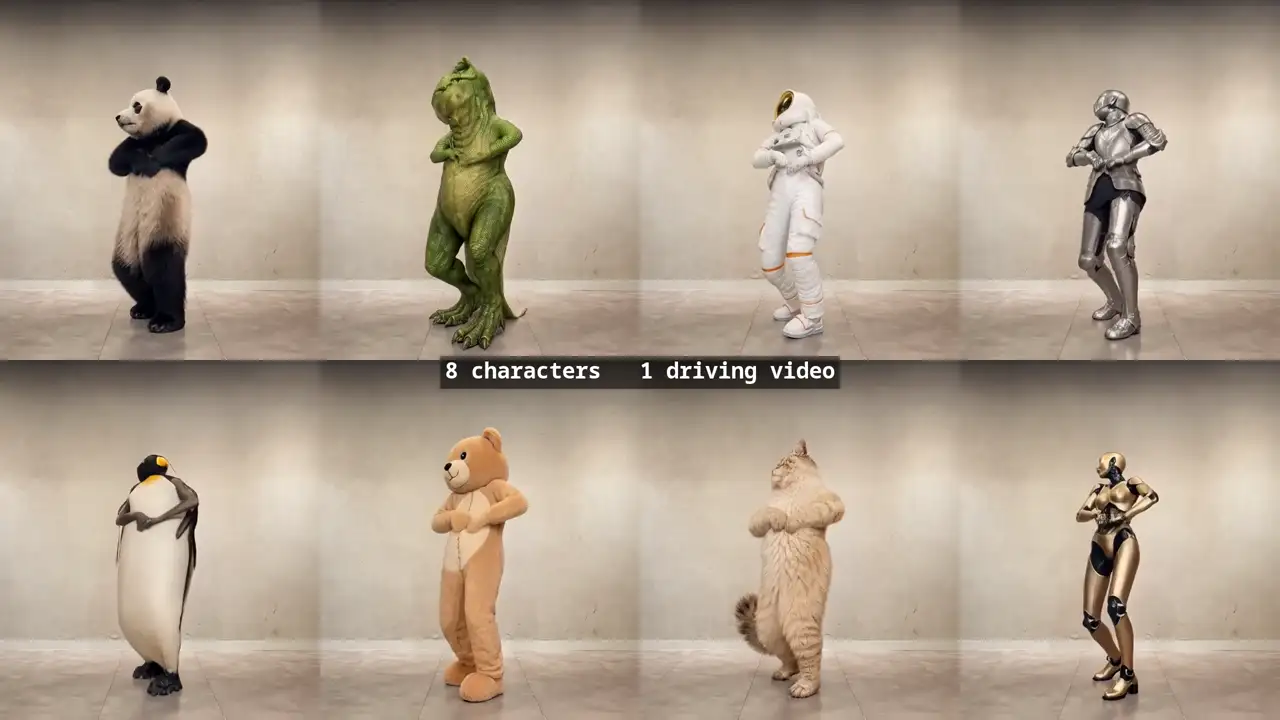
Viggle-Animate vs Wan Animate
Same B200 GPU, same 124-frame clip: 26s (3 forward passes) vs 160s (40 passes), with no pose skeleton, segmentation mask, or face tracker required.
Read comparison →More product benchmarks and hubs
Check Viggle Remake’s multi-character benchmark, see every AI model in one account, or browse all video tools.
Compares Viggle Remake against Artificial Studio, iSamurai, and RunComfy on cast size, length, and price.
Viggle RemakeEdit filmed footage by chat: recast, remove objects/signs, change sets, or restyle 5–60s clips.
All AI ModelsVeo 3.1, Seedance 2.5, Seedance 2.0, Minimax H3, and Viggle Remake in one account.
All AI Video ToolsBrowse all 31 dedicated tool workflows across Mix, Video, Remake, and Viggle Live.
Test Viggle on your own clip
Free daily credits for Mix and Minimax H3 Video — no credit card required.
Open Viggle