Trending AI Video Templates
The memes everyone is posting, with you in them.
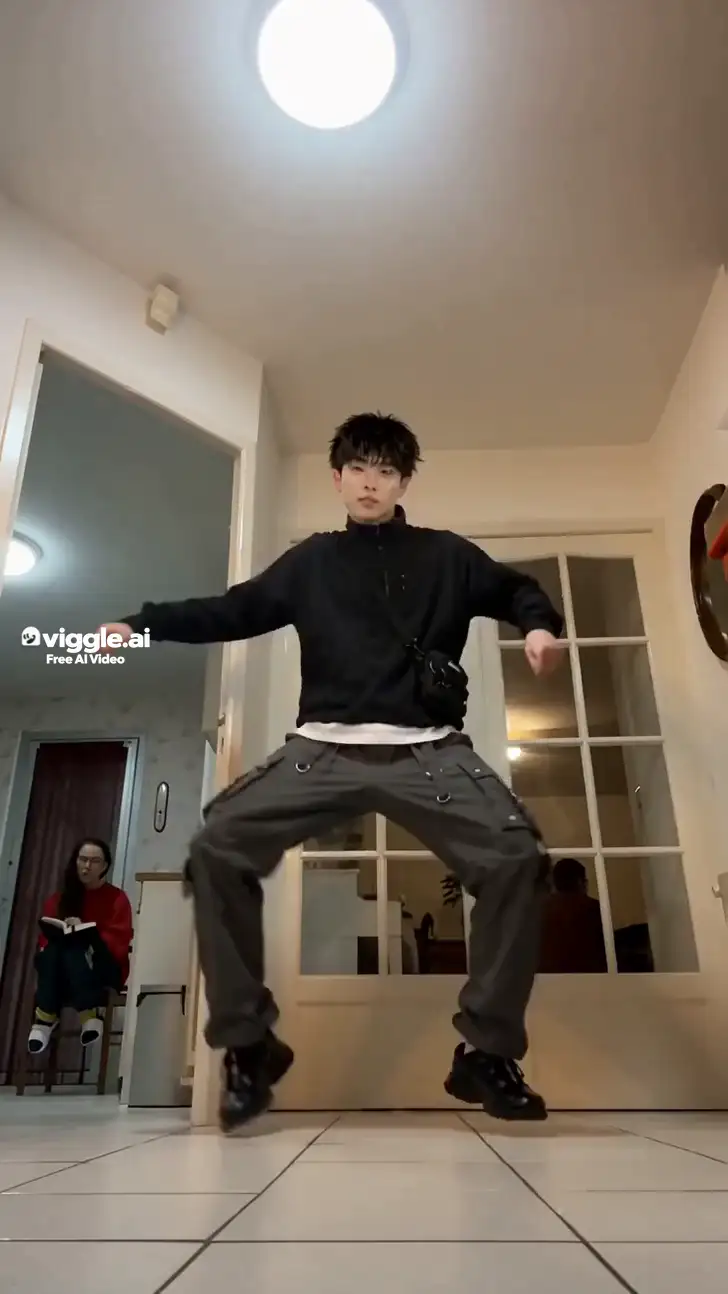
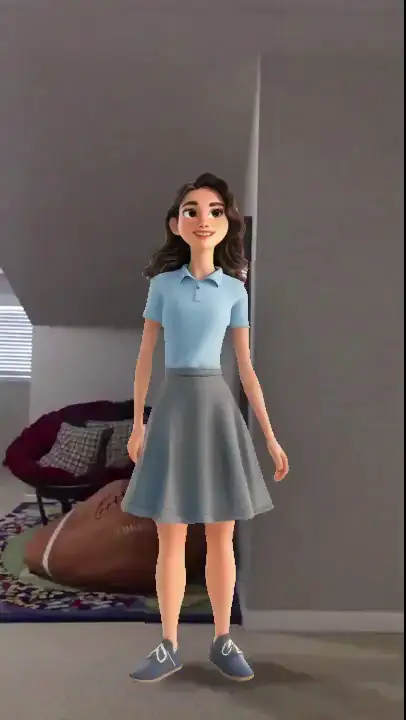
Pick a viral template, upload one photo and Viggle puts you, a friend, a pet or any character into the clip with the original moves.
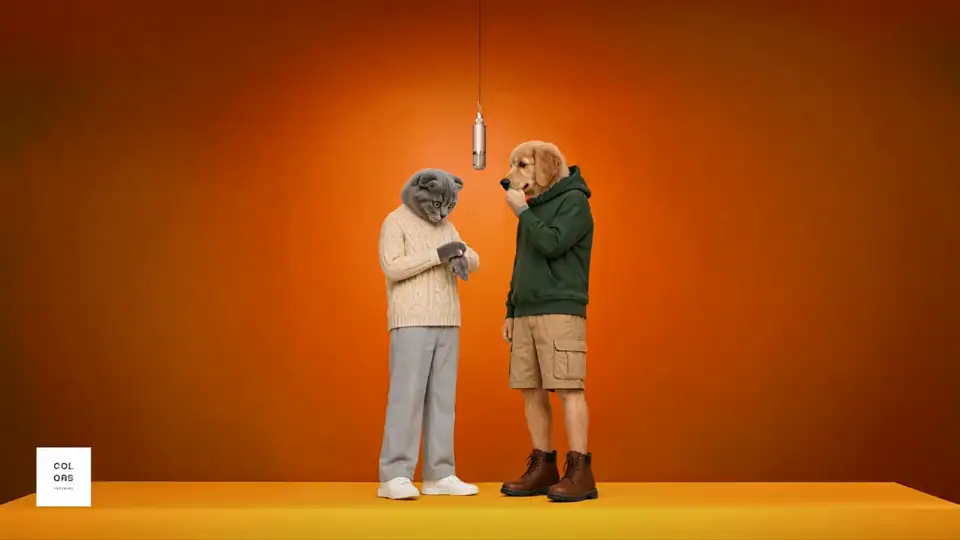
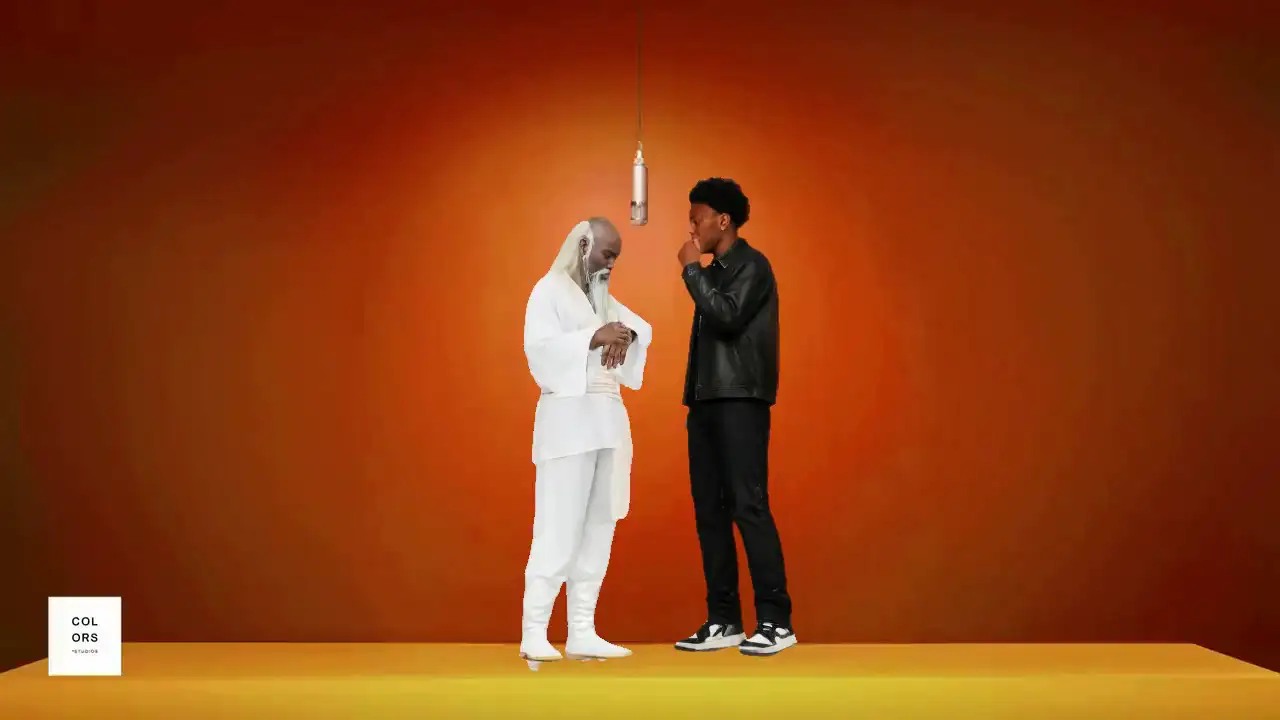
Viral video templates
The templates that took off on Viggle this year, each with its own how-to.
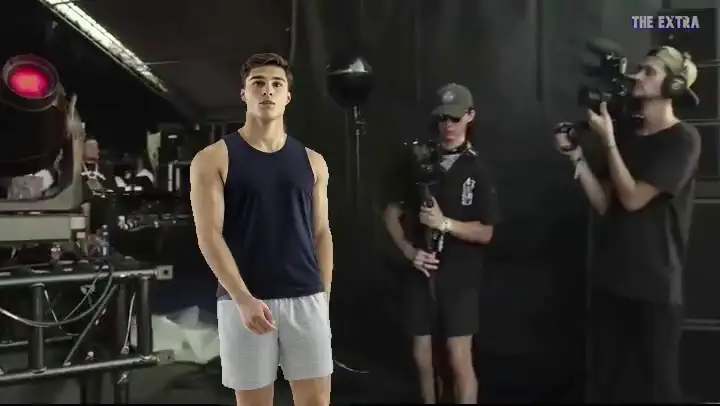
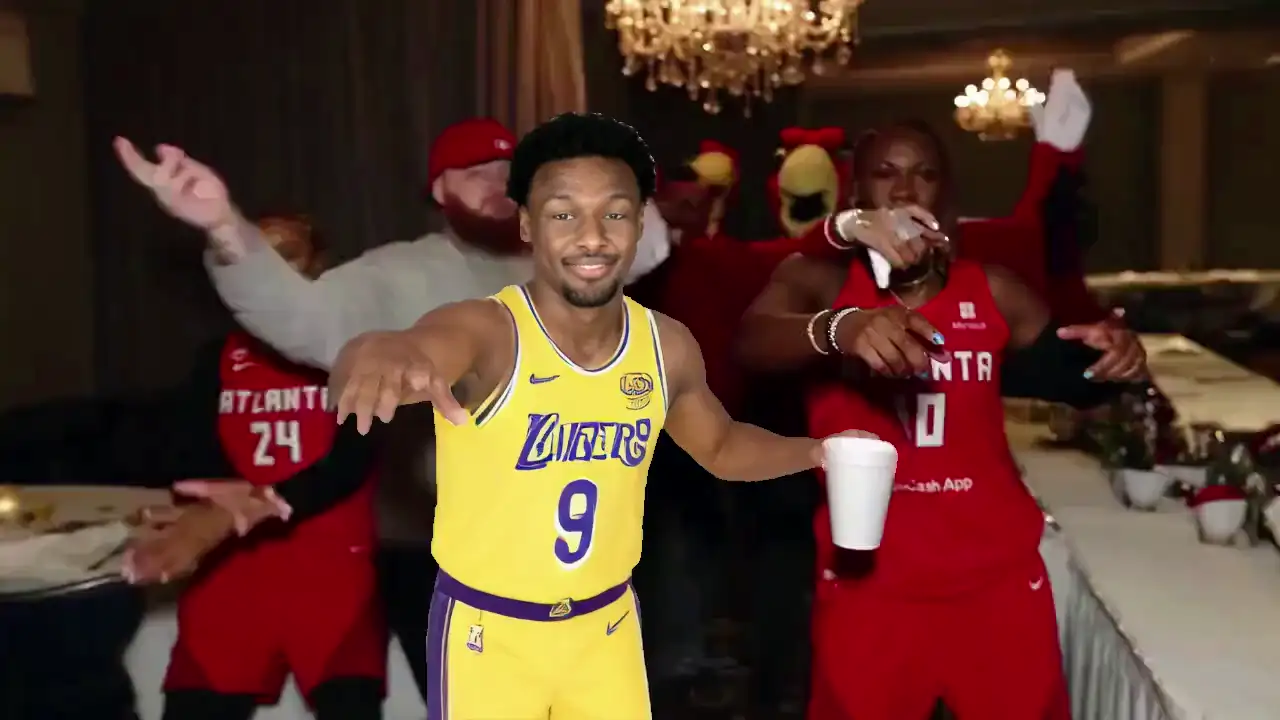
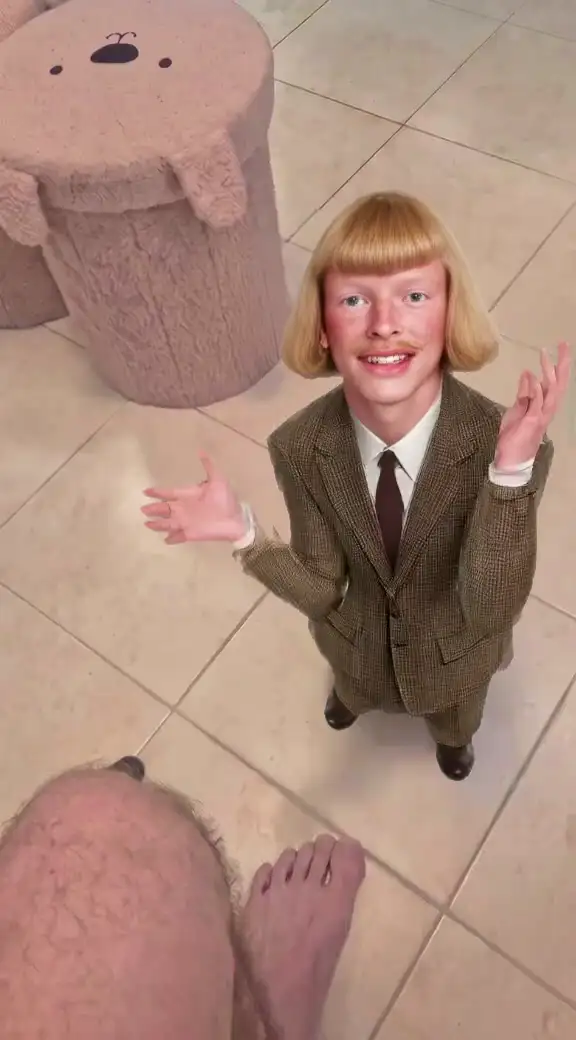
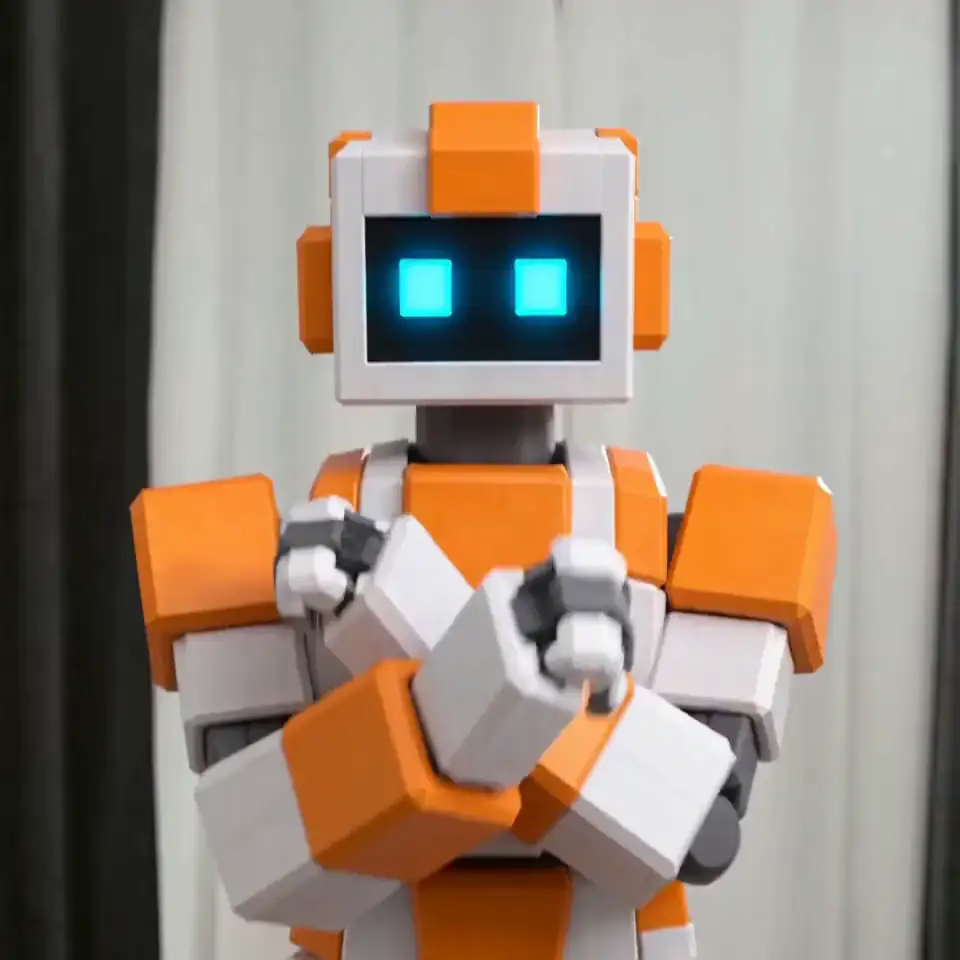
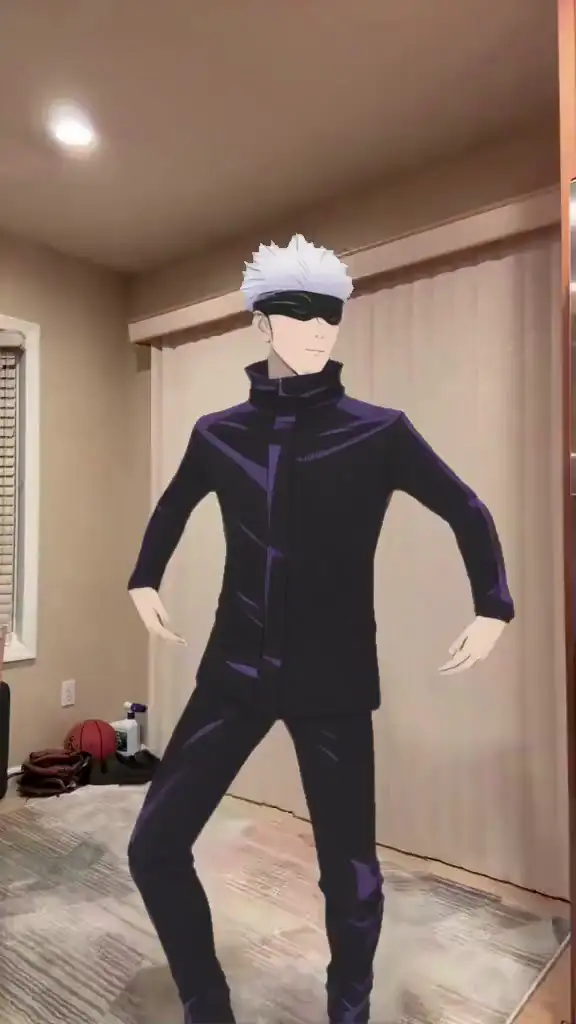
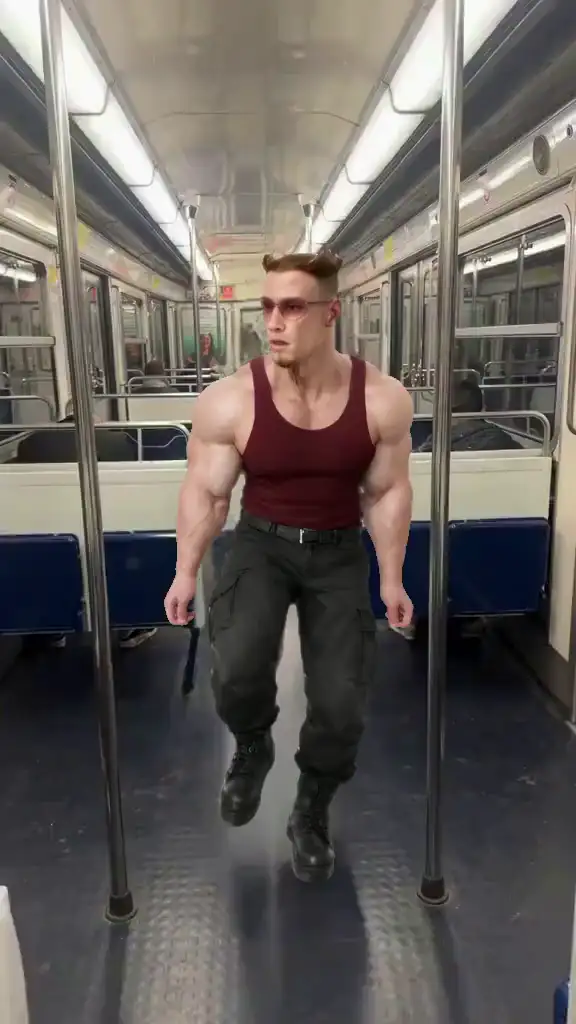
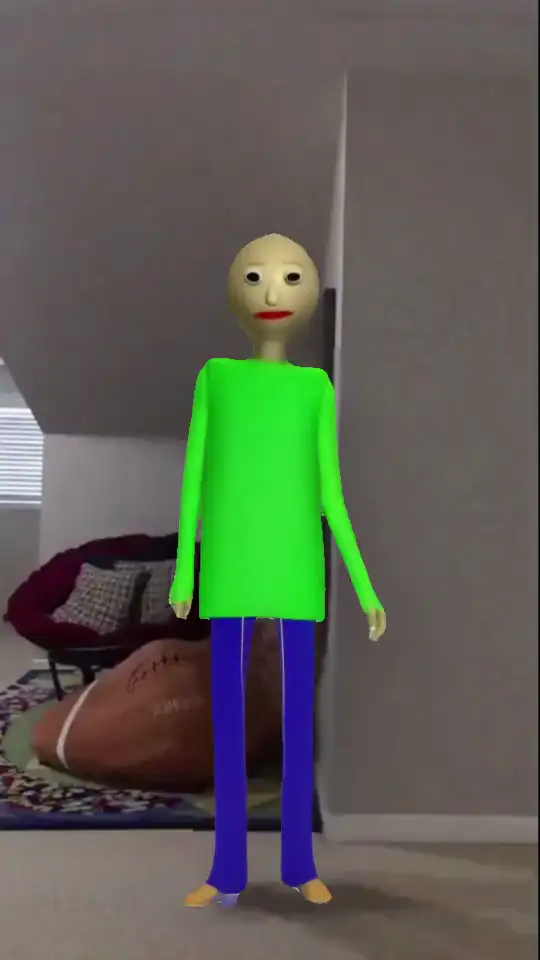
Trending templates this week
See more in the appRising right now. Tap one to try it.
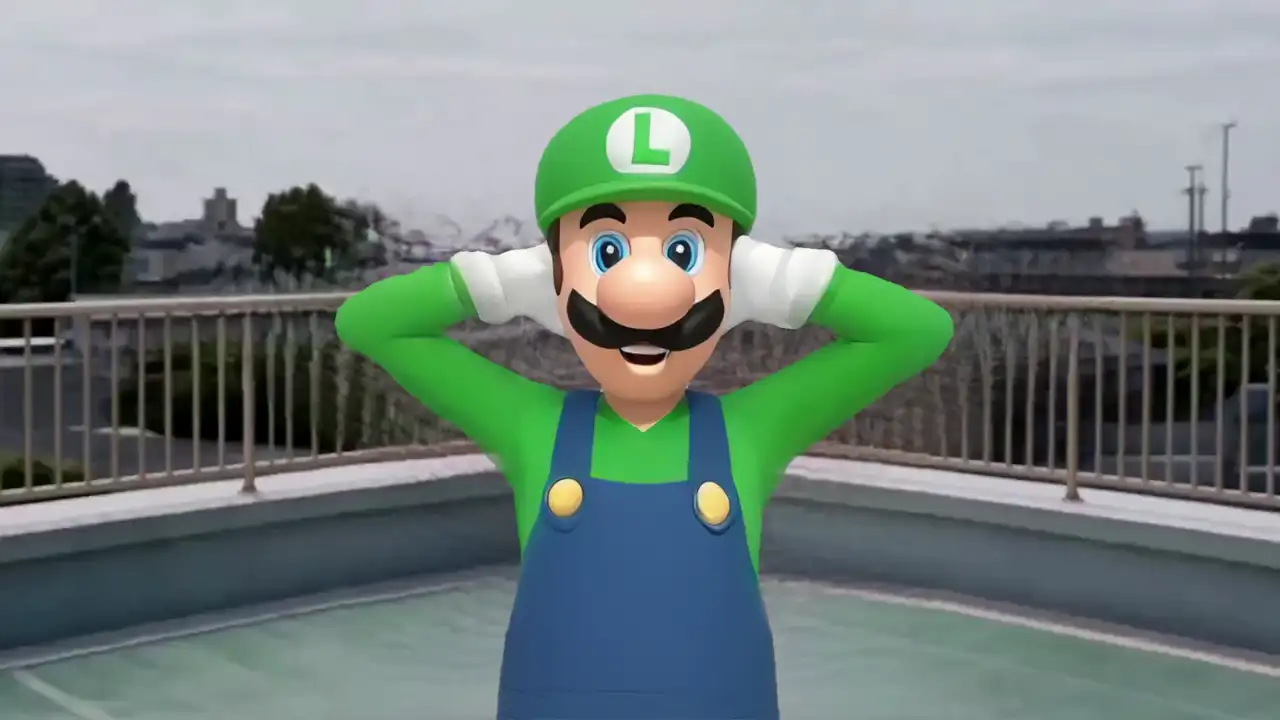

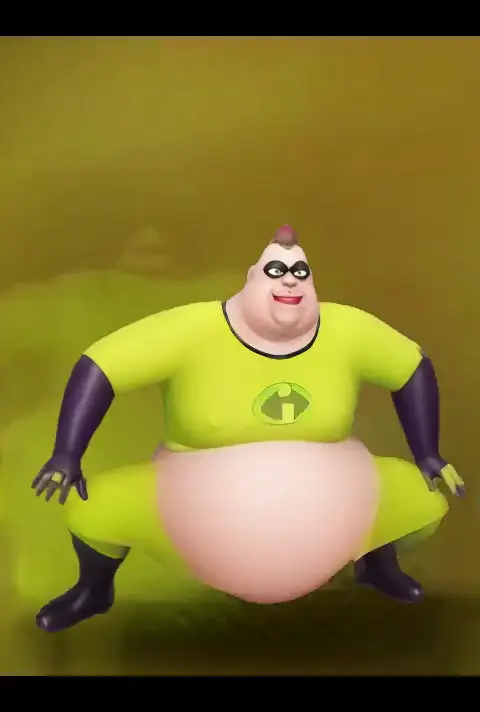
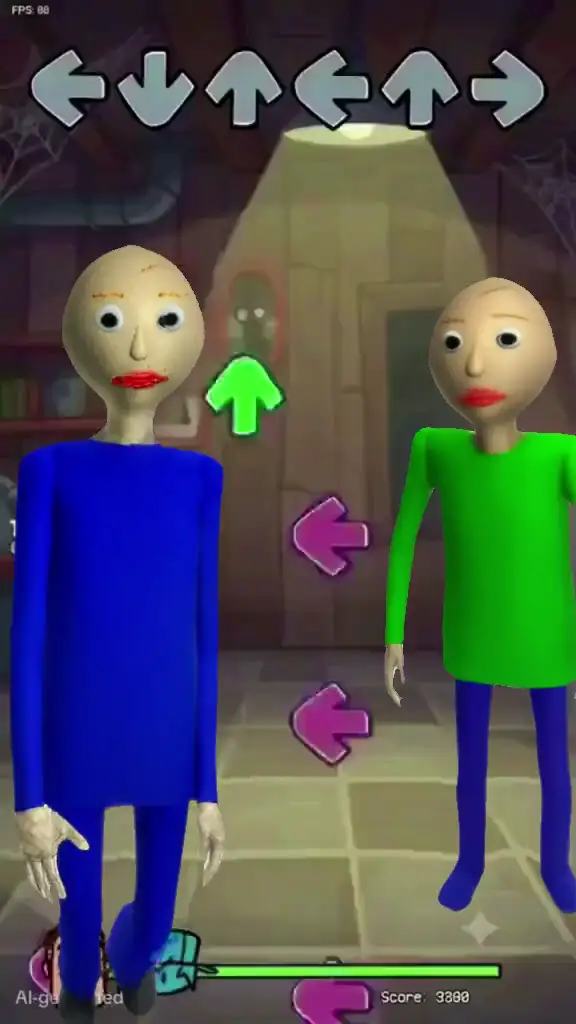
How to use a trending template
Browse all templatesThree steps, no editing skills.
1. Pick a template
Choose a viral hit above or browse thousands more in the Viggle app.
2. Upload a photo
A full-body photo of you, a friend, a pet or a character. Two-person templates ask for two.
3. Generate and share
Viggle keeps the moves and timing of the original. Download it or post it to TikTok, Reels or Shorts.
Trending templates FAQ
Browse all templatesAre the templates free?
Yes. Viggle gives you free credits that refresh daily, and no credit card is needed to start. Free videos carry a small watermark; paid plans remove it.
How often do new trends show up here?
We add a template here when it takes off on Viggle. The app gets new templates every day, so the newest ones are always there first.
How do I hear about new trending templates?
Sign up for Viggle and turn on product emails to get a short weekly email, "This week on Viggle", with the templates worth trying. You can turn it off from any email. This page is updated when a template takes off, too.
Can I use my pet or a cartoon character?
Yes. Any character with a clear full body works: pets, anime characters, 3D renders, mascots and drawings.
Do the templates work on my phone?
Yes. The templates work in the Viggle app on iPhone and Android and on the web at viggle.ai.