Cat Clap Meme Generator
Your cat, clapping on cue.
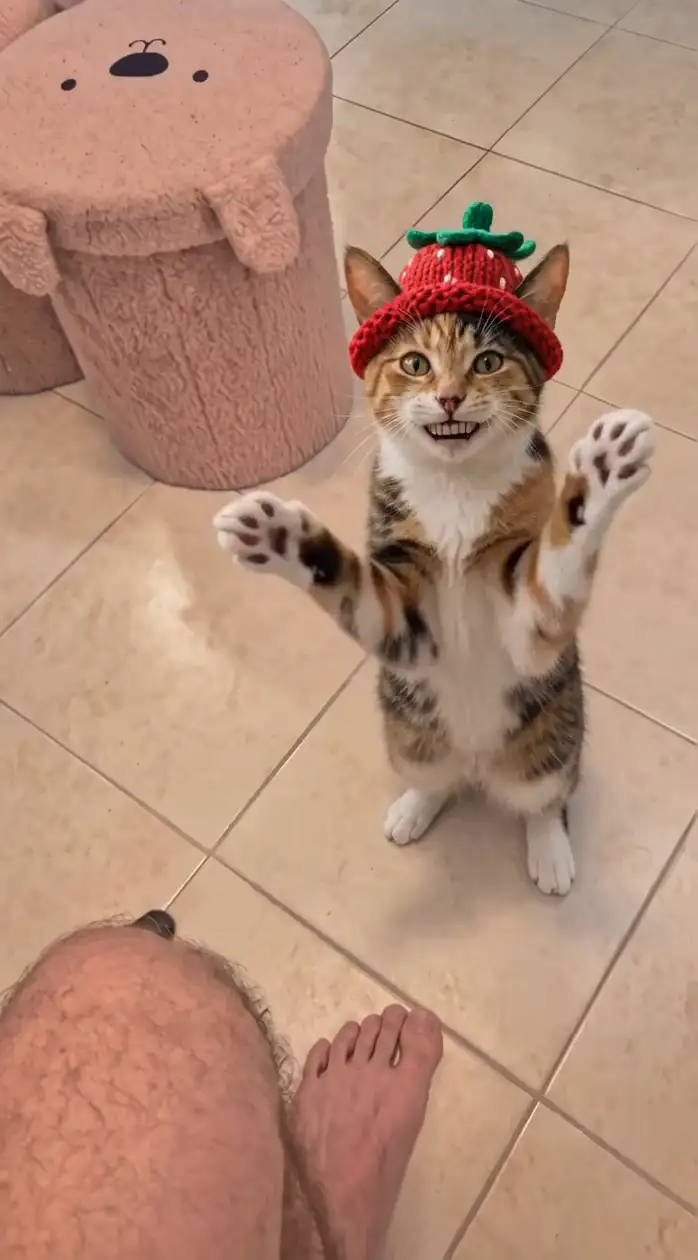
Upload a photo of your cat, yourself or any character, and Viggle makes it do the Cat Clap move from the meme.
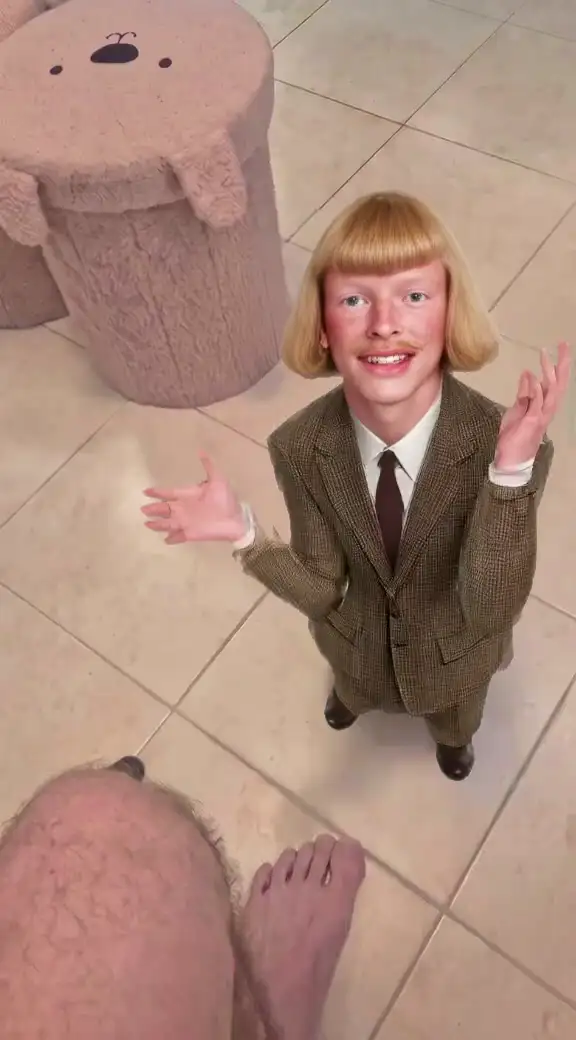
How to make the Cat Clap AI video
Use this templateThree steps, a few taps, no editing skills.
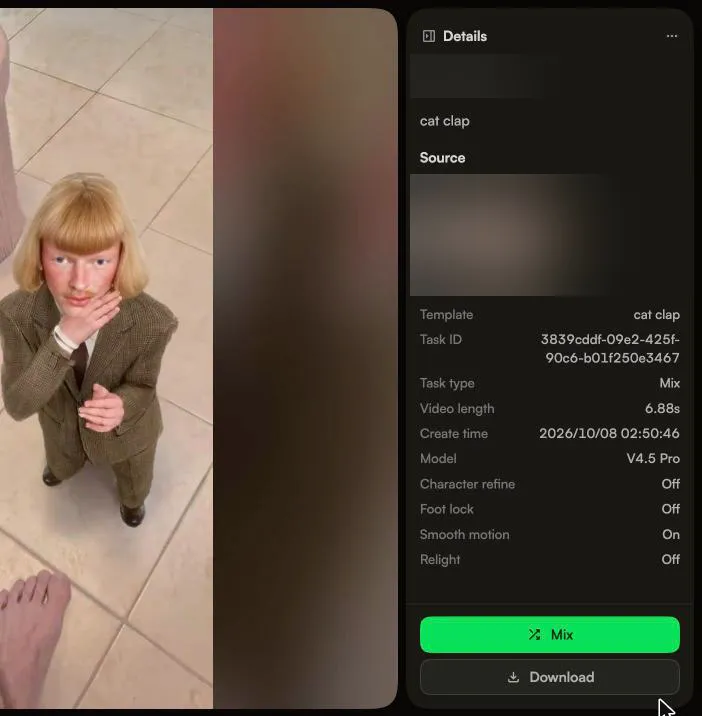
1. Open the Cat Clap template
Tap Use this template on this page to open Cat Clap in Viggle on the web. In the Viggle app, search for Cat Clap.
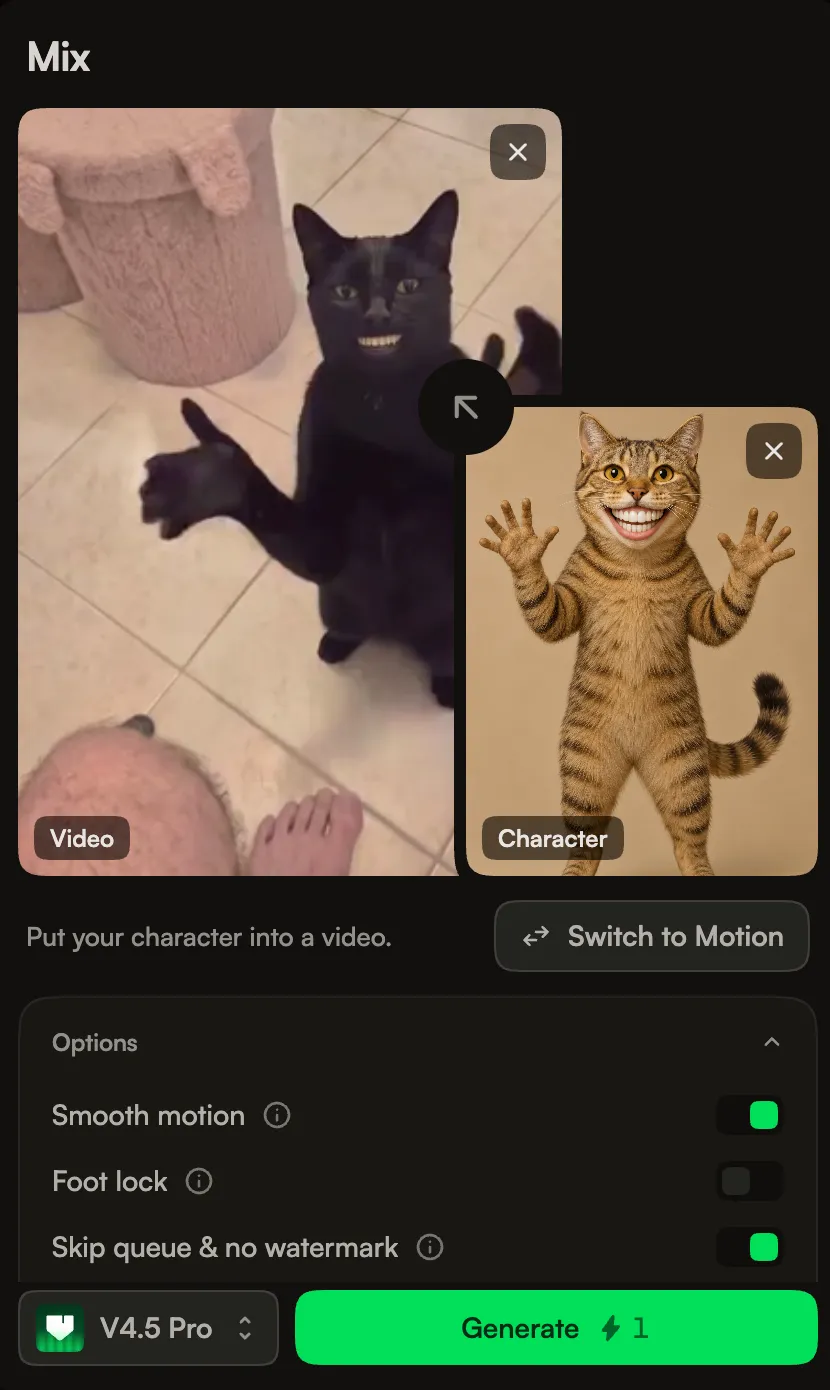
2. Upload a photo of your pet or yourself
Pick a photo of your pet or yourself with the whole body in frame and good light. Pets work best facing the camera.
3. Generate and share
Viggle puts your character into the clip with the original moves and timing. Download it and post it to TikTok, Reels or Shorts.
What is the clapping cat meme?
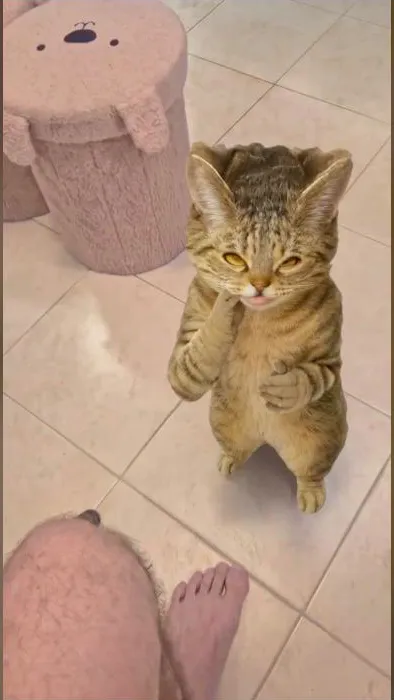
Use this templateCat Clap started in late September 2026 from a surreal clip posted by @merkurianin: a black cat with eerily human-like hands slowly clapping while staring straight up with a wide, knowing grin.
Internet users turned that slow clap into a sarcastic reaction meme, mockingly "congratulating" themselves or a friend for a bad decision, an awkward text or a minor disaster. Once searches for "cat clap meme" spiked in October 2026, pet owners started putting their own cats and dogs into the clap.
The Viggle template sits in the Pets collection, so it maps animal faces and paws cleanly as well as people.
Tips for a better Cat Clap video
Use this templateShoot your pet facing forward
A photo of your cat or dog sitting upright and looking at the lens gives the cleanest clap and eye contact from the top-down angle.
Use bright indoor light
Dark fur disappears in dim photos. Shoot near a window so the ears, eyes and markings stay sharp.
Pair it with a sarcastic caption
The slow clap lands best as a reply or reaction: "Me applauding myself for staying up until 3 AM again."
Cat Clap AI FAQ
Use this templateDoes it work with dogs, cats and plush toys?
Yes. Cats, dogs, rabbits, plush toys and people all work as long as the whole body is visible in the photo.
Why does the template angle look down from above?
The high-angle floor view matches the original viral clip, making your pet look like it is staring right up at you while clapping.
Is the Cat Clap AI video free?
Yes. Viggle gives you daily free credits with no credit card required. Free videos carry a small watermark; paid plans remove it.
Can I make it on my phone?
Yes. Pick a photo straight from your camera roll in the Viggle app on iPhone or Android, or open it on the web at viggle.ai.