Turn any video into anime or animation
Restyle every frame while the performance, camera, and audio stay.
Viggle Remake turns real footage or rough previs into anime, 3D animation, oil paint, or comic style — or flips a cartoon into live action.
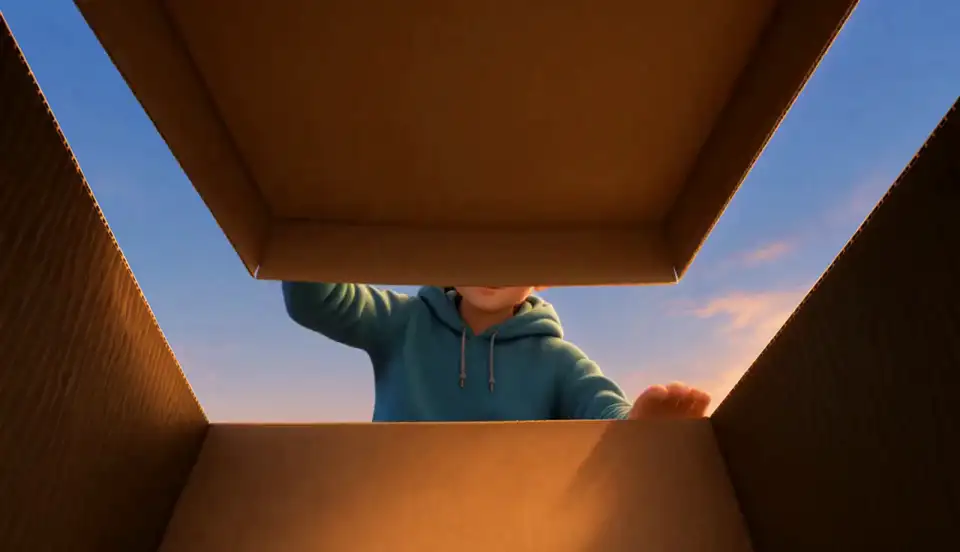
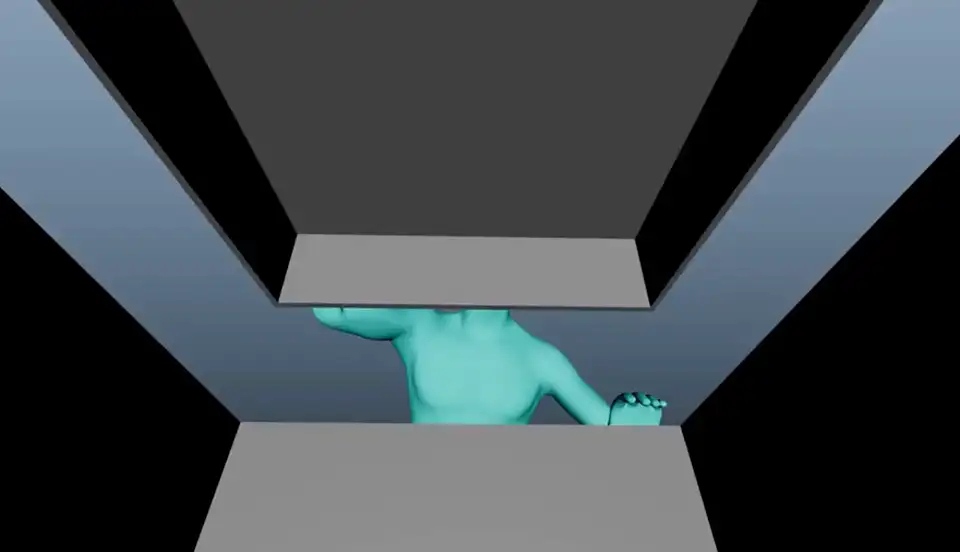
How to turn a video into anime or cartoon
Upload your videoDescribe the target style in Remake chat; turn on Ask first to see the plan and credit cost before rendering. Screenshots show the same Ask first flow on an object-removal edit.
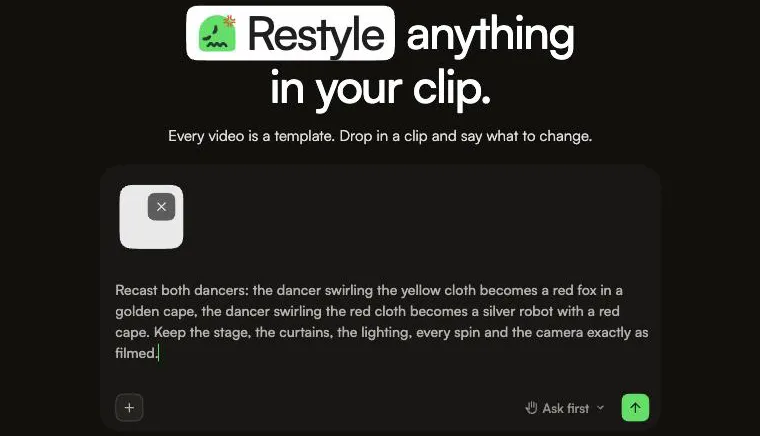
1. Upload a clip and name the style
Upload 5 to 60 seconds of filmed video, dance footage, or a 3D previs clip. Ask for anime, 3D animated film, comic book, oil paint, or live action — and attach a style reference image if you have one.
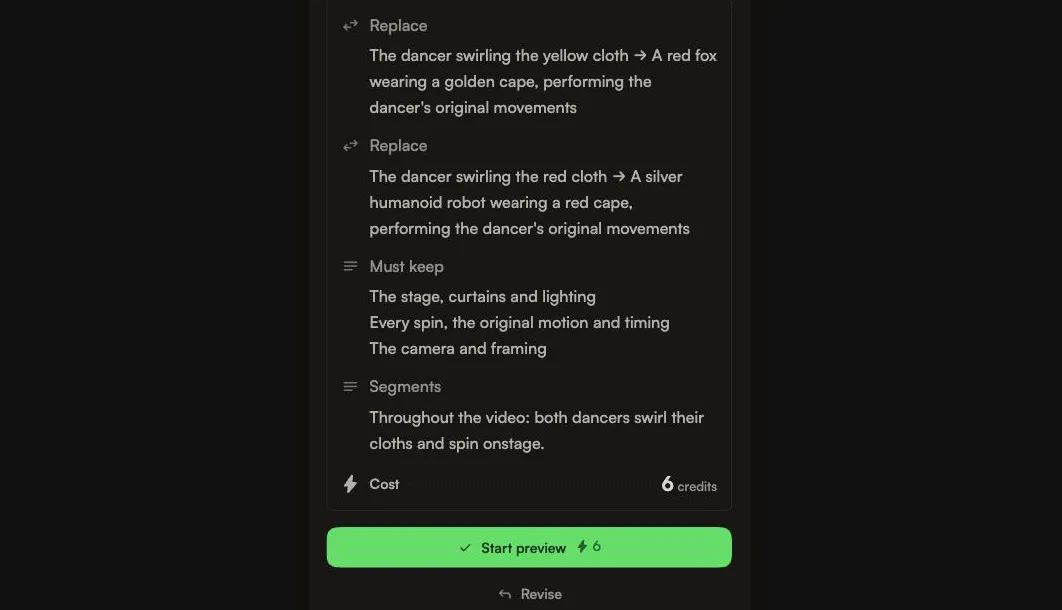
2. Review the plan and credit price
In Ask first mode, Remake confirms how it will restyle characters, lighting, and environment while locking your timing and camera moves, plus the exact credit cost.
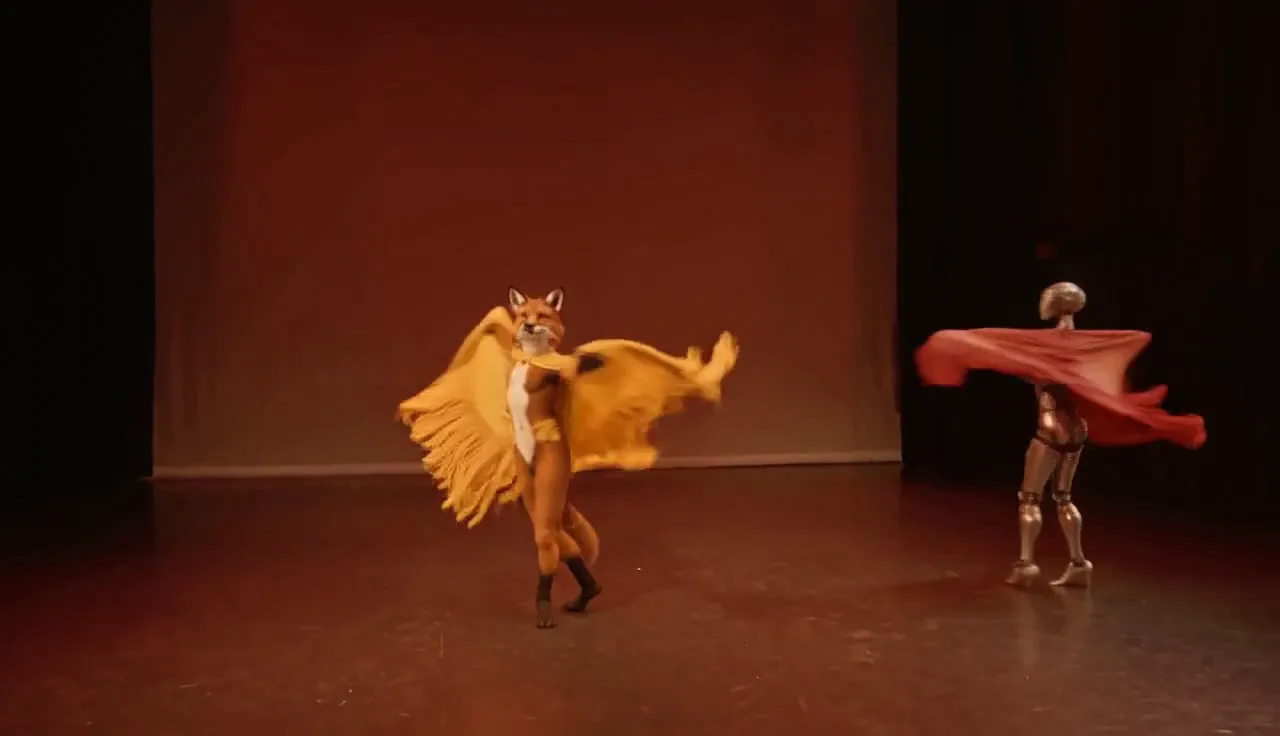
3. Compare versions and download
Check the stylized result against your original footage. Need bolder linework, softer shading, or a different palette? Revise right in the same chat.
From rough footage to oil paint, VFX, and stylized film
Try video style transfer
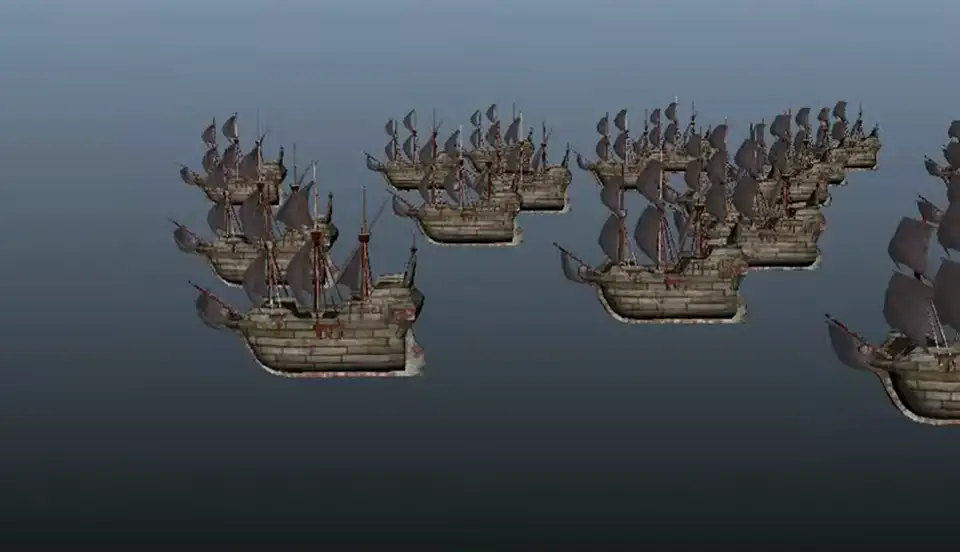
Remake keeps temporal consistency across motion and camera moves instead of flickering frame by frame like single-image filters.
Flip cartoon to live action or stylized materials
Transform your clip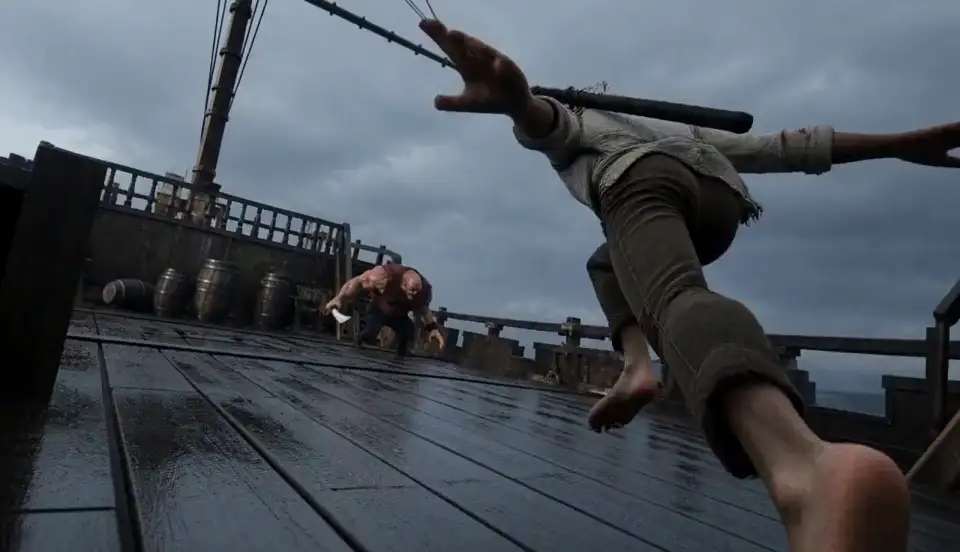
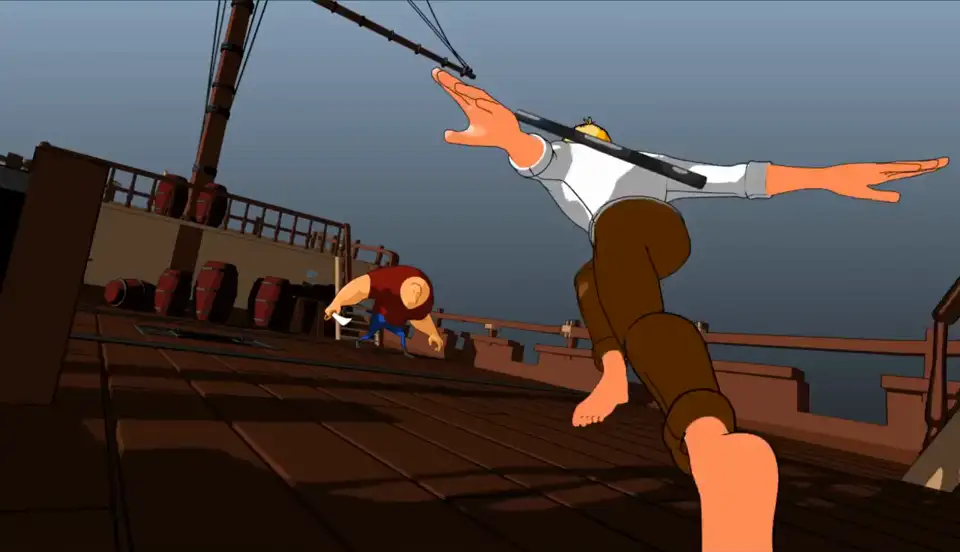
Style transfer works both ways: turn animated clips into realistic live-action shots, or turn a real dancer into liquid chrome.
Plans for AI video to anime & style transfer
Viggle Remake is included in Pro, Live, and Max plans (not on Free). Credits work across Remake, Mix, and Video models.
Pro
Was $9.99
$7.99
/month
For creators who make more.
Upgrade- Viggle Remake
- 80 credits/month
- Faster video generation
- Up to 4 video generations at once
- Limited Real-Time Swap sessions
- Permanent asset storage
- No watermark
- Unlimited Multi-Track sessions
- Larger motion video uploads
- All models except Seedance
Live
PopularWas $19.99
$15.99
/month
For faster workflows.
Upgrade- Viggle Remake
- 200 credits/month
- Faster video generation
- Up to 6 video generations at once
- Stream 6+ hours in Real-Time Swap
- Permanent asset storage
- No watermark
- Unlimited Multi-Track sessions
- Larger motion video uploads
- Access to all models
Max
Best valueWas $79.99
$63.99
/month
For video production at scale.
Upgrade- Viggle Remake
- 800 credits/month
- Faster video generation
- Up to 10 video generations at once
- Unlimited Real-Time Swap sessions
- Permanent asset storage
- No watermark
- Unlimited Multi-Track sessions
- Larger motion video uploads
- Access to all models
Ask first mode shows the exact credit cost before rendering. Paid plans start at $7.99/mo billed yearly.
What creators make with AI video restyling
Restyle your footageAnime edits for TikTok, Reels, and YouTube Shorts
Turn dance videos, cosplay clips, and street footage into anime or comic-book sequences with original music intact.
Previs and animatics to pitch-ready shots
Feed in rough 3D greybox renders or low-poly tests and bring back lit, stylized sequences for client decks.
Cartoon-to-live-action remakes
Reimagine animated scenes as live-action footage while preserving timing, framing, and voice acting.
Dial in the look without starting over
Open Viggle RemakeKeep revising the same clip in chat until the palette, outlines, and lighting match your reference.
Tune color and line weight
Ask for cel-shaded anime, vintage 90s grain, watercolor wash, or painted brushwork in follow-up turns.
Combine style with set changes
Restyle the video into anime and swap the street backdrop for neon Tokyo or fantasy ruins in the same chat.
Compare every take
Every revision stays in your chat history so you can compare looks before exporting.
Why use Viggle Remake for video to anime
Try video to animeTemporal consistency over 5 to 60 seconds
Built for multi-second sequences and camera cuts, keeping character faces and outfits coherent.
Prompt-driven styles, not fixed presets
Describe any art direction — 2D anime, Pixar-like animated film, comic ink, oil paint, or live action.
Original performance and sound stay locked
Your choreography, dialogue, and beat timing remain intact in landscape or 9:16 vertical exports.
Video to anime specs
Start in Remake| Spec | What it means for your clip | |
|---|---|---|
| Clip length | 5 to 60 seconds | Restyle complete shorts, dance clips, and multi-shot edits |
| Output resolution | 720p, 24 fps, landscape or 9:16 | Ready for vertical social feeds and widescreen pitches |
| Audio | Original track preserved | Music, beats, and speech stay synced to the restyled footage |
| Pricing transparency | Ask first credit quote | Review the edit plan and exact credit cost before rendering |
| Plans | Pro, Live, or Max | Included in every paid Viggle plan from $7.99/mo billed yearly |
Video to anime FAQ
Restyle a clip nowHow do I turn a real video into anime with AI?
Upload a 5 to 60-second video to Viggle Remake and describe the anime or animated-film look you want. Remake restyles every frame while keeping the original movement, camera motion, and audio.
What is the difference between Video to Anime and AI Cartoon Generator?
AI Cartoon Generator creates a new clip from a character image or text prompt (free daily credits on MiniMax H3 and Mix). Video to Anime (Viggle Remake) starts from footage you already filmed and transforms its visual style frame by frame on paid plans.
Can I turn a cartoon or 3D previs clip into live action?
Yes. Remake works in both directions: restyle live-action clips into anime, comic, or oil paint, or convert rough 3D previs and cartoons into finished animated or live-action looks.
Does my video keep its original audio after style transfer?
Yes. Original dialogue, sound effects, and music stay synced with the restyled video.
How much does video to anime cost on Viggle?
Viggle Remake is included in every paid plan (Pro, Live, and Max, starting at $7.99/mo billed yearly). In Ask first mode, Remake shows the credit price before it renders.