Drake Burning Bridges AI
Step into the party clip everyone remade.
Upload a photo and Viggle puts your character into the Drake Burning Bridges clip, moves and timing intact.
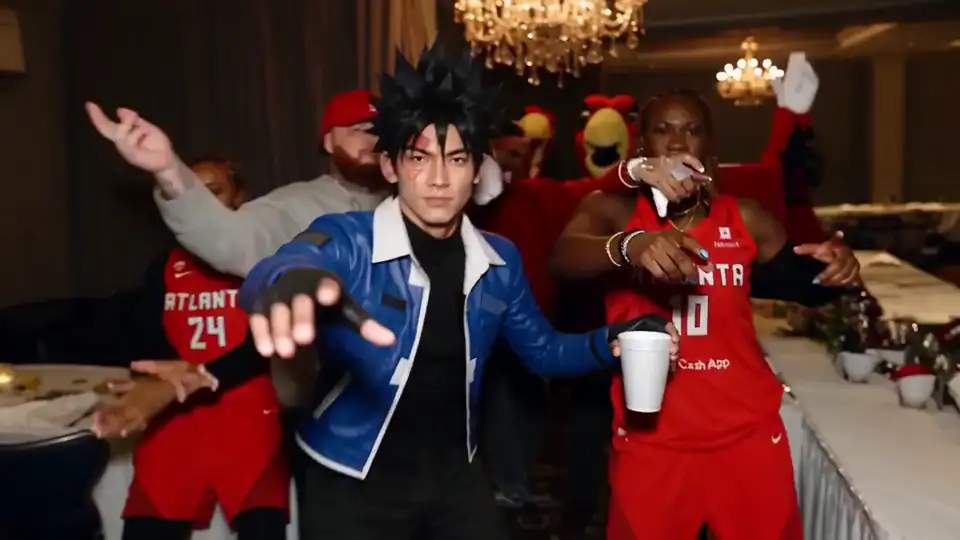
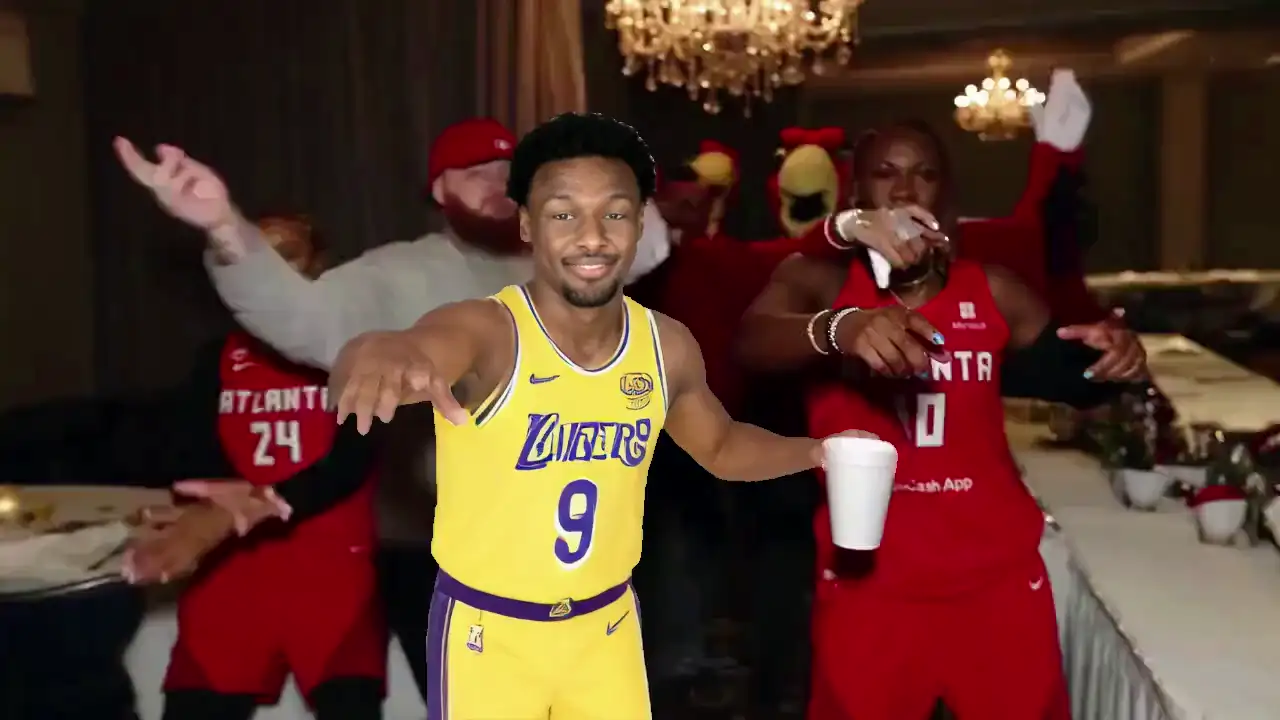
How to make the Drake Burning Bridges AI video
Use this templateThree steps, a few taps, no editing skills.
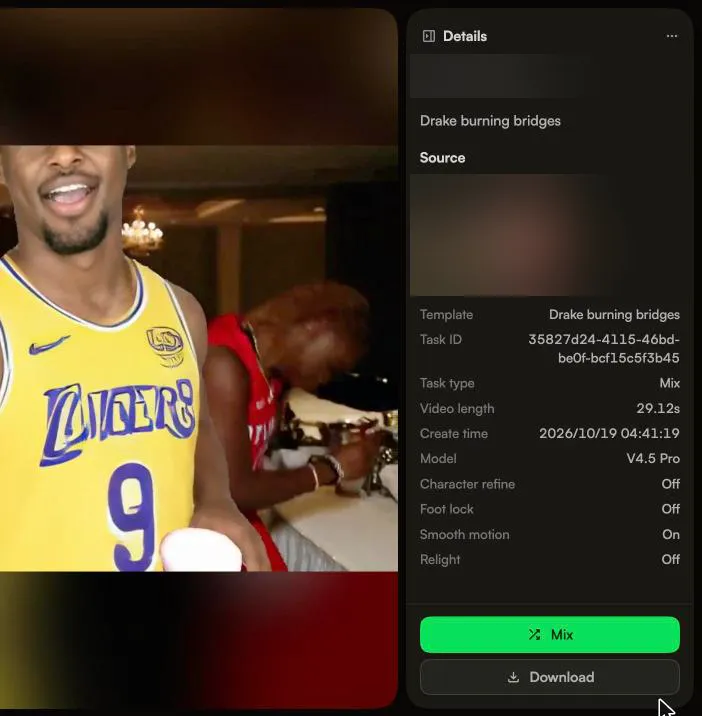
1. Open the Drake Burning Bridges template
Tap Use this template on this page to open Drake Burning Bridges in Viggle on the web. In the Viggle app, search for Drake Burning Bridges.
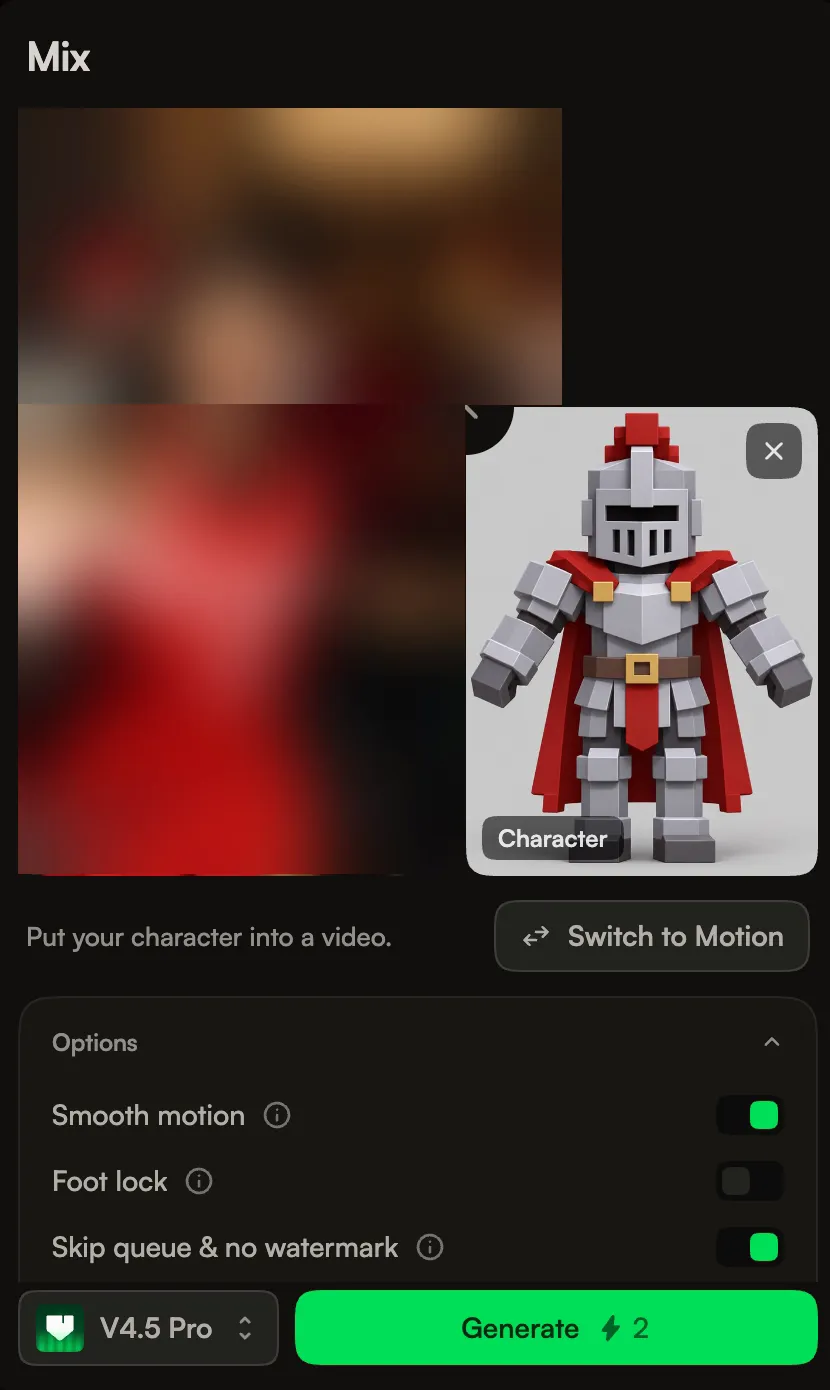
2. Upload a photo
Pick a photo with the whole body in frame and good light.
3. Generate and share
Viggle puts your character into the clip with the original moves and timing. Download it and post it to TikTok, Reels or Shorts.
What is the Drake Burning Bridges meme?
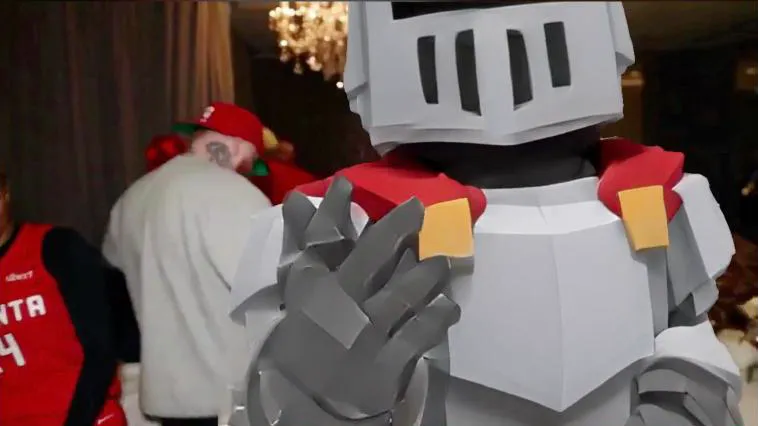
Use this templateThe clip comes from the second half of Drake's "Burning Bridges" music video from his May 2026 album Iceman. Shot handheld in a crowded dining room under crystal chandeliers, Drake holds a metal cup, points into the camera, and flattens one hand over his brow like a visor on the line "Where she at?" to scan the room.
In October 2026, AI remakes of that dining-room moment blew up on TikTok, with searches jumping roughly ninefold in a month. Creators pair the visor gesture with "Me looking for..." captions, turning a friend, pet or cartoon character into the person scanning a packed party for free food or the group chat.
Tips for a better Drake Burning Bridges video
Use this templateKeep hands and torso clear
The whole joke hinges on the visor-hand scan and cup hold, so upload a standing photo where the arms are not tucked behind the back.
Use warm or neutral light
The dining room is lit by warm chandeliers. Avoid harsh neon filters so your character blends naturally with the crowd around them.
Add a "looking for" caption
After exporting, add a one-line caption about what your character is scanning the room for before posting to TikTok or Reels.
Drake Burning Bridges AI FAQ
Use this templateDoes it replace everyone in the room or just the lead?
It replaces the main person in the center of the camera while keeping the crowd, chandeliers and party vibe around them.
How do I make the Drake Burning Bridges AI video?
Tap Use this template on this page, upload one clear photo of your character and hit generate. Viggle keeps the visor gesture, camera move and timing.
Is the Drake Burning Bridges AI video free?
Yes. Viggle gives you daily free credits with no credit card required. Free exports carry a small watermark; paid plans remove it.
Can I put a dog, cat or cartoon into the party?
Yes. Upright pets and bright anime characters stand out especially well against the warm party crowd.