Remove text from video with AI
Erase signs, lettering, and text in video cleanly — no blur boxes, no cropping.
Viggle Remake removes the text or sign you name in every frame, fills in the moving background behind it, and keeps the camera and audio untouched.


How to remove text from a video without blurring
Upload a videoName the sign or text to erase in Remake chat; turn on Ask first to check the credit cost before rendering. Screenshots show the same Ask first flow on an object-removal edit.
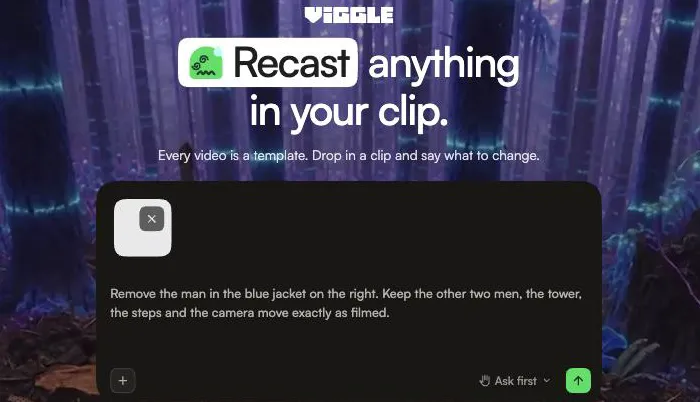
1. Upload your clip and name every text area to remove
Upload 5 to 60 seconds of video and tell Remake exactly which captions, signs, timestamps, or banners should go — and what else in the frame must stay.
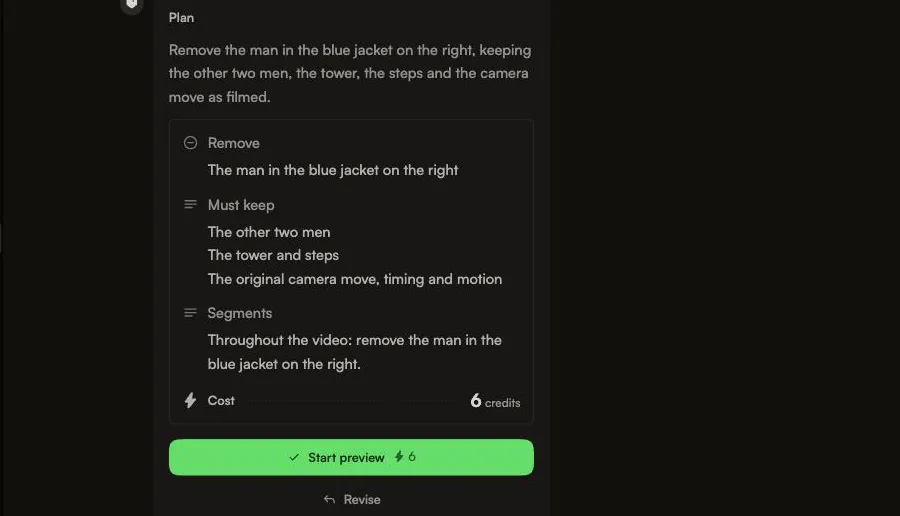
2. Review the edit plan and credit cost
With Ask first enabled, Remake replies with what it will erase, what stays untouched, and the credit price before it starts rendering.
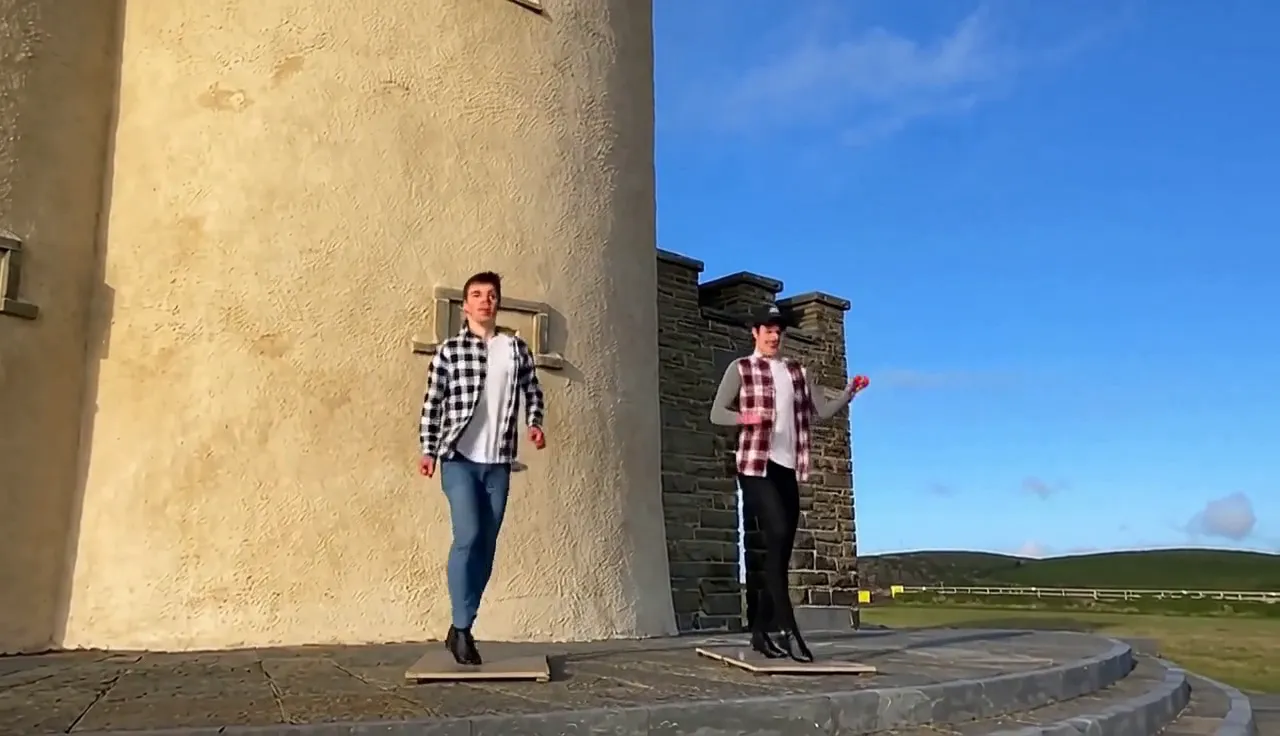
3. Check every frame and export clean video
Scrub the result against your original video. If a second sign or corner label still remains, point it out in the same chat and refine without re-uploading.
Clean reconstruction behind moving shots and fine details
Clean up your clip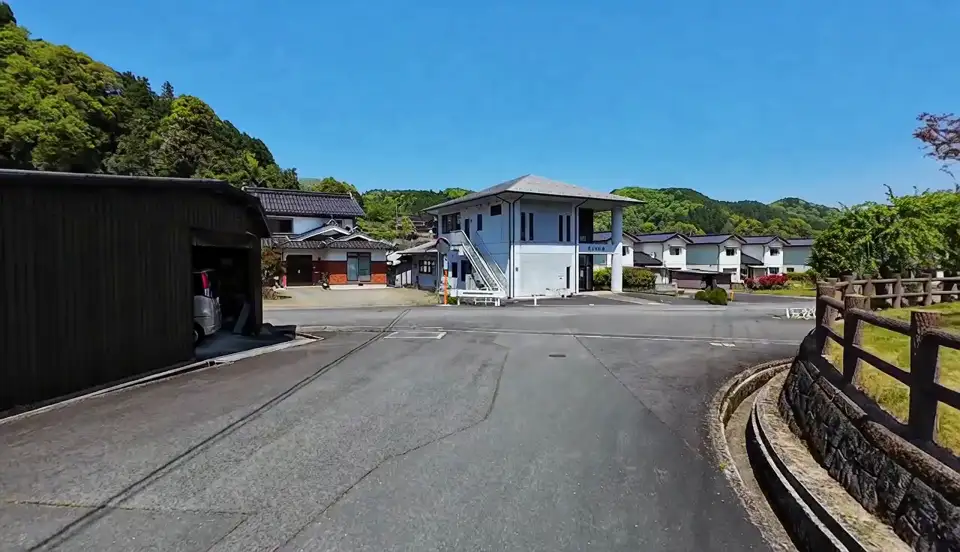
Traditional text removers smear pixels into a blurry smudge. Remake regenerates the actual texture behind wires, props, signs, and moving camera shots.
Plans and credits for removing text from video
Viggle Remake is included in Pro, Live, and Max plans (not on Free). Credits are shared across every Viggle tool.
Pro
Was $9.99
$7.99
/month
For creators who make more.
Upgrade- Viggle Remake
- 80 credits/month
- Faster video generation
- Up to 4 video generations at once
- Limited Real-Time Swap sessions
- Permanent asset storage
- No watermark
- Unlimited Multi-Track sessions
- Larger motion video uploads
- All models except Seedance
Live
PopularWas $19.99
$15.99
/month
For faster workflows.
Upgrade- Viggle Remake
- 200 credits/month
- Faster video generation
- Up to 6 video generations at once
- Stream 6+ hours in Real-Time Swap
- Permanent asset storage
- No watermark
- Unlimited Multi-Track sessions
- Larger motion video uploads
- Access to all models
Max
Best valueWas $79.99
$63.99
/month
For video production at scale.
Upgrade- Viggle Remake
- 800 credits/month
- Faster video generation
- Up to 10 video generations at once
- Unlimited Real-Time Swap sessions
- Permanent asset storage
- No watermark
- Unlimited Multi-Track sessions
- Larger motion video uploads
- Access to all models
Removing the red lantern in the clip above cost 8 credits. Turn on Ask first to check your exact quote before rendering. Pro starts at $7.99/mo billed yearly.
What text and signage creators clean up with Remake
Remove text nowStreet signs, banners, and lettered props
Clear distracting signage, shop banners, or accidental brand lettering from outdoor shoots and B-roll while keeping adjacent signs you want.
Burned-in captions and old subtitles
Describe old captions on your own footage when re-editing for another language — results vary by font and backdrop, so use Ask first to review the edit plan and credit quote before rendering.
Draft overlays, timestamps, and corner labels
Clean up your own exported drafts, camera date stamps, or temporary title cards while preserving audio and aspect ratio.
Clean every detail in the same chat
Open Viggle RemakeRemake only removes what you ask for — unmentioned signs stay untouched until you name them. Follow up in the same thread to finish the cleanup.
Target specific signs only
Erase one banner or caption while keeping the rest of the storefront or scene intact.
Remove objects in the same pass
Clear text overlays along with background wires, passersby, or clutter in one workflow.
Keep every revision
Compare versions side by side and download the cleanest cut.
Why use Viggle Remake instead of a blur box
Try AI text removalRebuilds real background texture, not blur
Inpainting fills in moving faces, clothing, roads, and sky behind text instead of leaving an obvious smudge.
No manual masking or keyframes
Describe what to erase in plain English or Chinese — even when text moves with the camera or a swinging object.
Up to 60 seconds, landscape or 9:16
Works on full TikToks, Reels, Shorts, and widescreen clips with your original audio kept intact.
Video text remover specs
Start in Remake| Spec | What it means for your clip | |
|---|---|---|
| Clip length | 5 to 60 seconds | Covers full short-form edits and multi-cut clips |
| Output format | 720p, 24 fps, landscape or 9:16 | No forced crop or aspect-ratio distortion |
| Audio | Original track preserved | Voiceover and background music stay synced |
| Before rendering | Ask first plan and price | See the exact credit cost before anything runs |
| Plans | Pro, Live, or Max | Included in every paid plan from $7.99/mo billed yearly |
Remove text from video FAQ
Clean your video nowHow can I remove text, signs, or captions from a video without blurring?
Upload a 5 to 60-second clip to Viggle Remake and name the sign, lettered prop, or caption to erase. Remake rebuilds the background across frames without blur boxes. The demo above removes a physical lettered lantern; flat burned-in captions vary by font and backdrop, so turn on Ask first to check the plan and credit quote before rendering.
Can it remove moving signs or lettered objects in the scene?
Yes. Remake tracks motion across the clip, so it can remove a swinging lettered lantern, street sign, or moving prop while leaving the rest of the scene intact.
Will it remove other signs I want to keep in the background?
No. In our night-market test, naming only the red lettered lantern removed the whole lantern while keeping adjacent shop signs untouched. Be specific about what should go and what should stay.
Can I use this to remove watermarks from my own drafts or exports?
You may clean up text, date stamps, or overlays on footage you own or have permission to edit. Do not use Viggle to remove third-party copyright watermarks without authorization; Viggle exports are already watermark-free on paid plans.
How many credits does removing text or signs from a video cost?
Viggle Remake is included on Pro, Live, and Max plans (from $7.99/mo billed yearly). As a concrete data point, removing the lettered lantern in the demo clip above cost 8 credits. Actual credits depend on clip length and edit scope, and Ask first mode shows the exact quote before rendering.