Viggle AI vs Higgsfield AI
Both run motion control and hosted video models. Higgsfield leans on cinematic camera presets and a large model catalog. Viggle starts from 10,000+ ready-made dance and meme moves, swaps up to 8 people in one clip, and gives free credits every day.
Viggle AI
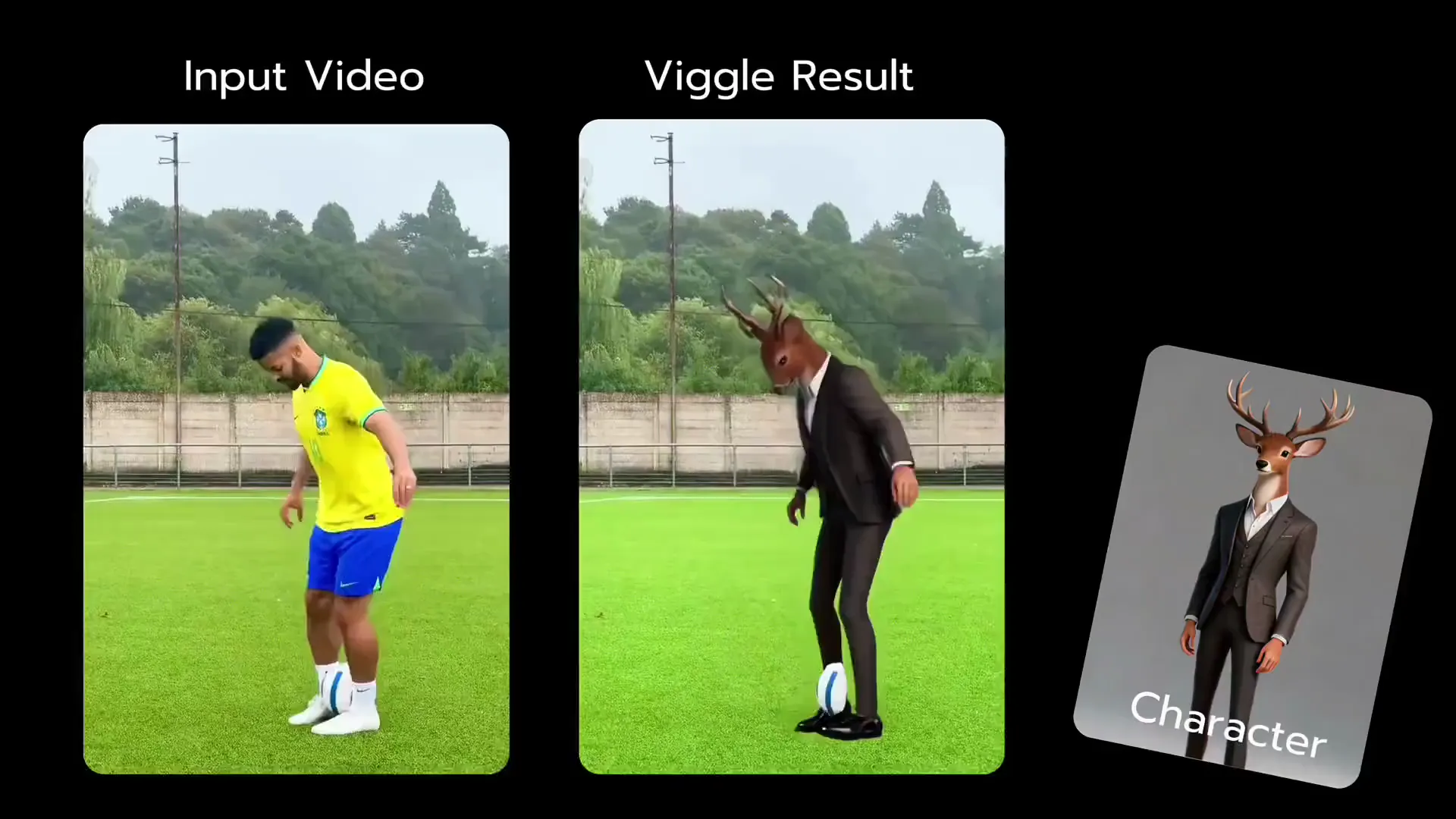
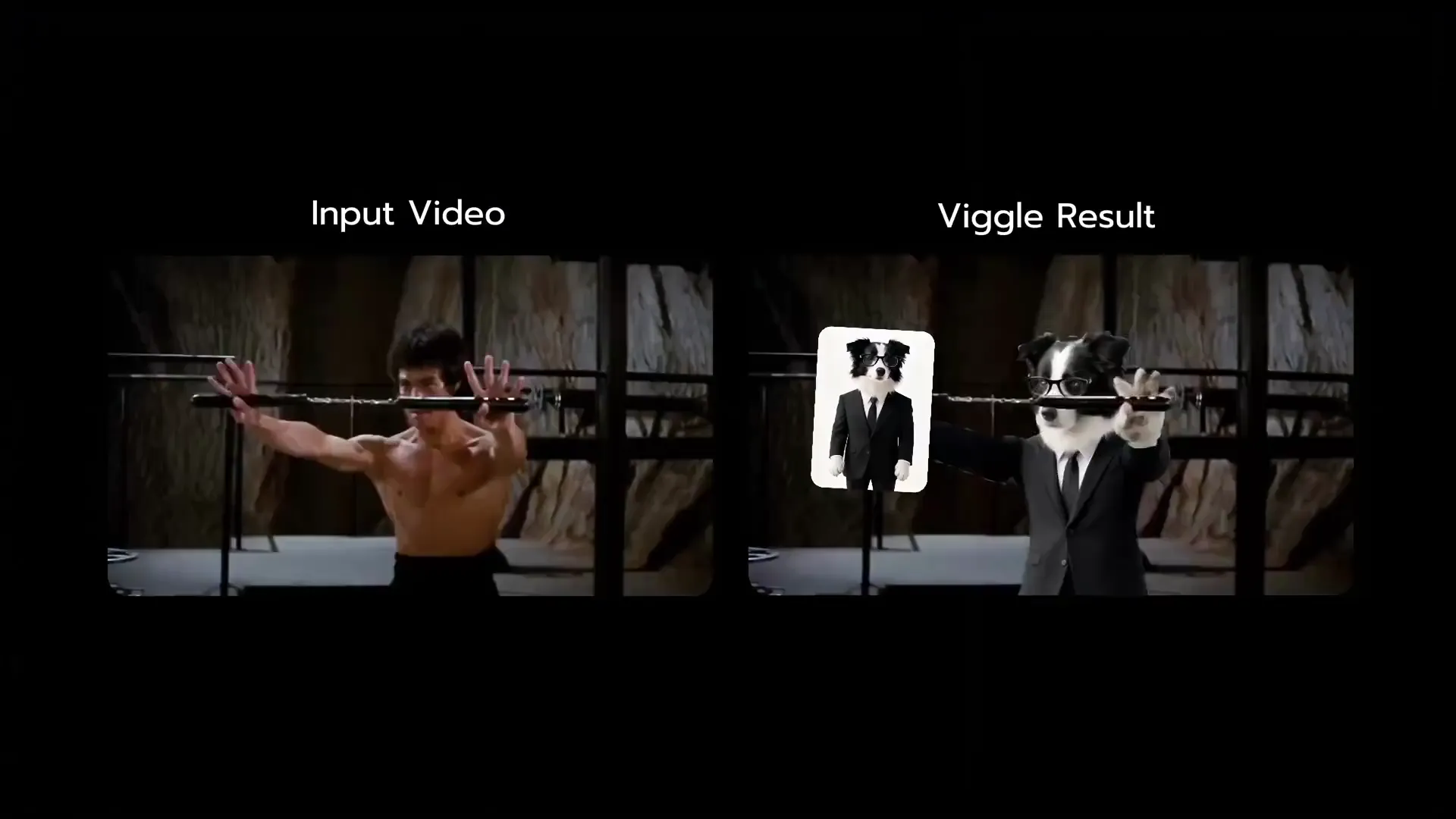
3D full-body motion transfer, multi-model Video & Remake- JST-1 video-3D foundation model transfers exact footwork, spins, sports moves, and choreography from any uploaded video or 10,000+ templates
- Works on human selfies, anime, 2D illustrations, 3D renders, mascots, and pets, and keeps non-human proportions intact
- Multi-model Video workspace includes Viggle-Optimized Minimax H3 (free daily credits), Google Veo 3.1, and ByteDance Seedance 2.0/2.5
- Viggle Remake edits 5–60s filmed clips by chat (recast people, remove objects/text, swap sets, restyle), and Multi-Track swaps up to 8 subjects
- Viggle LIVE drives real-time webcam avatars at 1–2s latency for OBS, Twitch, Kick, Discord, and Zoom
- Free daily credits on Web, iOS, and Android; paid plans start at $7.99/mo billed yearly
Higgsfield AI
Camera-motion presets, visual effects & realistic human shots- Library of cinematic camera-move and VFX presets (crash zooms, dolly arcs, bullet time) applied to a starting image
- Hosts many third-party models, including Kling 3.0 Motion Control (3–30s reference clips), Seedance 2.0 and 2.5
- Its own Genjutsu model transfers motion, replaces objects, or restyles a source video
- Motion control needs you to bring your own driving clip; there is no ready-made library of dance and meme moves
- Credit-based plans; no webcam live avatar, green-screen export, or 3D mocap file output
Where Viggle Fits Better Than Higgsfield AI
No driving clip needed: 10,000+ moves ready to use
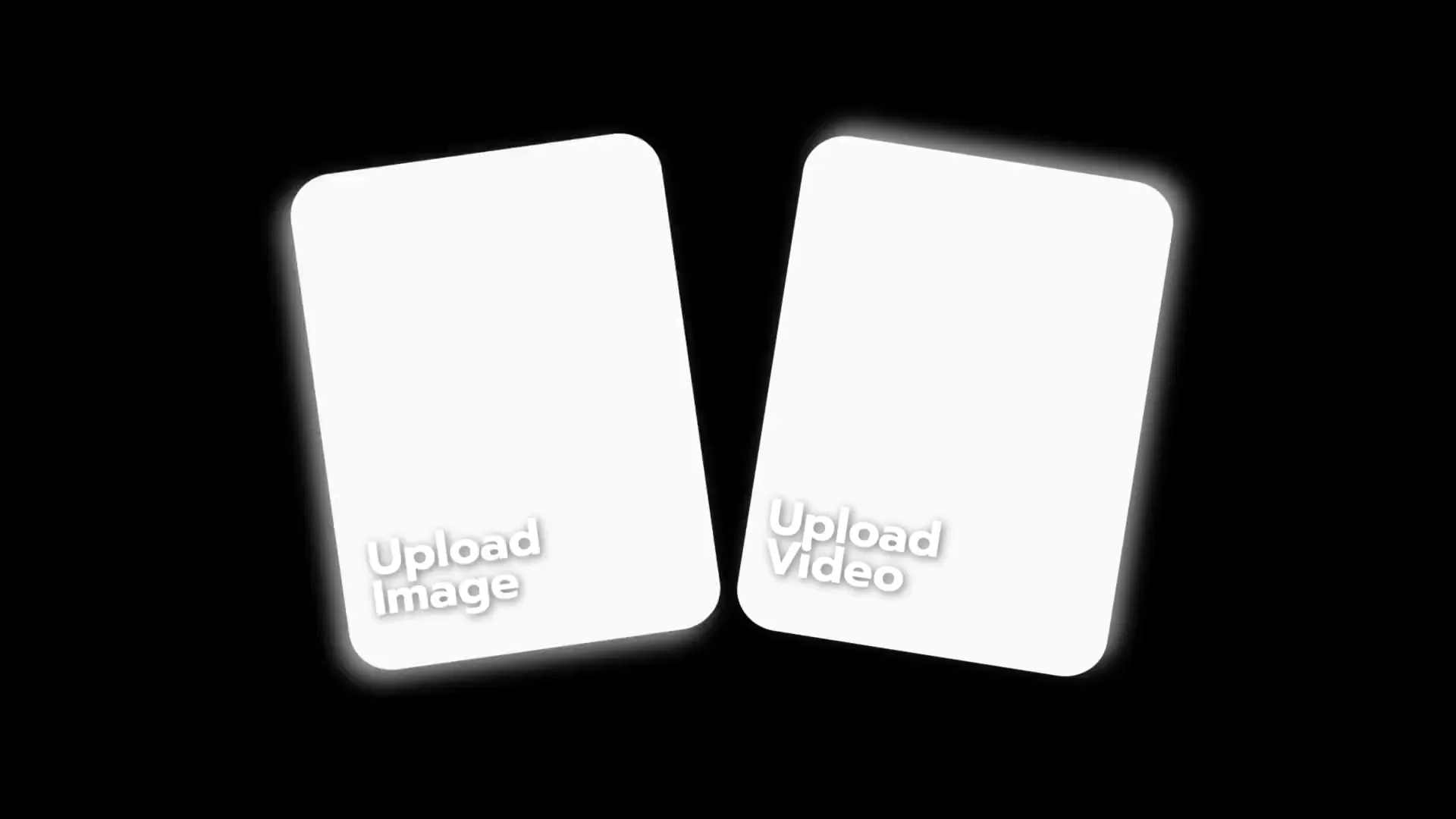
Motion control on Higgsfield starts with a clip you supply. In Viggle Mix you can pick a trending dance, meme, or sports move from 10,000+ templates, or upload your own video, and JST-1 maps it onto your photo.
Up to 8 people in one clip, plus green screen
Multi-Track swaps up to 8 subjects in one video, and Mix can export on a green screen for your editor. Character Refine keeps anime, 3D, mascot, and pet characters on-model through fast spins.
Live avatars and 3D mocap files
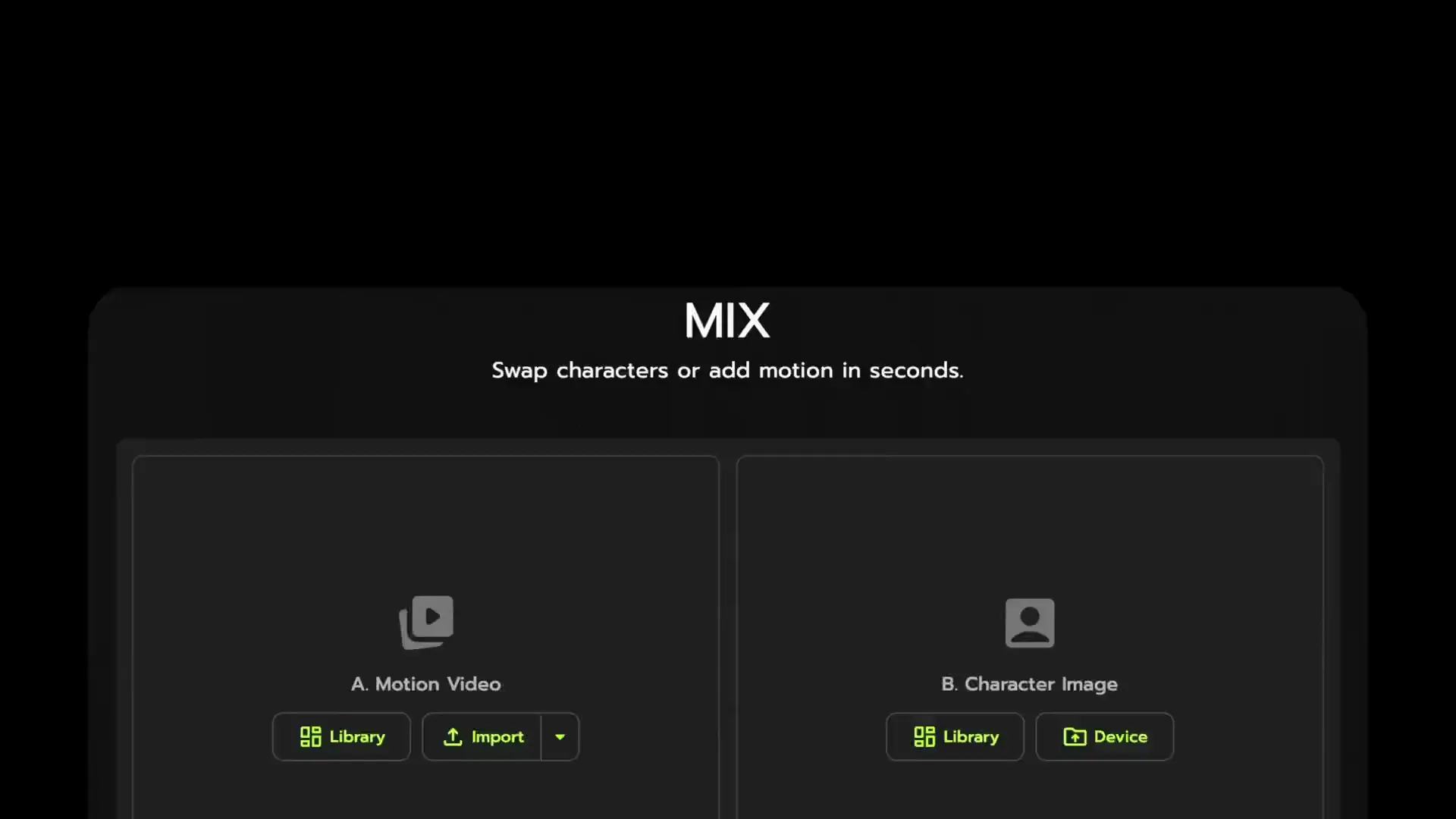
Viggle LIVE drives a character from your webcam in OBS, Twitch, or Zoom with 1–2s latency. PINOC turns a video into FBX or GLB motion for Blender, Unity, or Unreal.
Daily-refreshing free credits on Web, iOS, and Android
Test characters and viral hooks every day at $0 across Mix and Minimax H3, then upgrade to Pro ($7.99/mo yearly) when you want watermark-free exports.
Feature-by-Feature: Viggle AI vs Higgsfield AI
| Feature | Viggle AI | Higgsfield AI |
|---|---|---|
| Motion Control vs Camera Control | ||
| Control focus | ✅ Character body and face (JST-1), from templates or your clip | ✅ Camera and VFX presets, plus hosted Kling Motion Control |
| Upload any custom driving video | ✅ Mix copies exact motion from your clip | ✅ Via Kling 3.0 Motion Control (3–30s) or Genjutsu |
| Template & preset scale | ✅ 10,000+ dance, meme & action templates | ⚠️ Camera and VFX presets, no motion template library |
| Non-human, anime & pet characters | ✅ Built for human, anime, cartoon, 3D & pets | ⚠️ Depends on the model you pick |
| Video Generation & Editing Depth | ||
| Integrated frontier video models | ✅ Minimax H3 (free daily), Veo 3.1, Seedance 2.0/2.5 | ✅ Large catalog incl. Kling, Seedance 2.0 and 2.5 |
| Edit existing 5–60s footage by chat | ✅ Viggle Remake (recast, remove objects, swap sets) | ✅ Genjutsu edits a source video (motion, objects, style) |
| Multi-person swap in one scene | ✅ Multi-Track (up to 8) & Remake Flash (up to 5) | ⚠️ Motion Control maps one character per generation |
| Green screen & 3D FBX/GLB mocap pipeline | ✅ Green screen in Mix + PINOC 3D mocap exports | ❌ Video output only |
| Access, Pricing & Developer Tools | ||
| Free tier | ✅ Free credits refresh every day | ⚠️ Limited free credits |
| Entry paid plan | ✅ From $7.99/mo billed yearly (Pro) | ⚠️ Credit-based subscription tiers |
| Mobile apps & live streaming | ✅ Web, iOS, Android + Viggle LIVE webcam | ⚠️ Generation only, no webcam live avatar |
| API & MCP agents | ✅ Public V1 REST API + Viggle/PINOC MCP servers | ✅ Public generation API |
Viggle AI or Higgsfield AI: Which Fits Your Workflow?
Choose Higgsfield AI if…
- You want one-click cinematic camera moves (crash zoom, bullet time, dolly) on a portrait
- You want to try many third-party video models from one catalog
- You already have the driving clip and only need one character to follow it
Choose Viggle AI if…
- You need exact full-body motion control from a reference video or 10,000+ dance, sports, and meme templates
- You animate real people, anime, 2D art, 3D game characters, or pets and need them to stay on-model
- You need several people swapped in one clip (Multi-Track, up to 8) or 5–60s chat edits in Viggle Remake
- You want daily-refreshed free credits across Web, iOS, and Android plus green-screen export or Viggle LIVE
Viggle AI vs Higgsfield AI FAQ
What is the main difference between Viggle motion control and Higgsfield motion control?
On Higgsfield, "motion control" usually means its hosted Kling 3.0 Motion Control: you upload a 3–30s driving clip and one character image. Its own camera presets move the virtual lens rather than the body. Viggle motion control (JST-1) drives the body and face too, but you can start from 10,000+ ready-made moves instead of filming a clip, swap up to 8 people with Multi-Track, and export on a green screen. (Higgsfield features checked Nov 2026.)
Is Viggle AI a free Higgsfield AI alternative?
For most character videos, yes. After sign-up you get free credits every day on Web, iOS, and Android, usable for Mix motion transfer and for MiniMax H3 video with audio. Free exports carry a watermark.
Does Viggle also have Veo and Seedance like Higgsfield?
Yes, with a smaller, curated list. Free accounts run Viggle-Optimized MiniMax H3. Pro ($7.99/mo yearly) adds Google Veo 3.1 and Viggle Remake on desktop web. Live ($15.99/mo yearly) adds Seedance 2.0 (up to 4K) and Seedance 2.5 (up to 30s).
Which tool handles anime, cartoon, and game characters better?
On Higgsfield it depends on which hosted model you pick. Viggle runs every character through the same JST-1 engine, and Character Refine builds extra views of anime, 2D, 3D, and pet designs so they keep their look during fast moves.
Can I combine Higgsfield shots with Viggle Remake or Mix?
Yes. Export the Higgsfield clip, then upload it to Viggle Multi-Track or Viggle Remake to swap characters, remove background objects, or keep the same lead across several shots.
Test JST-1 full-body motion control and Minimax H3 video generation with free daily credits.
Try Viggle FreePick a Move.
Your Character Does It.
10,000+ dance and meme moves, Multi-Track for up to 8 people, and MiniMax H3 video. Free credits refresh daily.
Start Creating Free